
Nekton AI
Automate your workflows with AI. Describe your workflows step by step in plain language.
- Freemium
- Web, API
- AutomationTask & Project ManagementAI Task & Workflow Assistants
- Free plan available
- No credit card
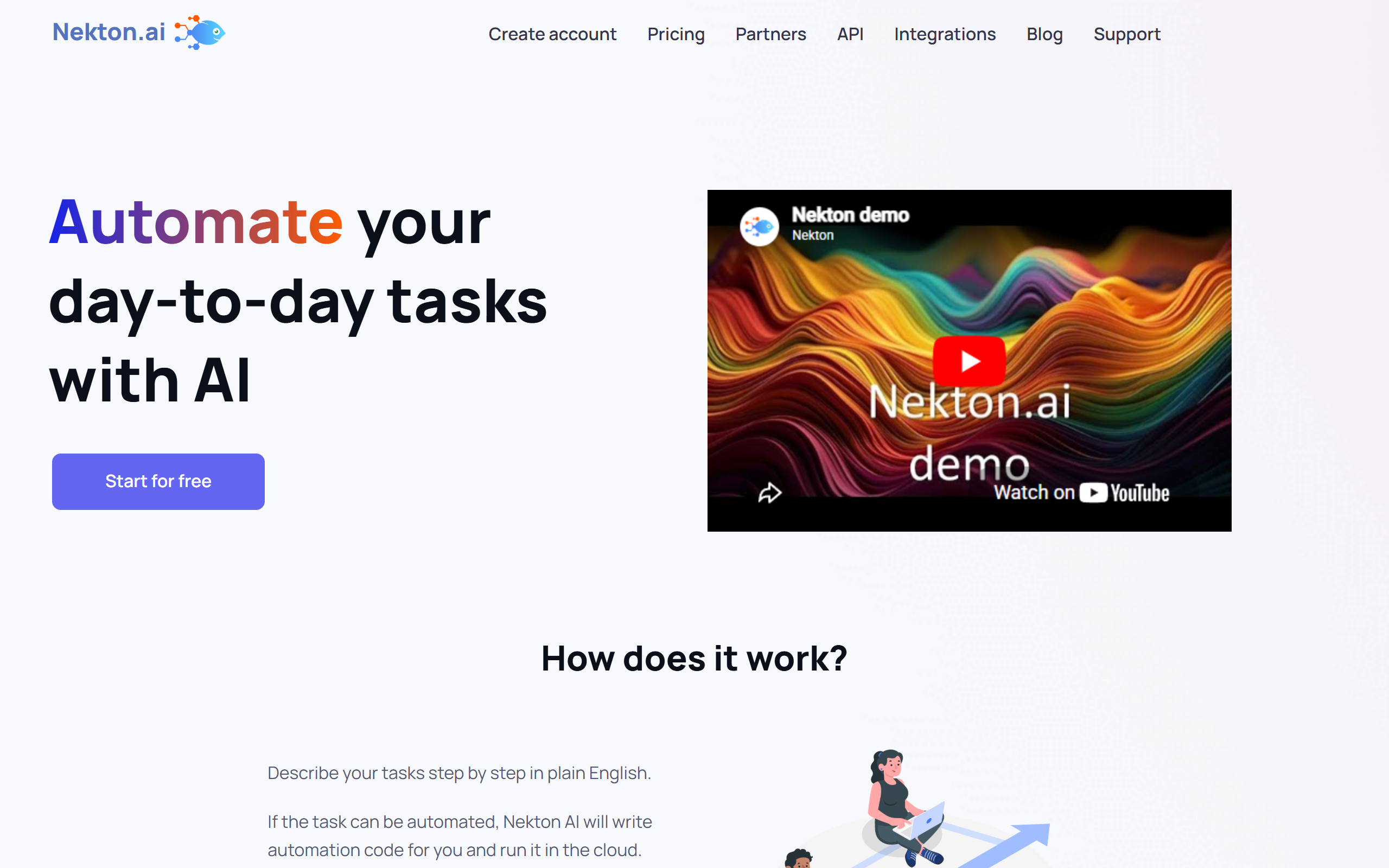
What is Nekton AI?
Key features
Natural language workflow builder
Describe automation steps in plain English for AI to interpret and execute
Multi-app integration
Connect and automate workflows across hundreds of popular business applications
No-code automation
Create complex automations without writing code or understanding technical syntax
Workflow templates
Access pre-built automation templates for common business processes
Conditional logic
Set up if-then rules and branching logic within automated workflows
Real-time execution
Automate tasks with immediate or scheduled triggering based on events or time intervals
Pros & cons
Advantages
- Natural language interface makes automation accessible to non-technical users
- Freemium model allows users to test and build simple automations at no cost
- Extensive integration library covers most popular business and productivity tools
- AI-driven approach reduces the learning curve compared to traditional automation platforms
- Flexible pricing structure suits both small businesses and enterprise needs
Limitations
- May have limitations on workflow complexity or execution frequency in free tier
- Natural language processing accuracy may vary depending on workflow complexity and specificity
- Smaller market presence compared to established automation platforms like Zapier or Make
Use cases
Data synchronization: Automatically sync customer data across CRM, email, and support platforms
Lead management: Capture web form submissions and automatically create contacts in sales tools
Content distribution: Publish content across multiple channels simultaneously when new content is created
Notification and alerting: Monitor for specific events and automatically notify relevant team members
Document and report automation: Generate and distribute reports or documents based on scheduled triggers or data changes
Ready to try Nekton AI?
Pricing
Pro
Contact for pricing
Unlimited automations, advanced integrations, priority support, and enhanced execution capabilities
Enterprise
Contact for pricing
Custom solutions, dedicated support, advanced security features, and SLA guarantees
Get started with Nekton AI
Click through to Nekton AI and start using it now.
- Free plan available
- No credit card