
Netfox
A native local macOS network monitor
- Freemium
- macOS
- Other
- Free plan available
- No credit card
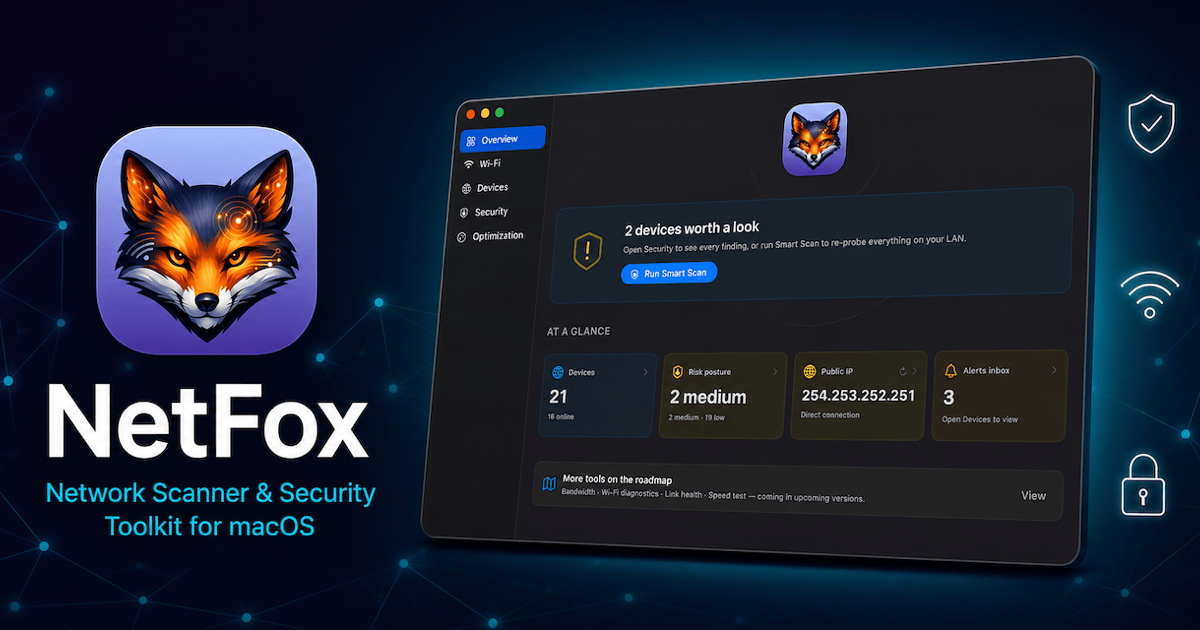
What is Netfox?
Key features
Real-time device monitoring
View all connected devices and their status at a glance
Connection history
See when devices joined your network and track connection patterns over time
New device alerts
Get notifications when previously unknown devices appear on your network
Device details
Access IP addresses, device names, and connection information for each device
Local-only monitoring
All analysis happens on your Mac, with no external data transmission
Zero configuration
Works out of the box without requiring network settings or technical setup
Pros & cons
Advantages
- Native macOS application means excellent performance and system integration
- Instant, real-time visibility into network activity
- Privacy-focused approach with local-only monitoring
- Simple interface that anyone can use regardless of technical experience
- Useful for detecting security threats and unauthorised network access
Limitations
- macOS only; not available for Windows, Linux, or other operating systems
- Limited to local network monitoring; cannot see internet-wide traffic or external devices
- Freemium pricing may restrict advanced features to the paid tier
Use cases
Home network security: Detect unauthorised or unexpected devices connecting to your network
Troubleshooting connectivity: Identify all connected devices when diagnosing network problems
Device inventory: Maintain an overview of all devices currently using your network
Guest monitoring: Track when guests connect devices to your network
Network performance: See what devices are on your network to understand bandwidth usage
Ready to try Netfox?
Pricing
Get started with Netfox
Click through to Netfox and start using it now.
- Free plan available
- No credit card