
NeuBird AI
change content creation with AI-driven editing and batch processing.
- Freemium
- Web
- VideoAI Tools for WritersWriting
- Free plan available
- No credit card
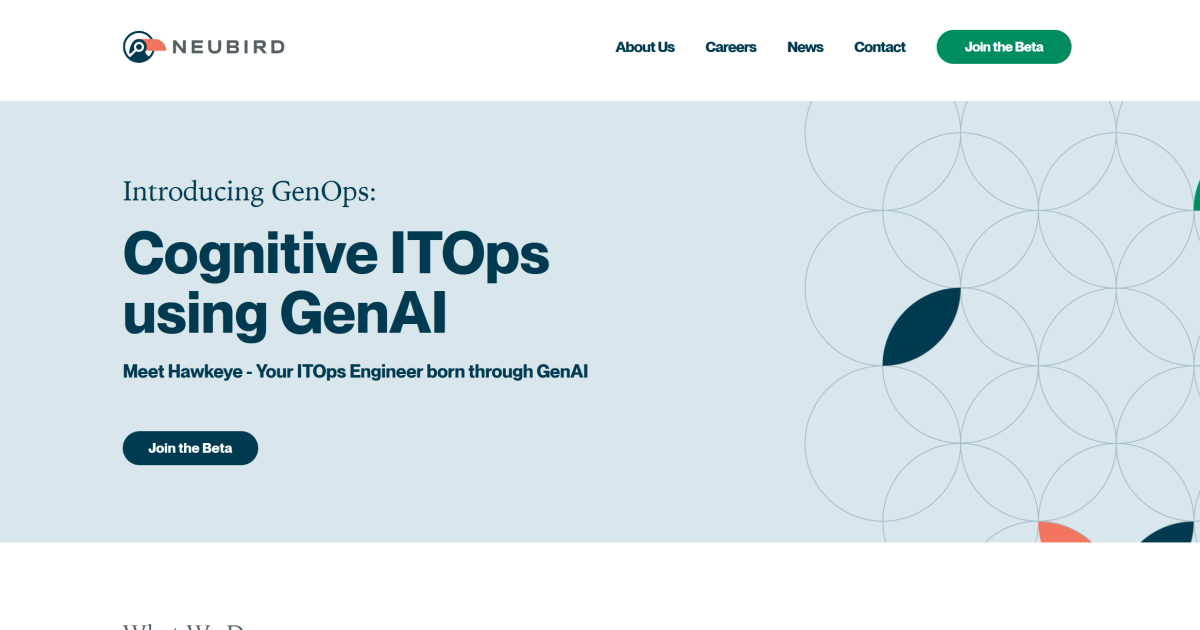
What is NeuBird AI?
Key features
AI-powered editing
analyses text and suggests improvements to clarity, tone, and style
Batch processing
apply edits to multiple documents simultaneously rather than one at a time
Freemium access
use core editing features without payment
Content refinement
helps adjust existing content rather than generating new text from nothing
Web-based interface
access your work from any device with a browser
Pros & cons
Advantages
- Batch processing saves time when you have multiple pieces to edit
- Free tier lets you test the tool before committing to payment
- Focuses on editing rather than generation, which suits those who already have content
- Web-based means no software installation required
Limitations
- Limited information available about the specific editing improvements it offers compared to other tools
- Freemium pricing model may restrict advanced features to paid users
Use cases
Marketing teams editing multiple blog posts or social media updates in one session
Content creators refining drafts before publication
Business writers improving clarity and tone in internal communications
Publishers processing batches of articles for consistency
Ready to try NeuBird AI?
Pricing
Get started with NeuBird AI
Click through to NeuBird AI and start using it now.
- Free plan available
- No credit card