NeuralAgent 2.5
Talk to your computer and have it respond while working
- Free
- Windows, macOS
- AutomationProductivityAudio
- Always free
- No credit card
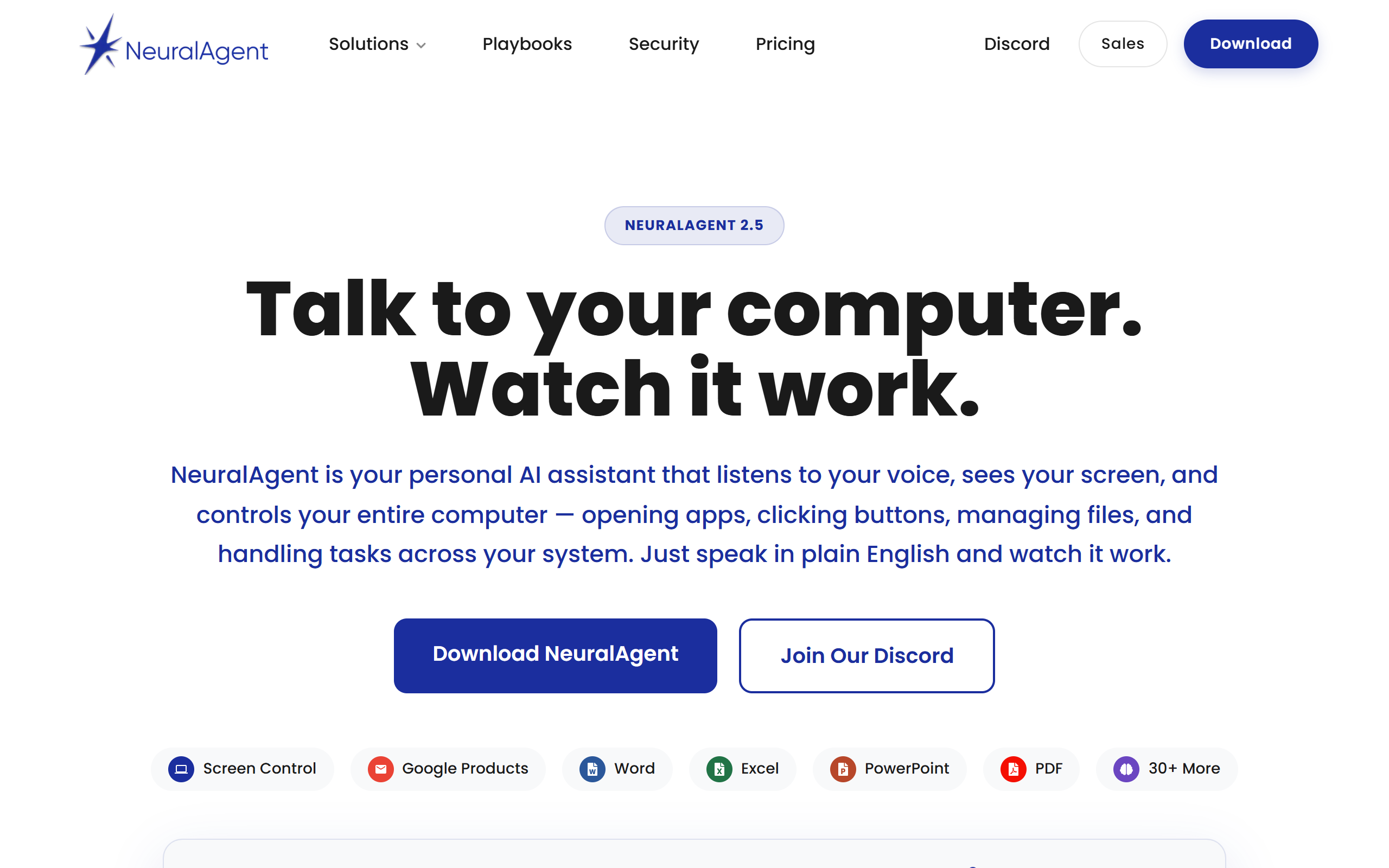
What is NeuralAgent 2.5?
Key features
Voice Mode
Control your computer and interact entirely by voice
Watch & Learn
Teach the agent by demonstrating your workflows
Parallel Agents
Run multiple agents simultaneously on different tasks
Workflows
Create custom automation sequences without code
Screen Awareness
The agent sees your screen to understand context
Computer Control
Automate desktop tasks and applications directly
Pros & cons
Advantages
- Free to download and use
- Hands-free voice control is faster than typing
- Screen awareness means the agent understands context automatically
- Learn-by-example approach makes customisation straightforward
- Multiple agents can work on different tasks at the same time
Limitations
- Requires desktop application installation rather than web access
- Screen monitoring has privacy implications in sensitive environments
- Effectiveness depends on quality of agent training
- May have compatibility or performance issues depending on system specifications
Use cases
Automating repetitive tasks like email management or file organisation
Hands-free productivity for voice-first users
Accessibility tool for users with mobility limitations
Offloading routine workflows to focus on higher-value work
Custom workflow automation for role-specific tasks
Ready to try NeuralAgent 2.5?
Pricing
Free
Free
Voice control, Watch & Learn, Parallel Agents, Workflows, Screen Awareness, Computer Control
Get started with NeuralAgent 2.5
Click through to NeuralAgent 2.5 and start using it now.
- Always free
- No credit card