
NextStep
Build step-by-step SOPs and workflows with dynamic due dates, scheduling, and real-time tracking
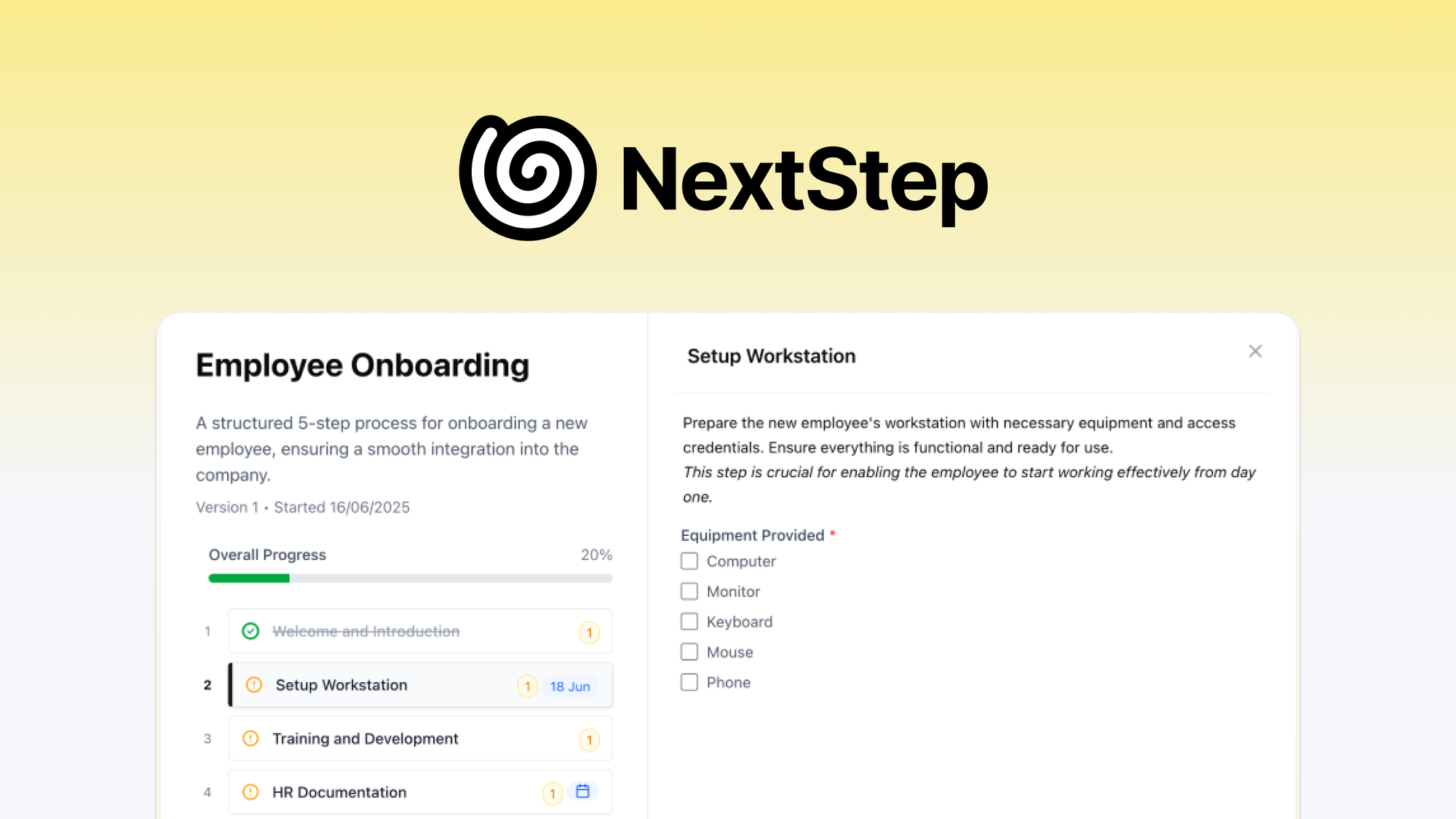
What is NextStep?
Key features
Step-by-step SOP builder
create structured procedures with ordered tasks and sub-steps
Dynamic due dates
deadlines that adjust automatically based on when a workflow is triggered or when previous steps are completed
Real-time tracking
monitor workflow progress and see which steps are complete, in progress, or overdue
Scheduling
set workflows to run on recurring schedules or trigger them on demand
Task assignment
assign individual steps to specific team members with clear ownership
Templates
save and reuse SOPs as templates for repeatable processes
Pros & cons
Advantages
- Focused specifically on SOPs and repeatable workflows, avoiding the bloat of general project management tools
- Dynamic due dates reduce the manual work of recalculating deadlines each time a process runs
- Real-time tracking gives visibility into where processes stand without chasing people for updates
- Available as a lifetime deal on AppSumo, making it cost-effective for small teams
Limitations
- As a newer or smaller tool, integrations with other software may be limited compared to established workflow platforms
- Primarily sold through AppSumo, which can make long-term pricing and support commitments less clear
- May lack advanced features like conditional branching or complex automation that larger teams need
Use cases
Client onboarding: standardise the steps for bringing new clients on board so nothing gets missed
Employee training: build repeatable training checklists with deadlines that adapt to each new hire's start date
Quality assurance: create inspection or review checklists that run on a set schedule
Recurring operations: manage weekly or monthly administrative tasks like reporting, invoicing, or compliance checks
Agency project delivery: track multi-step deliverables across client projects with clear ownership and due dates
Ready to try NextStep?
Pricing
Lifetime Deal
One-time payment (via AppSumo)
Full access to SOP builder, dynamic due dates, scheduling, real-time tracking, and team collaboration
Get started with NextStep
Click through to NextStep and start using it now.