
NMKD Stable Diffusion
Generate AI images, edit with instruction-based editing, and leverage advanced prompting features for attention/emphasis.
- Freemium
- Windows, macOS
- Image Generation
- Free plan available
- No credit card
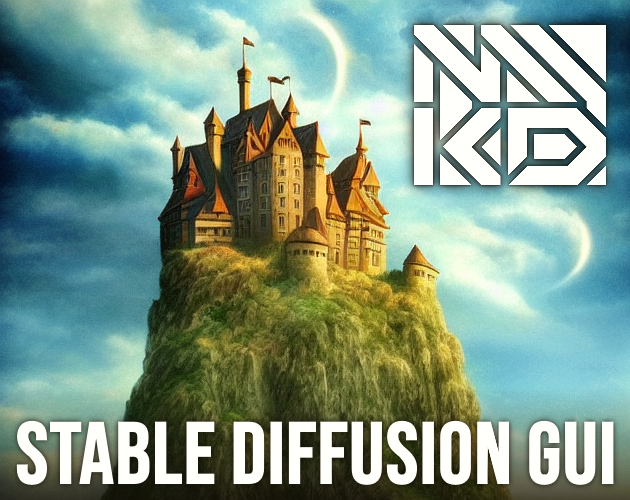
What is NMKD Stable Diffusion?
Key features
Text-to-image generation
Create images from detailed text descriptions using Stable Diffusion
Instruction-based image editing
Modify existing images by describing the changes you want
Attention syntax support
Use special prompting syntax to emphasise or de-emphasise specific elements in your images
Local processing
Run the tool on your own computer for faster iteration and complete privacy
Batch generation
Create multiple image variations in one session
Customisable settings
Adjust sampling methods, steps, and other parameters to influence output quality
Pros & cons
Advantages
- Free to use with no usage limits or image quotas
- Runs entirely on your local machine, keeping your prompts and images private
- Fast iteration once set up, no waiting for cloud processing queues
- Supports advanced prompting techniques for finer control over image generation
Limitations
- Requires a capable GPU to run smoothly; slower or produces poor results on CPU-only systems
- Steeper learning curve than web-based tools, particularly for advanced features like attention syntax
- You must manage your own installation and model files rather than having a service handle this
Use cases
Creating concept art or visual references for creative projects
Experimenting with visual ideas before investing time in manual design
Iterating on image variations with detailed control through prompting
Learning how AI image generation works with full visibility into the process
Generating images for personal use without uploading content to external servers
Ready to try NMKD Stable Diffusion?
Pricing
Free
Free
Full access to image generation, editing, and prompting features with no usage limits
Get started with NMKD Stable Diffusion
Click through to NMKD Stable Diffusion and start using it now.
- Free plan available
- No credit card