
NoteGPT
NoteGPT is an AI-powered learning assistant that turns videos, PDFs, web pages, and documents into concise notes, flashcards, and mind maps. With YouTube and PDF summarization, real-time transcripts,
- Freemium
- Web, Chrome Extension, iOS, Android
- AI Documentation & Process CaptureWritingAI Tools for Flashcards
- Free plan available
- No credit card
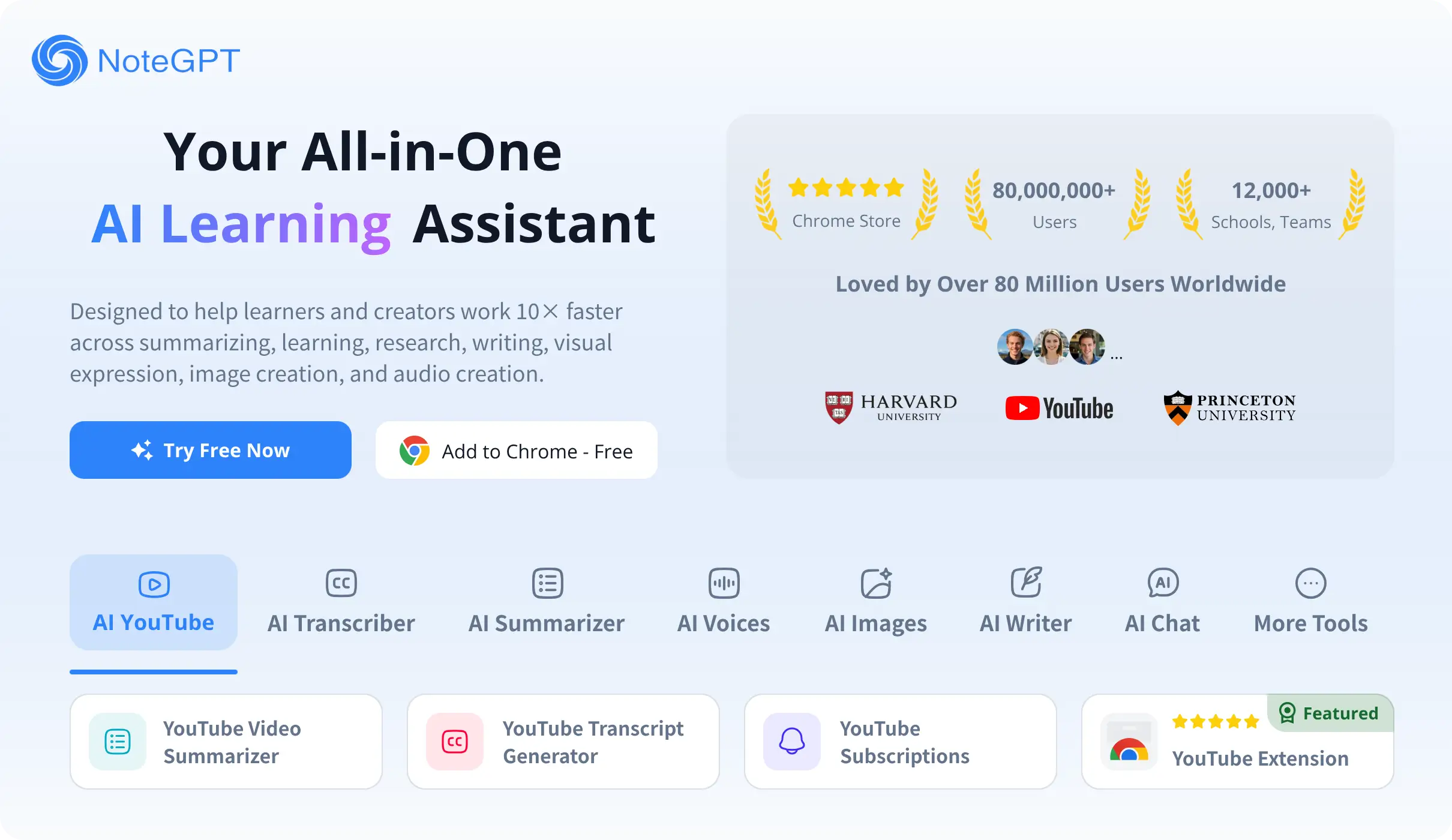
What is NoteGPT?
Key features
Video and PDF summarisation
automatically extract key points from YouTube videos and PDF documents
Note, flashcard, and mind map generation
convert source material into multiple study formats automatically
Real-time transcripts
view and search transcripts whilst watching videos
Multilingual translation
translate content into different languages for broader accessibility
AI chat and Q&A
ask questions about your notes and get answers based on the source material
Batch processing
summarise entire YouTube playlists at once rather than one video at a time
Export options
save notes to Notion, Markdown, or other formats for integration with your workflow
OCR and document conversion
extract text from images and convert documents into editable formats
Pros & cons
Advantages
- Saves considerable time by automating note-taking from videos and documents
- Supports multiple input formats (video, PDF, web pages, images) in one tool
- Freemium model lets you try core features without paying upfront
- Cross-platform sharing and export to popular tools like Notion makes knowledge management easier
- Real-time transcripts and AI Q&A help you understand material more thoroughly
Limitations
- Quality of automatically generated notes depends on source material clarity; dense or poorly structured content may produce less useful summaries
- Free tier likely has limitations on processing speed, number of documents, or export options that may frustrate heavy users
- Requires uploading content to external servers, which may concern users handling sensitive or confidential information
Use cases
Students revising lectures: convert recorded lecture videos or PDF slides into concise notes and flashcards for exam preparation
Researchers synthesising literature: summarise multiple papers and web articles, then use AI chat to find connections between sources
Professionals learning new skills: batch process online course playlists to extract key concepts without watching every minute
Content creators gathering research: quickly pull information from source videos and documents to inform your own writing or video scripts
Language learners: use transcripts and translation features to study foreign-language content at your own pace
Ready to try NoteGPT?
Pricing
Free
Free
Basic access to summarisation, note generation, and flashcard creation with usage limits; limited exports and processing capacity
Pro
Pricing available on website
Unlimited processing, batch playlist summarisation, priority export to Notion and Markdown, advanced AI Q&A, and full access to all features without usage caps
Get started with NoteGPT
Click through to NoteGPT and start using it now.
- Free plan available
- No credit card