
Notion
All-in-one workspace for docs, wikis and projects with built-in AI Meeting Notes that transcribe and summarize meetings.
- Freemium
- Web, Windows, macOS, iOS, Android
- AI Tools for Meeting NotesMeeting & Scheduling
- Free plan available
- No credit card
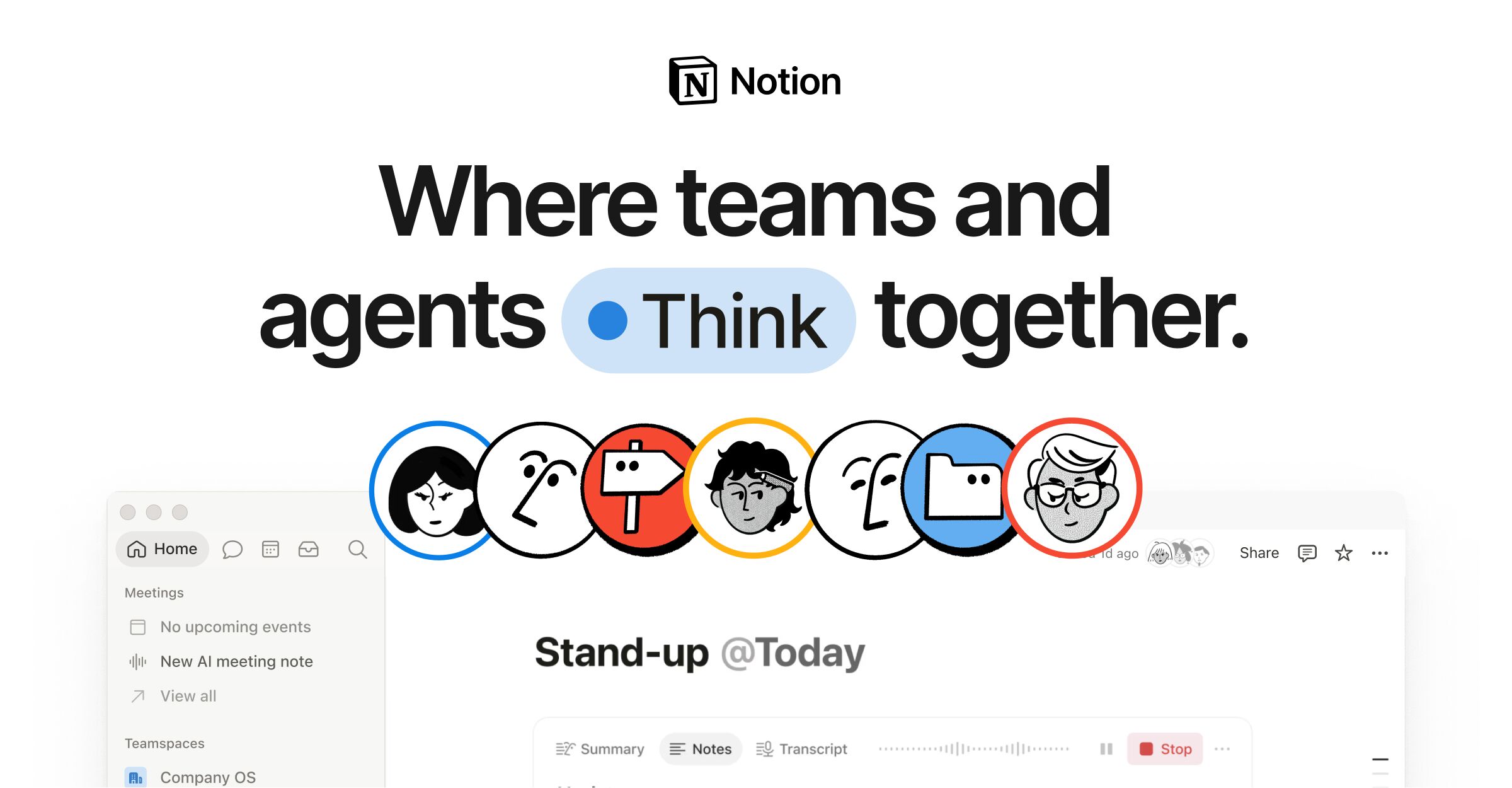
What is Notion?
Key features
AI Meeting Notes
automatic transcription of system audio and microphone with no meeting bot required
Auto-generated meeting summaries and action items instantly after calls end
Works with any video tool including Zoom, Google Meet, and Microsoft Teams, plus in-person capture
Full-text searchable transcripts across the workspace, supporting 19 languages (plus 3 in beta)
Notion Agent to convert discussions into assigned tasks with owners, priorities, and due dates
All-in-one workspace
docs, wikis, projects, and calendar with Notion AI
Pros & cons
Advantages
- Meeting notes and summaries live directly inside your Notion workspace next to docs and tasks
- Captures system audio directly, so no third-party meeting bot needs to join the call
- Broad language coverage (19 languages plus 3 in beta) and searchable transcripts
- SOC 2 Type 2 certified with no AI model training on customer data
Limitations
- AI Meeting Notes is only fully included on the Business plan (~£16.50/member/mo) and above; Free and Plus tiers get a limited trial only
- System-audio capture requires the desktop app rather than a purely browser-based flow
- As a broad workspace it may offer less specialized meeting analytics than dedicated transcription tools
- Affiliate program is currently closed to new applicants
Use cases
Capturing and summarizing team syncs, 1:1s, client calls, and interviews
Turning meeting discussions into assigned, trackable action items
Building a searchable archive of meeting transcripts across a workspace
Sharing tailored meeting recaps with different audiences
Ready to try Notion?
Get started with Notion
Click through to Notion and start using it now.
- Free plan available
- No credit card