
Notion Calendar
AI-connected calendar integrated with Notion Pricing: Freemium. See pros, cons, alternatives, and comparisons.
- Open Source
- Web, macOS, Windows, iOS, Android
- WritingDeveloper Tools
- Open source
- Free forever
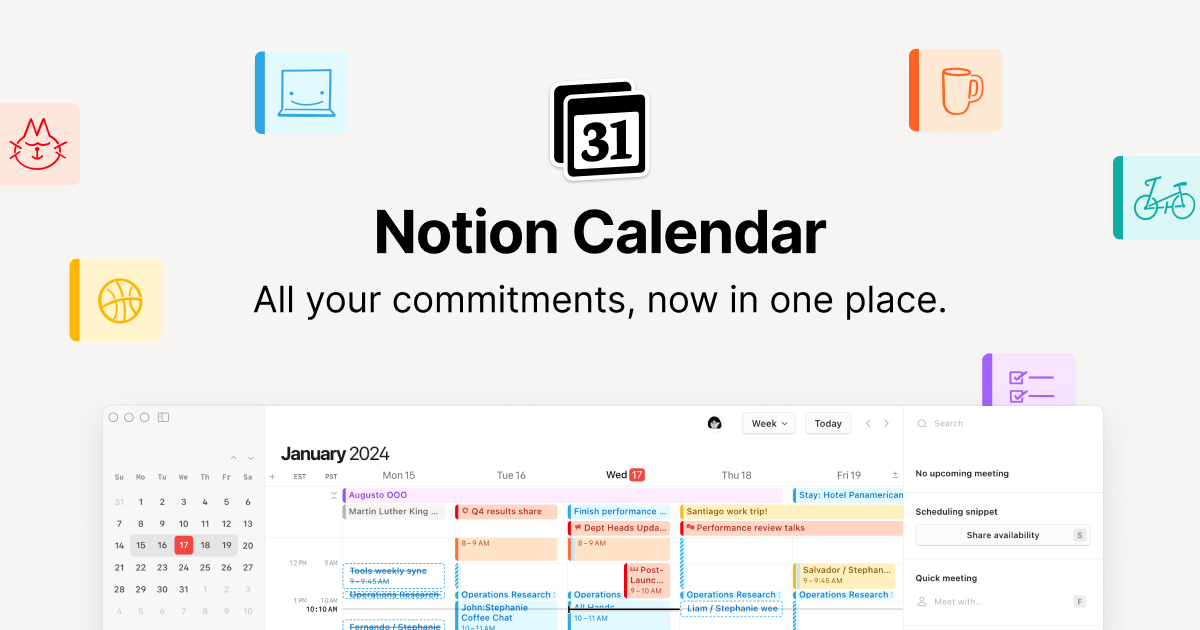
What is Notion Calendar?
Key features
Calendar view integrated within Notion workspace, syncing with your events
AI-assisted scheduling that suggests best meeting times based on availability
Two-way integration with Notion databases, allowing you to link calendar events to tasks and projects
Multiple calendar views including day, week, month, and agenda layouts
Event creation and editing directly in Notion without switching applications
Shared calendars for team coordination and visibility
Pros & cons
Advantages
- Eliminates the need to switch between separate calendar and productivity apps if you use Notion
- AI scheduling suggestions can save time when arranging meetings across multiple participants
- Direct connection to Notion databases means your calendar data integrates with your broader project management system
- Freemium pricing removes barrier to entry for individual users and small teams
Limitations
- Limited usefulness if you don't already use Notion as your primary workspace tool
- Calendar features are newer and may lack some advanced functionality found in dedicated calendar applications like Google Calendar or Outlook
- AI features appear to be present but specific capabilities and accuracy are not yet widely established
Use cases
Notion users managing projects who want to track deadlines and meetings without leaving their workspace
Teams using Notion for project management who need a shared calendar view for coordination
Individuals seeking to link calendar events to their task databases for better time management
Small businesses consolidating their workspace tools by keeping calendar and project data in one place
Ready to try Notion Calendar?
Pricing
Free
Free
Basic calendar functionality, AI scheduling suggestions, integration with Notion workspace
Paid Plans
Check website for current pricing
Enhanced AI features, priority support, advanced calendar sharing options for teams
Get started with Notion Calendar
Click through to Notion Calendar and start using it now.
- Open source
- Free forever