
Notta AI
Transforms audio/video to summarized text, instantly, across platforms.
- Freemium
- Web, Windows, macOS, iOS, Android, Chrome Extension
- VideoWritingAI Meeting Assistants
- Free plan available
- No credit card
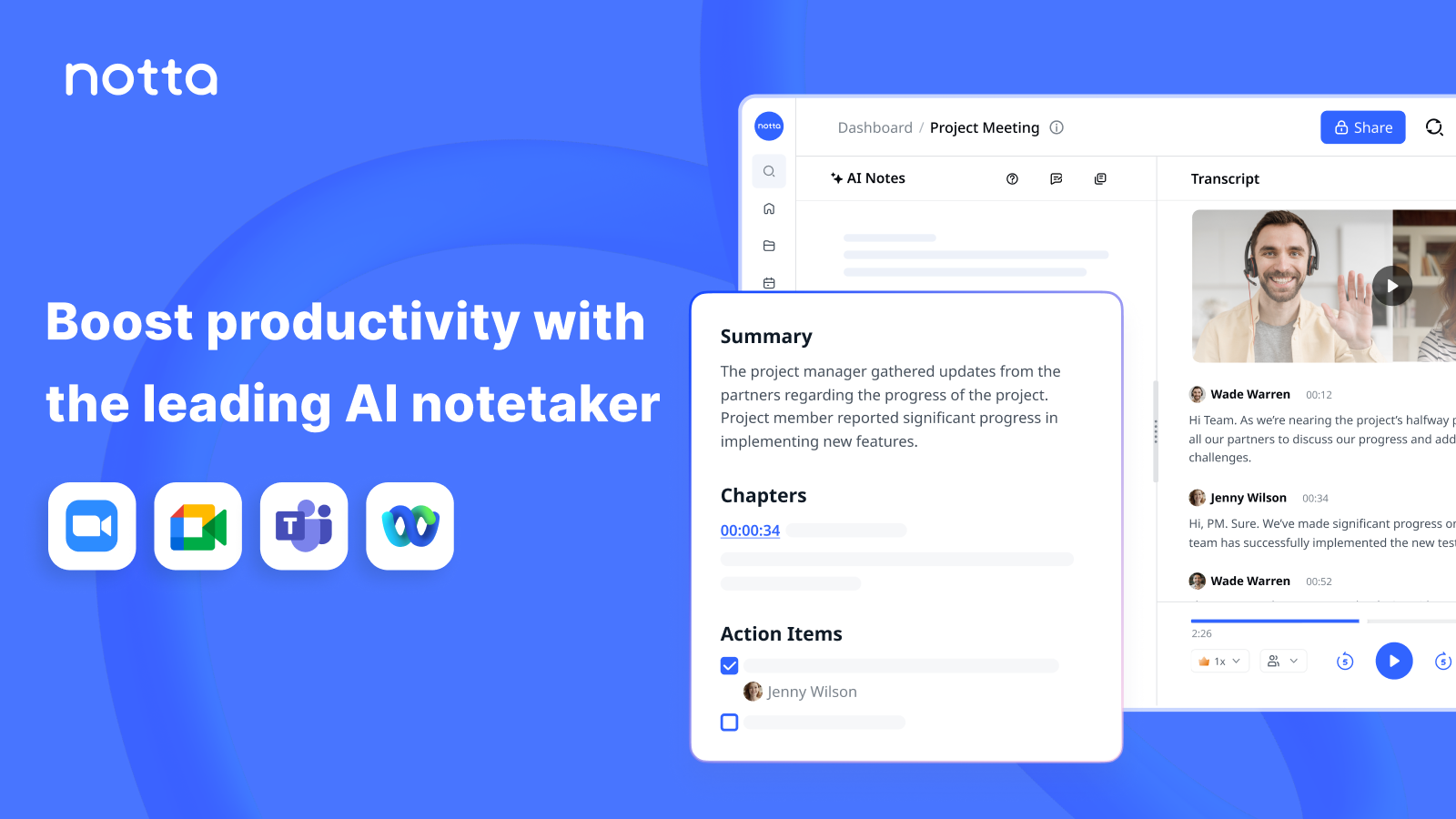
What is Notta AI?
Key features
Audio and video transcription
converts spoken content into written text with reasonable accuracy
Automatic summarisation
generates condensed versions of transcripts to highlight main points
Multi-platform support
works with recordings from various sources and devices
Freemium model
basic features available without payment, with premium options for advanced use
Text export
saves transcripts and summaries in formats you can share or edit
Pros & cons
Advantages
- Saves time by automating both transcription and summarisation in one workflow
- Free tier lets you test the tool without committing to a paid plan
- Works across different platforms and input sources, reducing need for multiple tools
- Straightforward interface focused on the core task of converting speech to text
Limitations
- Transcription accuracy varies depending on audio quality, accents, and background noise; may require manual corrections for important content
- Summaries are automated and may miss context or nuance that a human would catch; best used as a starting point rather than final output
Use cases
Documenting meeting notes and action items without typing during calls
Creating searchable archives of interviews or podcast episodes
Generating study notes from lecture recordings
Producing transcripts for video content or webinars
Quickly extracting key points from recorded presentations or training sessions
Ready to try Notta AI?
Pricing
Free
Free
Basic transcription and summarisation with usage limits; suitable for occasional users
Premium
Variable (check website for current rates)
Higher usage limits, priority processing, advanced summarisation options, and additional export formats
Get started with Notta AI
Click through to Notta AI and start using it now.
- Free plan available
- No credit card