
Noty.ai
Automate follow-ups, get AI-powered meeting summaries, and highlight key points with one-click for easy reference.
- Freemium
- Web
- Developer Tools
- Free plan available
- No credit card
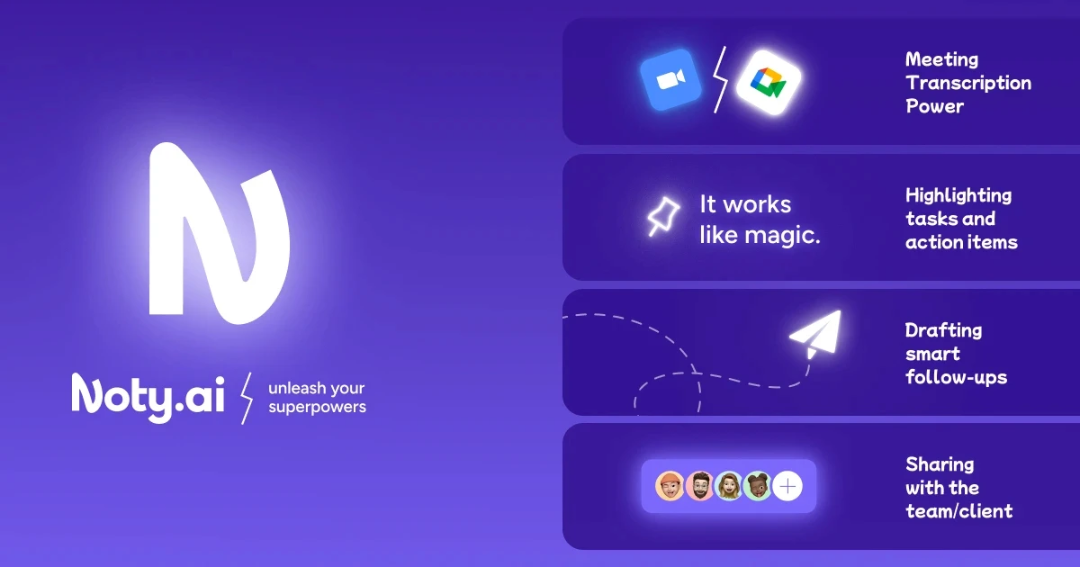
What is Noty.ai?
Key features
Automatic meeting recording and transcription
captures audio from your calls and converts it to text
AI-powered summaries
generates concise overviews of meetings highlighting the main topics discussed
One-click key point highlighting
identifies and marks the most important information for quick reference
Automated follow-up generation
creates action items and next steps based on meeting content
Meeting history and search
stores past meetings so you can review or search for specific information
Pros & cons
Advantages
- Saves time by removing the need to take manual notes during calls
- Frees you to focus on the conversation rather than writing things down
- Free tier lets you test the service before upgrading
- Produces structured summaries that are easier to scan than full transcripts
Limitations
- Accuracy of AI summaries depends on audio quality and meeting clarity; background noise may affect results
- Requires explicit recording setup for each meeting; won't retroactively process calls you've already had
- Privacy considerations with automatic recording; you'll need to ensure compliance with local recording consent laws
Use cases
Sales professionals tracking client calls and next steps without losing focus on the conversation
Project managers documenting decisions and action items from team meetings
Freelancers or consultants billing clients for time and needing to record what was discussed
Busy executives who attend many meetings and need quick summaries instead of reviewing full recordings
Remote teams working across time zones who need clear documentation of decisions for those who couldn't attend
Ready to try Noty.ai?
Pricing
Get started with Noty.ai
Click through to Noty.ai and start using it now.
- Free plan available
- No credit card