
Novacal
Scheduling platform for professionals
- Always free
- No credit card
What is Novacal?
Key features
Calendar sharing
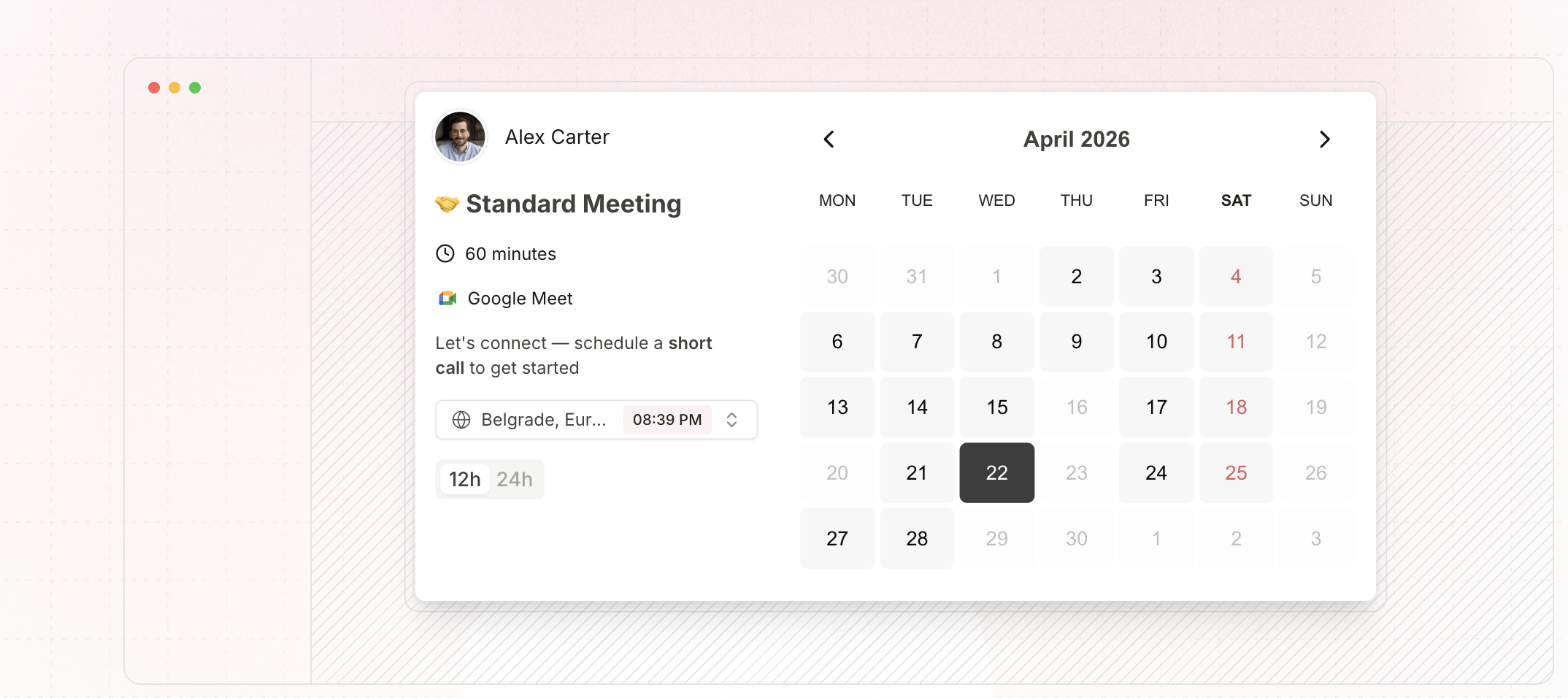
Display your availability to clients and colleagues without giving them full access to your calendar
Booking links
Create shareable links that let others book time slots directly into your calendar
Meeting scheduling
Coordinate group meetings by finding times that work for multiple participants
Calendar integrations
Connect with major calendar services to avoid double-bookings and keep everything synchronised
Timezone support
Handle scheduling across different time zones automatically
Pros & cons
Advantages
- Free to use with no payment required to get started
- Simple interface focused on core scheduling tasks without unnecessary complexity
- Works with existing calendar systems, so you don't need to abandon your current setup
- Reduces time spent on scheduling logistics and email negotiations
Limitations
- Limited information available about advanced features or customisation options
- As a free tool, there may be constraints on the number of bookings or users you can manage
- May lack some features offered by paid competitors, such as automated reminders or detailed reporting
Use cases
Freelance consultants sharing availability with potential clients
Service providers like therapists or coaches managing appointment bookings
Sales professionals coordinating demos and discovery calls
Team members scheduling internal meetings across multiple calendars
Small business owners offering appointment slots without manual back-and-forth
Ready to try Novacal?
Pricing
Free
Free
Core scheduling functionality including calendar sharing, booking links, and calendar integrations
Get started with Novacal
Click through to Novacal and start using it now.
- Always free
- No credit card