
NudgeFile
AI file organiser and workflow automation for Windows that renames, routes and de-duplicates files automatically.
- Free
- Windows
- Other
- Always free
- No credit card
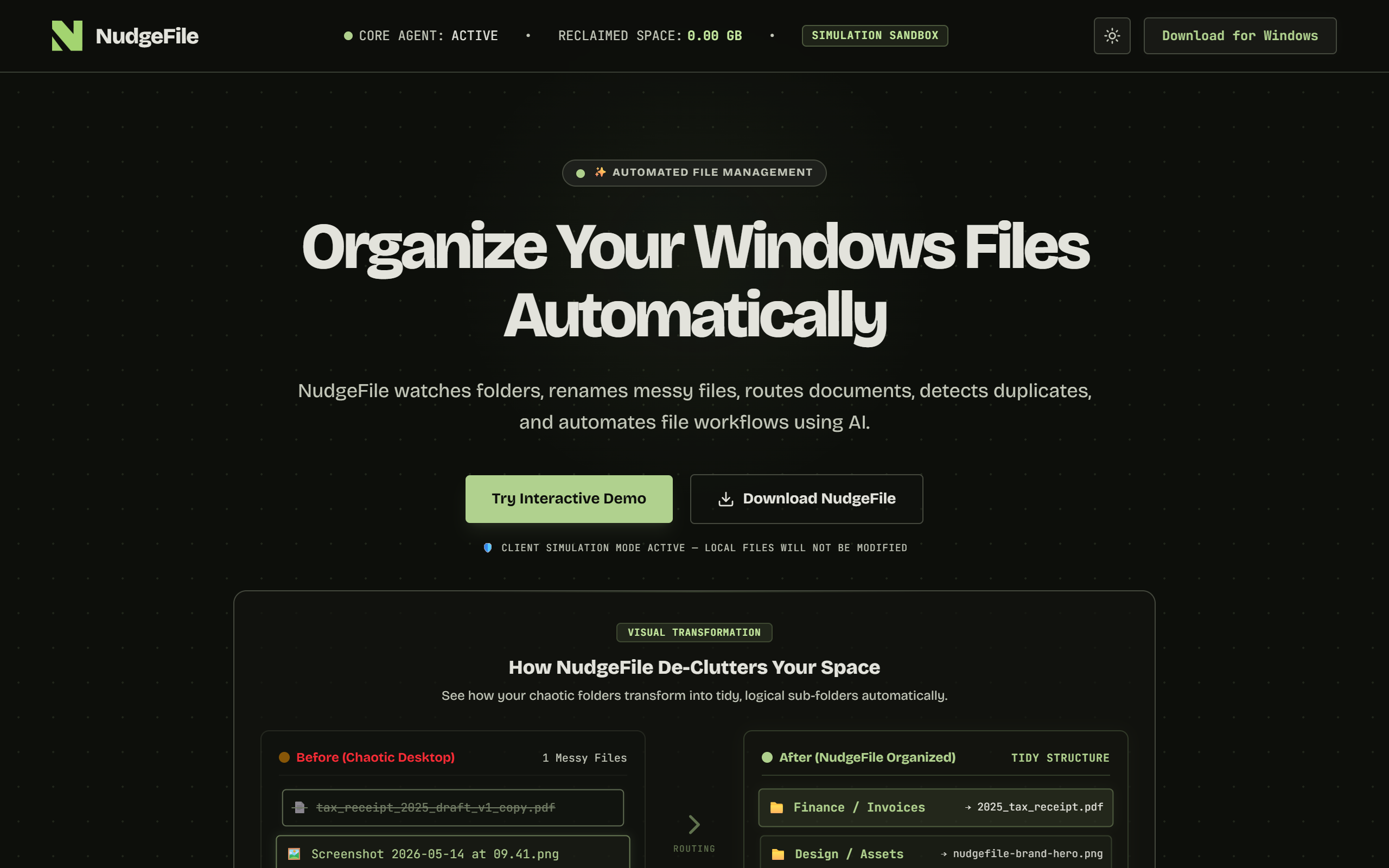
What is NudgeFile?
Key features
Real-Time Directory Monitoring
Tracks chosen folders such as Downloads, Desktop or scanner outputs in the background and queues new files for organisation the instant they arrive.
Context-Aware File Renaming
Uses local AI to analyse file metadata and structure, generating clear, standardised and descriptive file names automatically.
Automated Directory Routing
Moves files to designated destinations, for example sending invoices to a finance folder, CSV files to a developer workspace or graphic assets to a design directory.
Advanced Rules Engine
Lets you build conditional rules based on file size, key phrases or extensions using a visual pipeline designer for tailored workflows.
Byte-Level Duplicate Detection
Performs checksum comparisons for identical files and uses local visual AI to spot near-identical images, suggesting which version to keep.
Local or Cloud AI
Runs a privacy-first local AI processor powered by Ollama for offline processing, with cloud AI available as an option.
Human Approval Pipeline with Instant Restore
Logs every manual and automated action so you can review AI suggestions before they commit or roll back any rename or move with one click.
Pros & cons
Advantages
- The application is currently free to download with no paid tiers, so there is no cost barrier to trying it.
- Fully local offline AI processing via Ollama keeps sensitive documents on your own machine rather than sending them to the cloud.
- The transaction log with one-click restore reduces the risk of automated renaming or routing going wrong.
- A rules engine and visual pipeline designer give granular control over how different file types are handled.
- Real-time folder monitoring means files are organised the moment they appear rather than in batches.
Limitations
- It is a Windows 10 and 11 desktop application only, with no macOS, Linux, web or mobile version.
- Local AI processing through Ollama uses processor cores and can affect battery and computer performance during scanning.
- The website publishes no formal pricing page, so the long-term cost model and any future paid features are unclear.
- Installation is via a direct executable from a GitHub releases repository rather than a mainstream app store, which some users may be cautious about.
Use cases
Freelancers and small businesses who want incoming invoices and financial records routed automatically into tax or finance folders.
Developers and data workers who need CSV and data files sorted into the correct project workspaces as they are downloaded.
Designers and creators who want graphic assets and renders filed into the right design directories without manual sorting.
Privacy-conscious professionals handling legal or confidential documents who need offline local AI so files never leave the device.
Anyone with a cluttered Downloads or Desktop folder who wants continuous background tidying with no manual effort.
Users reclaiming disk space who want near-identical images and duplicate files detected and removed safely.
Ready to try NudgeFile?
Pricing
Free
Free
Full Windows desktop application with real-time folder monitoring, AI renaming, automated routing, rules engine, duplicate detection, local offline AI via Ollama and transaction history with instant restore. Downloaded directly from GitHub releases.
Get started with NudgeFile
Click through to NudgeFile and start using it now.
- Always free
- No credit card