
Oasis Browser for Mac
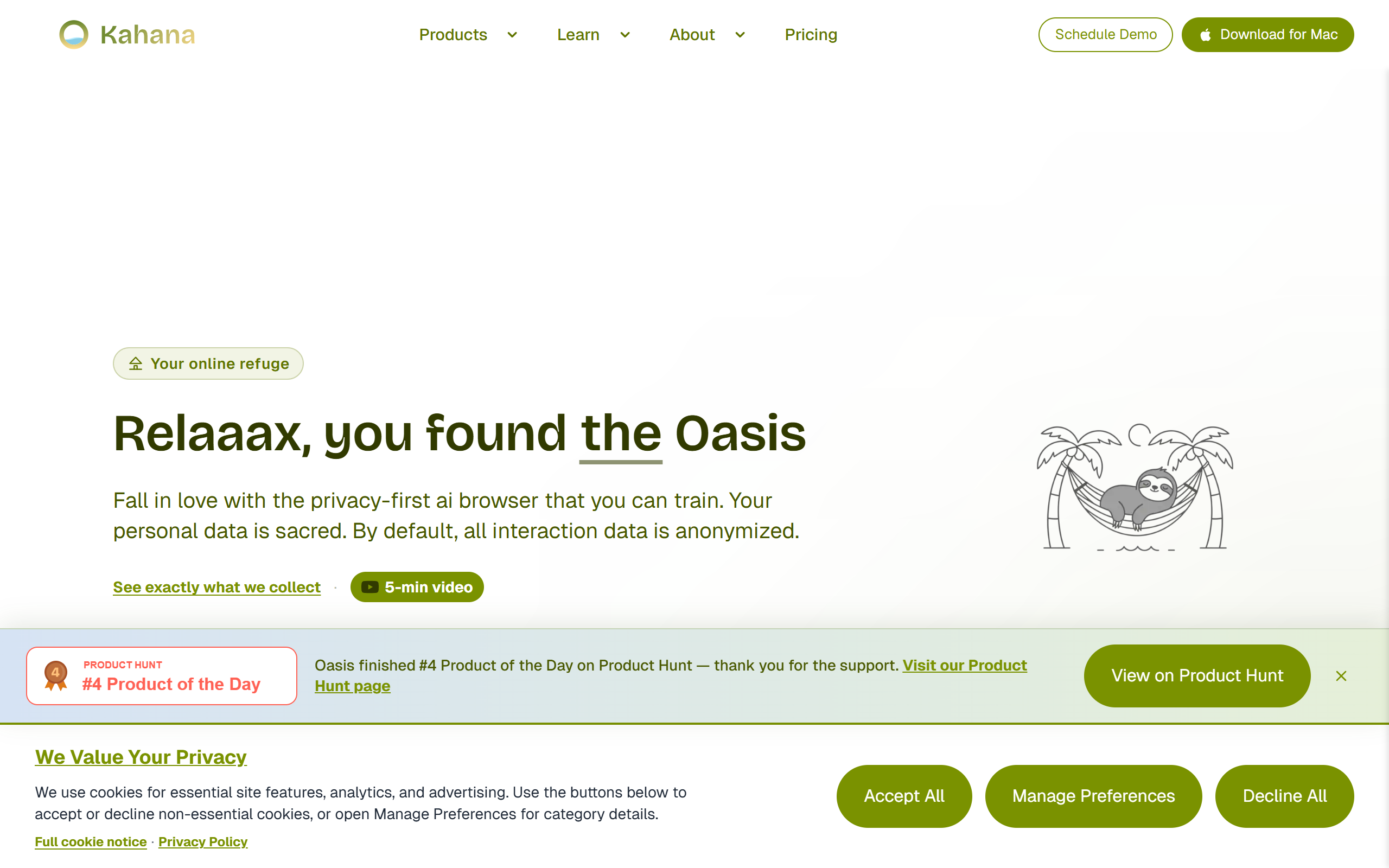
A privacy-first AI browser you can train anonymously
- Freemium
- macOS
- AutomationProductivityBusiness
- Free plan available
- No credit card
What is Oasis Browser for Mac?
Key features
Personal AI assistant
Train an AI model with your own browsing data and workflow patterns, stored locally rather than sent to external servers
Tab intelligence
AI that understands your tabs and work context to surface relevant information when you need it
Privacy by design
No tracking, data collection, or algorithmic feeds; browsing data stays under your control
Anonymous AI training
Customise your AI without creating accounts or revealing your identity
Enterprise security
Built-in protections suitable for professional and organisational use
Distraction-free browsing
Focused interface designed to reduce distractions during deep work
Pros & cons
Advantages
- Privacy and control: Your browsing data trains your AI locally, not external servers
- Genuinely personalised: The AI learns from your actual behaviour and workflow, not generic patterns
- Anonymous option: Train the AI without signing up or providing personal details
- Designed for focus: Cleaner interface and workflow-aware features support concentrated work
- Enterprise-ready: Security and control features appeal to professionals with compliance needs
Limitations
- macOS only: Currently available for Mac, limiting options for Windows or Linux users
- Early-stage product: As a newer browser, it may lack some features established browsers offer
- Freemium limitations: Free tier may have restrictions that push heavier users to paid plans
Use cases
Privacy-conscious professionals who want AI assistance without data collection
Researchers and writers doing deep, focused work who need context-aware AI support
Organisations handling sensitive information and needing enterprise-grade security
People building personalised AI workflows tailored to their specific job or interests
Users avoiding mainstream browsers due to tracking and algorithmic recommendations
Ready to try Oasis Browser for Mac?
Pricing
Get started with Oasis Browser for Mac
Click through to Oasis Browser for Mac and start using it now.
- Free plan available
- No credit card