Onlook AI
Design web experiences effortlessly with visual code editing.
- Open Source
- Web, Chrome Extension
- WritingDesignImage Generation
- Open source
- Free forever
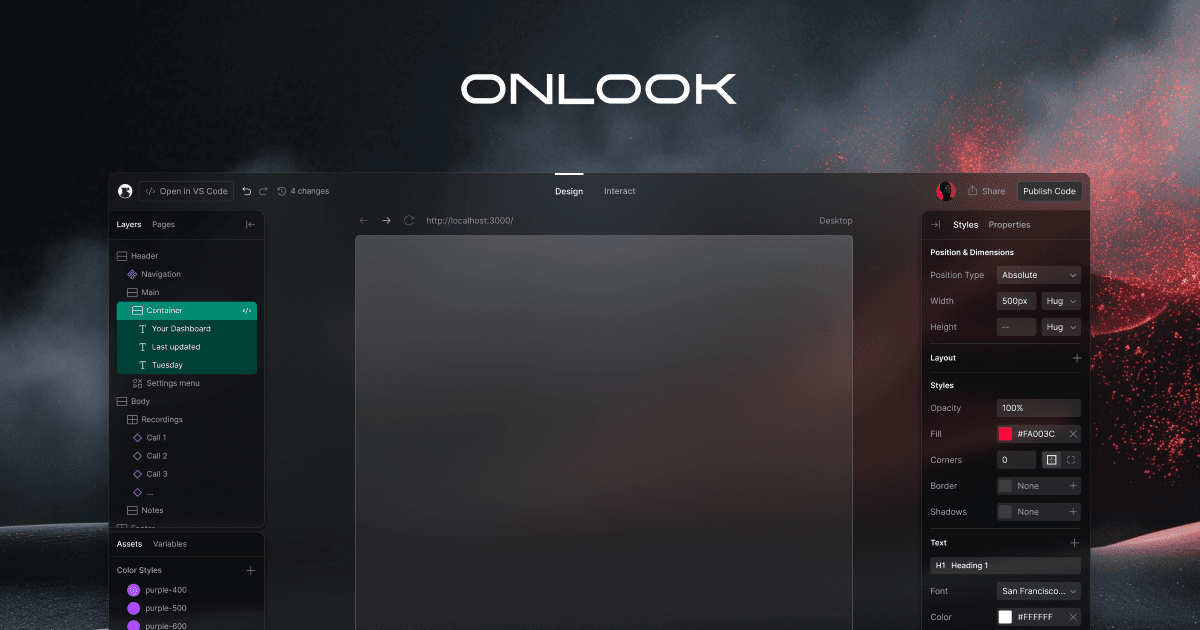
What is Onlook AI?
Key features
Visual code editor
Edit HTML, CSS, and JavaScript through a visual interface with live preview
Real-time code synchronisation
Changes made visually update your code automatically
Open-source and self-hostable
Full access to the source code; deploy on your own infrastructure
Component inspection
Select and modify elements directly on the page without hunting through code
Live preview
See changes instantly without manual page refreshes
Pros & cons
Advantages
- Free and open-source, so no licensing costs or vendor lock-in
- Reduces context switching between design and development tools
- Good for learning how visual changes map to code
- Can be customised and extended since the source is available
Limitations
- Being open-source means support relies on community rather than a dedicated company
- Learning curve for developers unfamiliar with visual code editors
- May require technical setup knowledge to self-host effectively
Use cases
Designers learning to code by seeing visual changes reflected in code
Frontend developers who want faster iteration without switching tools
Small teams building web projects with limited design resources
Developers maintaining existing websites who need quick visual edits
Prototyping web interfaces before handing off to production code
Ready to try Onlook AI?
Pricing
Get started with Onlook AI
Click through to Onlook AI and start using it now.
- Open source
- Free forever