
Open Interpreter
Open Interpreter is an innovative platform that allows Large Language Models (LLMs) to execute code directly on your computer, enabling the automation and completion of various tasks. With 49,000 star
- Freemium
- Web, macOS, Windows, Linux, API, Command line
- VideoAI LLMOps & FrameworksCode
- Free plan available
- No credit card
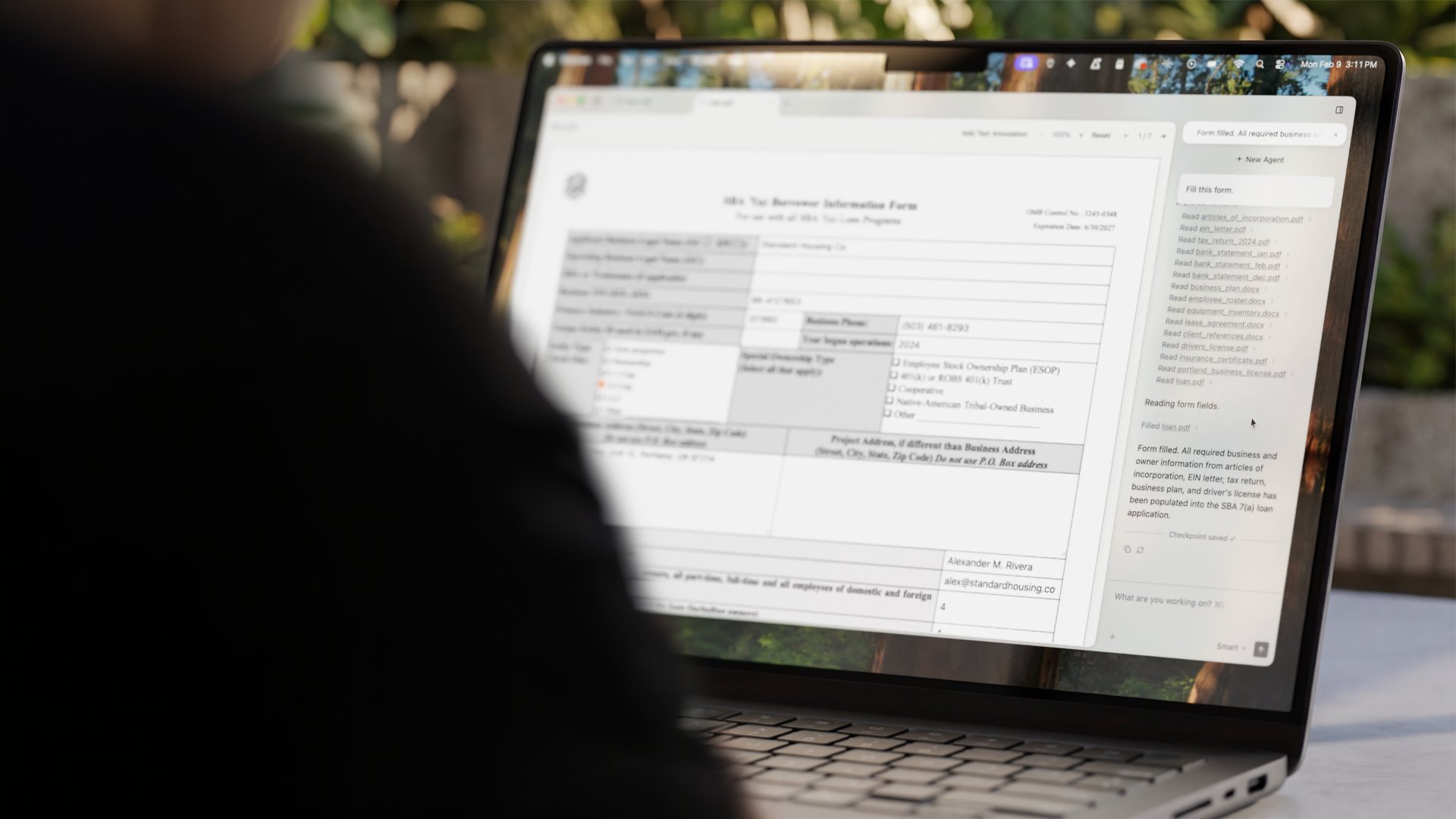
What is Open Interpreter?
Key features
Direct code execution
LLMs can write and run Python, JavaScript, and shell commands on your machine
Open source
Full codebase available on GitHub for transparency and community contributions
Desktop application
Graphical interface for those who prefer not to use the command line
Local and remote operation
Run on your own computer or integrate with hosted models
Task automation
Handle file operations, data analysis, web scraping, and other automated workflows
Multi-language support
Execute code across different programming languages
Pros & cons
Advantages
- Genuinely executes tasks rather than just describing them, making it practical for real work
- Open source means you can inspect the code, modify it, and avoid vendor lock-in
- No subscription required to get started; free tier is fully functional
- Active community and regular updates based on user feedback
- Works with multiple LLM providers, so you're not locked into one service
Limitations
- Running untrusted code on your computer poses security risks; you should review what the AI generates
- Requires some technical knowledge to set up and configure properly
- Performance depends on both the LLM's capability and your local hardware
Use cases
Automating repetitive data processing tasks without writing scripts yourself
Generating and processing files, images, or documents through natural language commands
Learning to code by watching an AI write and explain code in response to requests
Building custom automation workflows that combine multiple tools and APIs
Rapid prototyping of ideas that require code execution
Ready to try Open Interpreter?
Pricing
Free
Free
Full access to Open Interpreter core functionality, command line interface, ability to run code locally
Desktop App (Early Access)
Free
Graphical interface alternative to command line, early access to new features
Get started with Open Interpreter
Click through to Open Interpreter and start using it now.
- Free plan available
- No credit card