
Opendream
Discover Opendream pricing, reviews, and alternatives. Updated for April 2026.
- Freemium
- Web
- BusinessAI Tools for Image Creation
- Free plan available
- No credit card
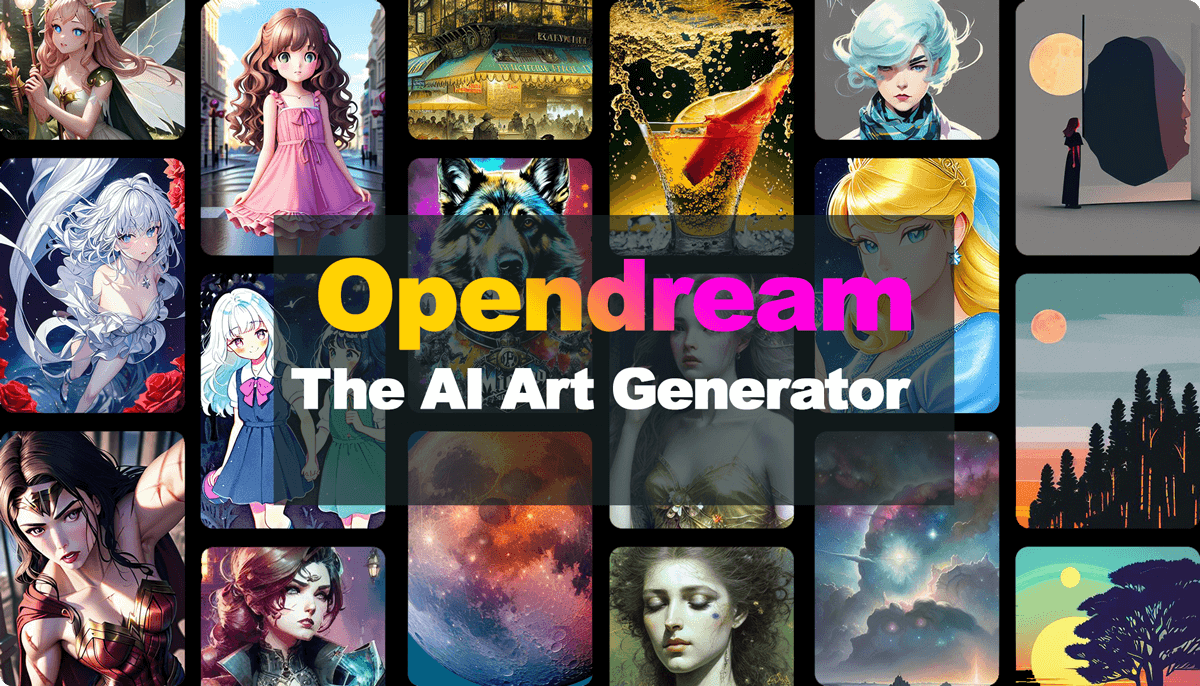
What is Opendream?
Key features
Text-to-image generation
Create images from written descriptions and prompts
Image editing tools
Modify and refine generated images after creation
Variation exploration
Generate multiple versions of an image to find the best result
Free tier access
Start creating without payment, with limitations on volume or quality
Web-based interface
Use directly in your browser without installing software
Pros & cons
Advantages
- Free tier lets you experiment before committing to paid features
- No technical expertise required; works with plain English descriptions
- Quick image generation suitable for prototyping and iteration
- Web-based access means no installation or compatibility issues
Limitations
- Free tier likely includes usage limits or lower resolution outputs compared to paid plans
- Quality and accuracy of generated images depend heavily on prompt clarity
- AI-generated images may require editing or refinement to meet professional standards
Use cases
Social media content creation: Generate images for posts, ads, or stories
Blog and article illustration: Quickly produce visuals to accompany written content
Design prototyping: Explore visual ideas before commissioning a designer
Marketing materials: Create concept images for campaigns or product launches
Creative hobby projects: Experiment with visual storytelling and art generation
Ready to try Opendream?
Pricing
Paid plans
Pricing varies
Higher usage allowances, improved image quality and resolution, priority processing, additional editing features
Get started with Opendream
Click through to Opendream and start using it now.
- Free plan available
- No credit card