
OpenEBS
Automate data protection, scale applications, and enjoy flexibility of distributed storage.
- Freemium
- Kubernetes (on-premises, cloud, hybrid), API
- Data & Analytics
- Free plan available
- No credit card
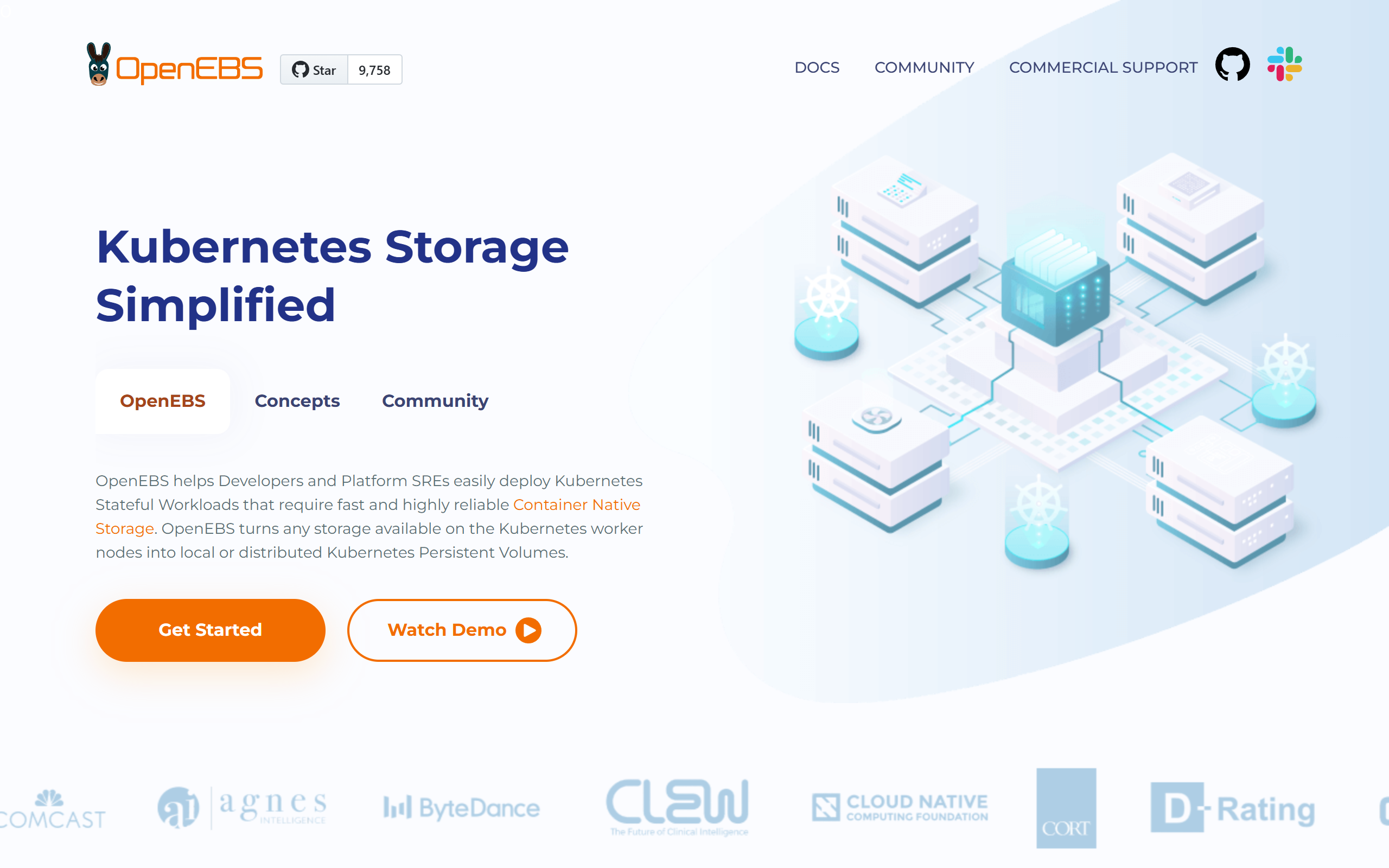
What is OpenEBS?
Key features
Containerised storage engines
runs as pods within Kubernetes rather than requiring external hardware
Automatic replication
protects data by maintaining multiple copies across nodes
Snapshot and clone capabilities
create point-in-time backups and clone volumes for testing
Local and distributed storage options
choose between high-performance local storage or replicated storage across multiple nodes
Kubernetes-native management
uses standard Kubernetes APIs and operators for provisioning and monitoring
No vendor lock-in
storage runs on your infrastructure using open standards
Pros & cons
Advantages
- Reduces infrastructure costs by using commodity hardware instead of dedicated storage systems
- Integrates directly with Kubernetes, minimising operational overhead for teams already using containers
- Free tier lets you run production workloads without licensing costs
- Flexible deployment options fit different performance and resilience needs
Limitations
- Adds complexity to your Kubernetes cluster, requiring additional monitoring and troubleshooting skills
- Performance depends on your underlying hardware and network; poorly configured clusters can experience latency issues
- Enterprise support and advanced features require paid subscriptions
Use cases
Running databases like PostgreSQL or MySQL on Kubernetes with built-in replication and backups
Deploying stateful applications across multiple cloud regions with automatic failover
Reducing storage costs in environments where you already operate Kubernetes clusters
Building disaster recovery solutions with snapshot and clone functionality
Testing and developing applications that require persistent storage without purchasing dedicated SAN infrastructure
Ready to try OpenEBS?
Pricing
Free
Free
Full access to OpenEBS for production use; community support via forums and documentation
Enterprise
Custom pricing
Professional support, advanced monitoring tools, custom training, and commercial licensing
Get started with OpenEBS
Click through to OpenEBS and start using it now.
- Free plan available
- No credit card