
Outlign
- Freemium
- Web
- Free plan available
- No credit card
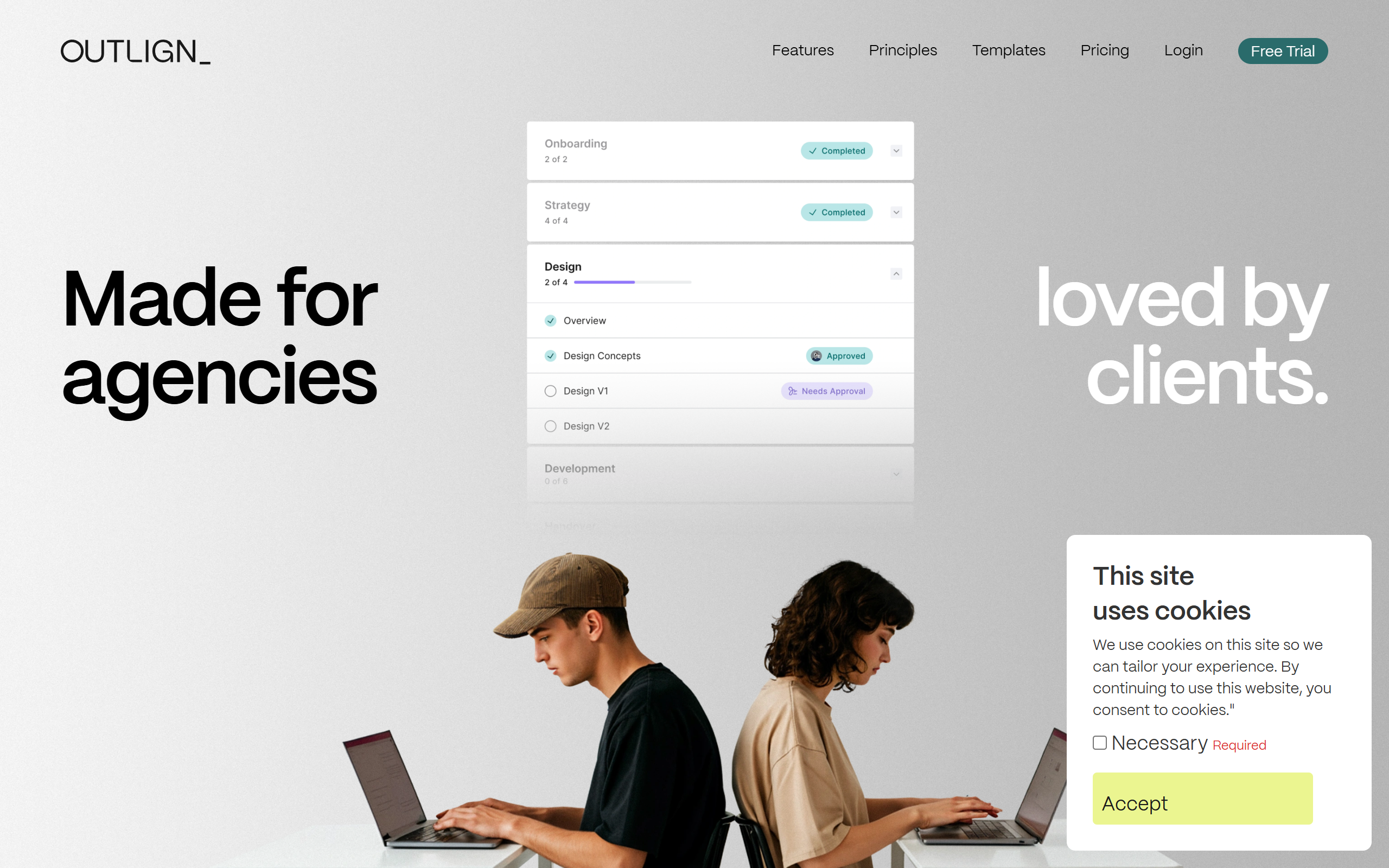
What is Outlign?
Key features
Shared workspace
Invite clients to view project progress and updates without giving them access to internal tools
Process documentation
Create and standardise workflows so teams follow the same steps on each project
Project tracking
Monitor tasks, deadlines, and deliverables in one place
Client collaboration
Built-in communication tools for feedback and approvals between your team and clients
Task management
Assign work, set priorities, and track completion status
Pros & cons
Advantages
- Reduces communication friction by centralising project information instead of relying on email
- Helps standardise processes, which cuts mistakes and improves consistency across projects
- Client-facing interface lets external stakeholders stay informed without direct access to your internal systems
- Freemium model means you can test the basics without upfront cost
Limitations
- Smaller tool with limited market presence compared to established project management platforms, so fewer integrations and less community support
- Free tier capabilities are unclear; upgrading costs may not suit very small teams or solo operators
- Learning curve to set up and maintain process documentation, especially for teams new to structured workflows
Use cases
Creative agencies managing client projects with multiple approval stages
Service-based businesses standardising delivery processes across similar projects
Freelancers and small teams coordinating with remote clients
Consulting firms tracking project milestones and deliverables with clients
Teams handling repetitive project types where process consistency reduces rework
Ready to try Outlign?
Pricing
Paid plans
Contact for pricing
Higher capacity, additional integrations, advanced process features, and priority support
Get started with Outlign
Click through to Outlign and start using it now.
- Free plan available
- No credit card