
OutreachFlow
- Freemium
- Web
- Free plan available
- No credit card
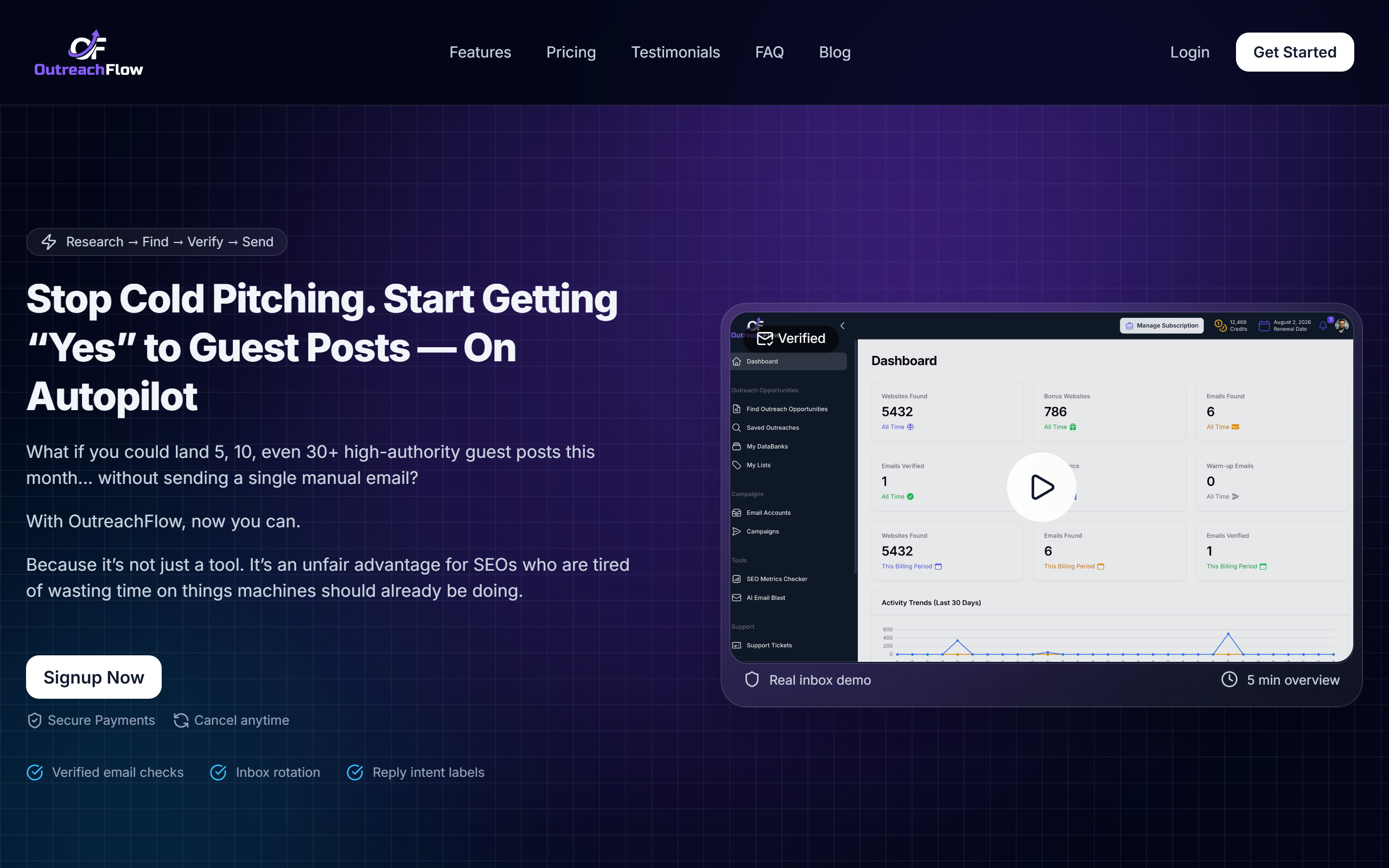
What is OutreachFlow?
Key features
Email automation
Schedule and send personalised email sequences to multiple prospects automatically
Workflow builder
Create custom outreach sequences using a visual workflow interface
Contact management
Organise and segment prospects for targeted campaigns
Response tracking
Monitor open rates, clicks, and replies to measure campaign performance
Multi-channel outreach
Send messages across email and other communication channels
Follow-up automation
Automatically trigger follow-up actions based on prospect behaviour
Pros & cons
Advantages
- Frees up time by automating repetitive outreach tasks
- Centralises contact and campaign management in one dashboard
- Offers a free plan, making it accessible for small teams or those testing the tool
- Allows personalisation within automated sequences to improve response rates
Limitations
- Like most outreach tools, success depends heavily on list quality and message relevance; poor targeting can lead to low engagement
- May require learning curve to set up effective workflows and segments
- Free plan likely has limitations on contact volume or features compared to paid tiers
Use cases
SDRs running prospecting campaigns to book sales meetings
Sales teams following up with qualified leads across consistent touchpoints
Marketing teams conducting product launch or feature announcement outreach
Recruitment teams reaching out to potential candidates at scale
Account managers re-engaging inactive or at-risk customers
Ready to try OutreachFlow?
Pricing
Free
Free
Basic outreach automation and workflow building for small teams; limited contacts or monthly sends
Pro
Contact for pricing
Higher contact limits, advanced automation, team collaboration, and priority support
Enterprise
Contact for pricing
Custom workflows, dedicated account management, integrations, and custom features
Get started with OutreachFlow
Click through to OutreachFlow and start using it now.
- Free plan available
- No credit card