
Paced Email
- Freemium
- Web
- AI Tools for Scheduling
- Free plan available
- No credit card
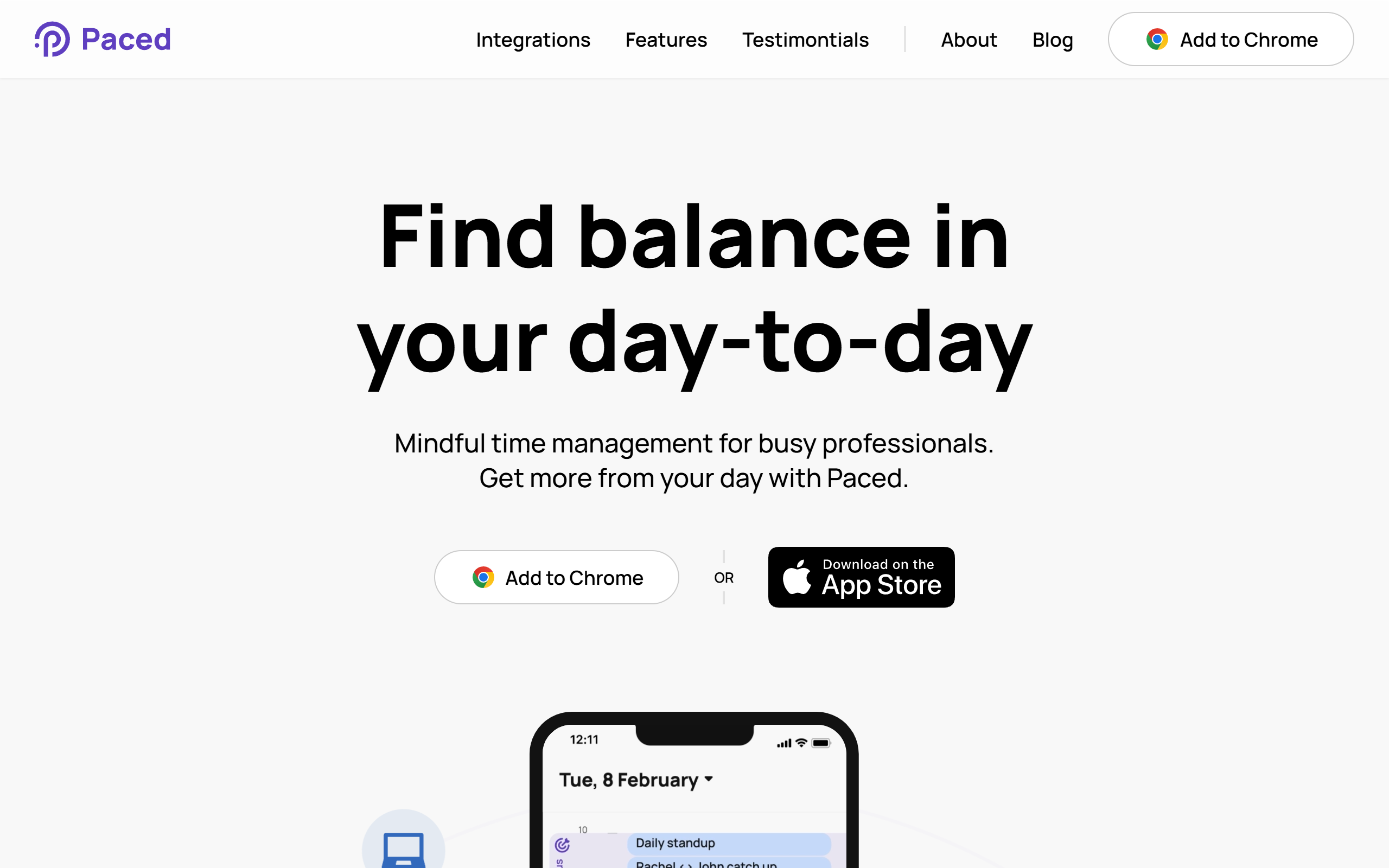
What is Paced Email?
Key features
Email scheduling
compose messages now and have them send at a time you choose
Notification control
manage when you receive alerts about incoming emails rather than seeing them immediately
Circadian rhythm adjustment
customise your email windows based on when you're naturally most alert and productive
Stress level tracking
modify your email schedule based on your current stress or workload
Batch email processing
group your email activity into dedicated time blocks rather than handling it continuously
Freemium access
core scheduling features available without payment
Pros & cons
Advantages
- Reduces constant email interruptions and helps you focus on deep work
- Flexible enough to adapt to your individual sleep schedule and energy patterns
- Free version gives you access to basic scheduling without commitment
- Encourages healthier work-life boundaries by containing email to specific times
Limitations
- Requires discipline from users to stick to scheduled email windows; the tool enforces your rules but you have to set them
- Colleagues and external contacts may still expect immediate responses, which could create tension if you're not transparent about your email schedule
Use cases
Knowledge workers who want to protect focused work time from constant email notifications
People with irregular sleep schedules who need to align email activity with their natural alertness
Remote workers trying to establish clear boundaries between work and personal time
Teams with high email volume where batching communication helps reduce context switching
Anyone experiencing email-related stress or burnout who wants more predictability in their inbox
Ready to try Paced Email?
Pricing
Get started with Paced Email
Click through to Paced Email and start using it now.
- Free plan available
- No credit card