
PaletteMaker,
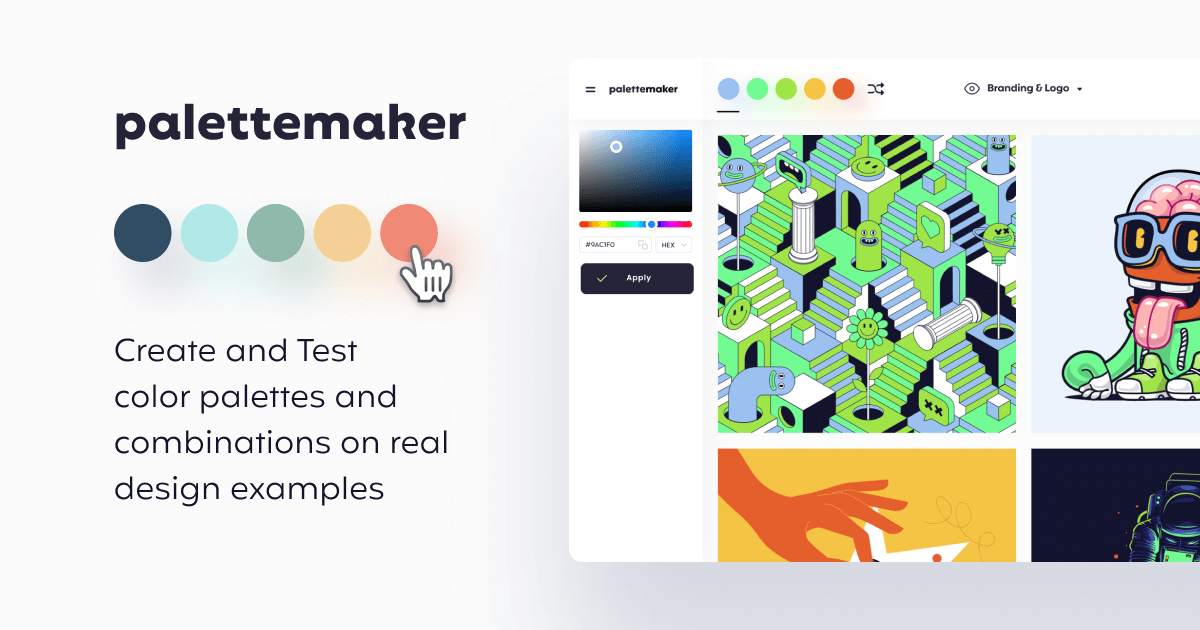
PaletteMaker is a free, AI-powered online tool for generating and experimenting with color palettes. It features AI-assisted color palette creation, live previews applied to design templates, and cust
- Always free
- No credit card
What is PaletteMaker,?
Key features
AI-assisted colour palette generation
describe what you want and receive colour suggestions based on colour theory principles
Live preview on design templates
see how your palette looks applied to logos, UI layouts, and other design compositions
Multiple export formats
download palettes as Procreate files, Adobe ASE, images, CSS, or JSON code snippets
Customisation controls
adjust individual colours, lock colours you want to keep, and regenerate specific colours
Web-based interface
no installation needed; works in any modern browser on any device
Pros & cons
Advantages
- Free to use with no sign-up required
- Real-time preview helps you see how colours function in actual design contexts, not just in isolation
- Supports multiple export formats for different workflows and software
- Accessible to both beginners and professionals without a steep learning curve
Limitations
- Limited to web browser, so offline use isn't possible
- Quality of AI suggestions depends on how well you describe what you want
- No advanced features like colour accessibility testing or WCAG compliance checking
Use cases
Logo design: generate colour schemes that work well across different logo variations
UI and UX design: create cohesive colour systems for web and app interfaces
Brand identity: develop colour palettes for new brands or rebrand existing ones
Illustration and digital art: find complementary colours for artwork projects
Web design: quickly establish a colour scheme before starting development
Ready to try PaletteMaker,?
Pricing
Get started with PaletteMaker,
Click through to PaletteMaker, and start using it now.
- Always free
- No credit card