
Parabola AI
simplify workflows, automate tasks, enhance productivity effortlessly.
- Free plan available
- No credit card
What is Parabola AI?
Key features
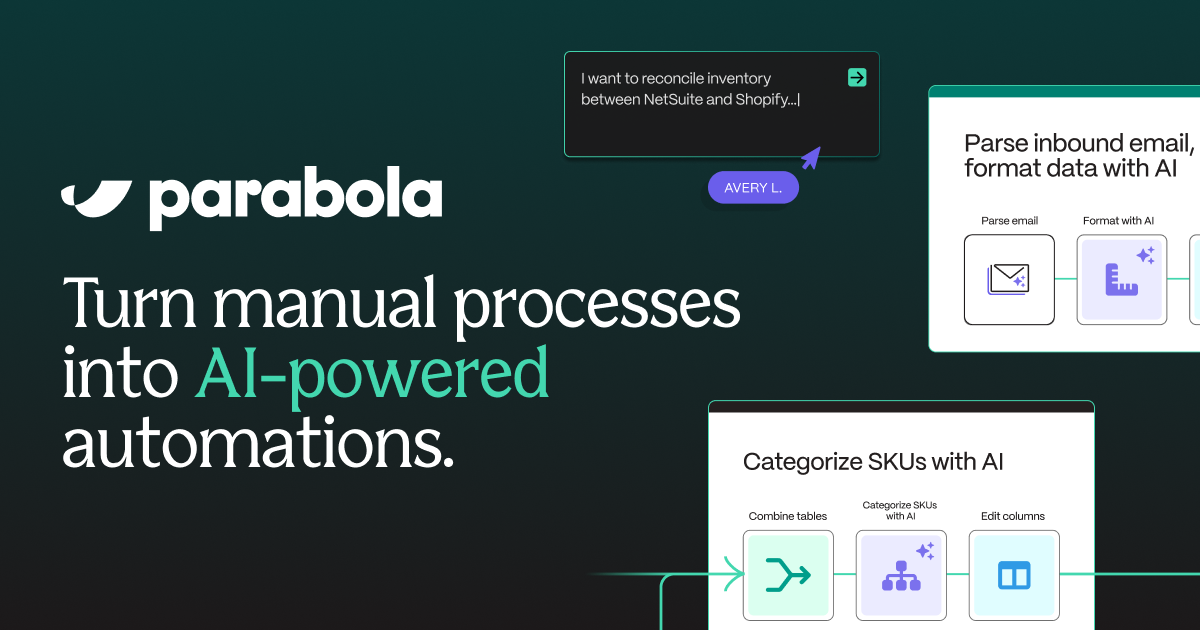
Visual workflow builder
drag-and-drop interface to create automation flows without coding
App integrations
connects with hundreds of popular business tools including Slack, Google Sheets, Salesforce, and Zapier
Data transformation
manipulate, filter, and format data as it moves between applications
Conditional logic
set up workflows that branch based on specific conditions or triggers
Templates and pre-built flows
start with existing automation templates for common tasks
Monitoring and logs
track workflow execution and troubleshoot issues with detailed logs
Pros & cons
Advantages
- No coding required, making it accessible to non-technical users
- Freemium model allows you to test and build simple automations without cost
- Wide range of app integrations covers most common business tools
- Visual interface makes workflows easy to understand and modify
Limitations
- Complex workflows with many steps may require paid plans or become difficult to manage
- Learning curve exists despite the visual builder; some users need time to understand workflow logic
- Pricing can become costly for organisations running many large-scale automations
Use cases
Automatically sync data between your CRM and email marketing platform
Route incoming support tickets to the right team based on content or category
Generate and send weekly reports by pulling data from multiple sources into a single document
Create backup copies of files across cloud storage services on a schedule
Capture form submissions and automatically add them to a database or spreadsheet
Ready to try Parabola AI?
Pricing
Free
Free
Basic workflow automation with limited monthly task runs and access to core integrations
Pro
Custom pricing
Higher task limits, priority support, and access to advanced features and integrations
Enterprise
Custom pricing
Custom integrations, dedicated support, advanced security, and scalability for large organisations
Get started with Parabola AI
Click through to Parabola AI and start using it now.
- Free plan available
- No credit card