
Penelope AI
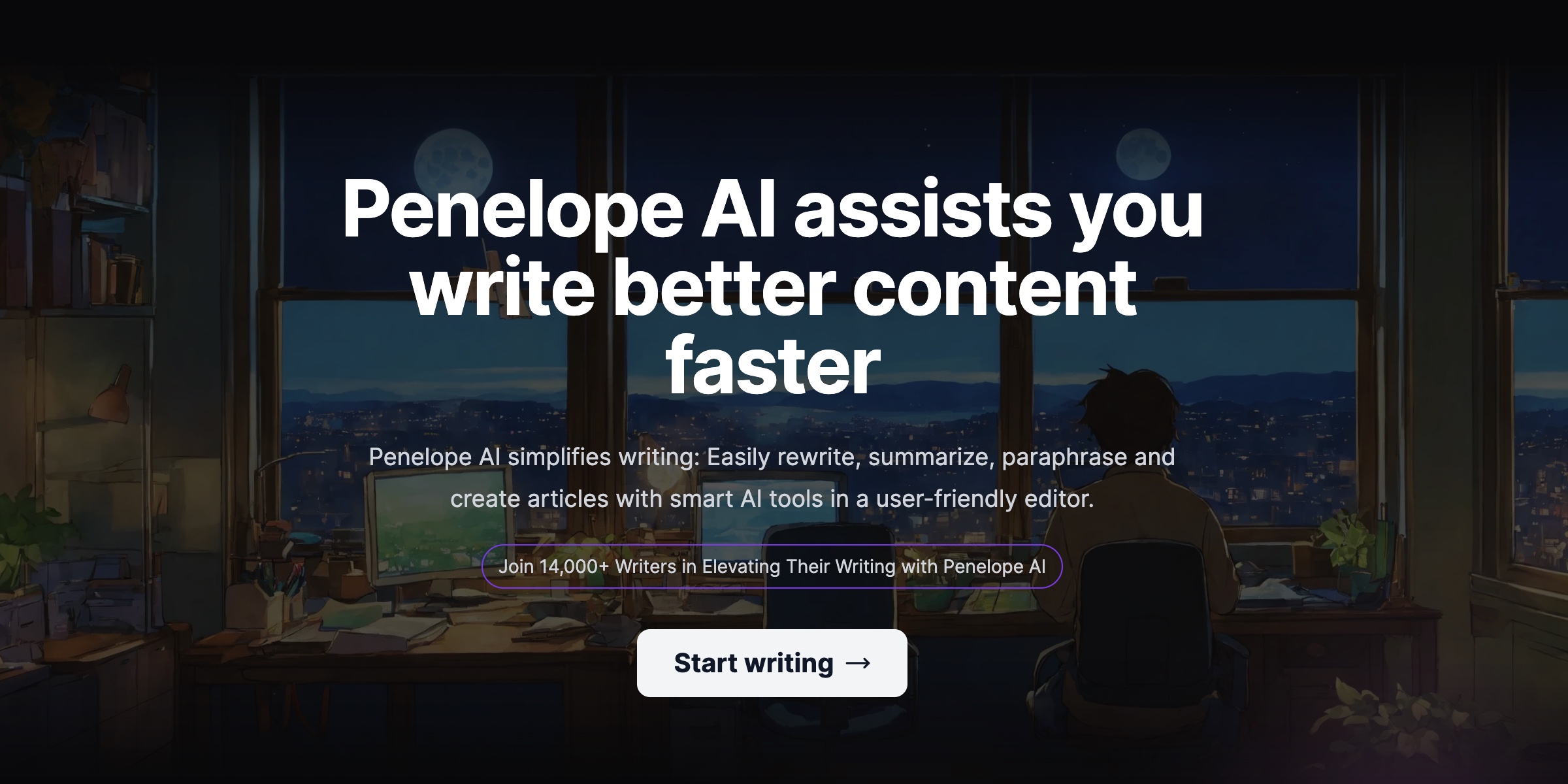
Elevate writing with AI: rewriting, summarizing, PDF editing, user-friendly.
- Free plan available
- No credit card
What is Penelope AI?
Key features
Text rewriting
restructure sentences and paragraphs to improve clarity and tone
Summarisation
condense longer pieces of writing into key points
PDF editing
annotate, revise, and improve text within PDF documents
Web-based interface
no installation required; access from any browser
Freemium access
basic features available without a subscription
Pros & cons
Advantages
- Handles multiple formats, including PDFs, which many writing tools don't
- Free tier lets you test the core functionality without commitment
- Simple, intuitive interface that doesn't require technical knowledge
- Useful for both quick edits and longer document work
Limitations
- Limited information available about the depth of AI suggestions or customisation options
- As a newer tool, it may have fewer integrations with other software compared to established competitors
- Unclear what specific limitations exist in the free tier versus paid plans
Use cases
Students rewriting essay drafts and summarising research material
Professionals editing emails, reports, and proposals before sending
Content creators refining blog posts, articles, or social media copy
Anyone reviewing PDF documents and needing to revise text within them
Non-native English speakers seeking help improving their writing clarity
Ready to try Penelope AI?
Pricing
Get started with Penelope AI
Click through to Penelope AI and start using it now.
- Free plan available
- No credit card