Photes.io
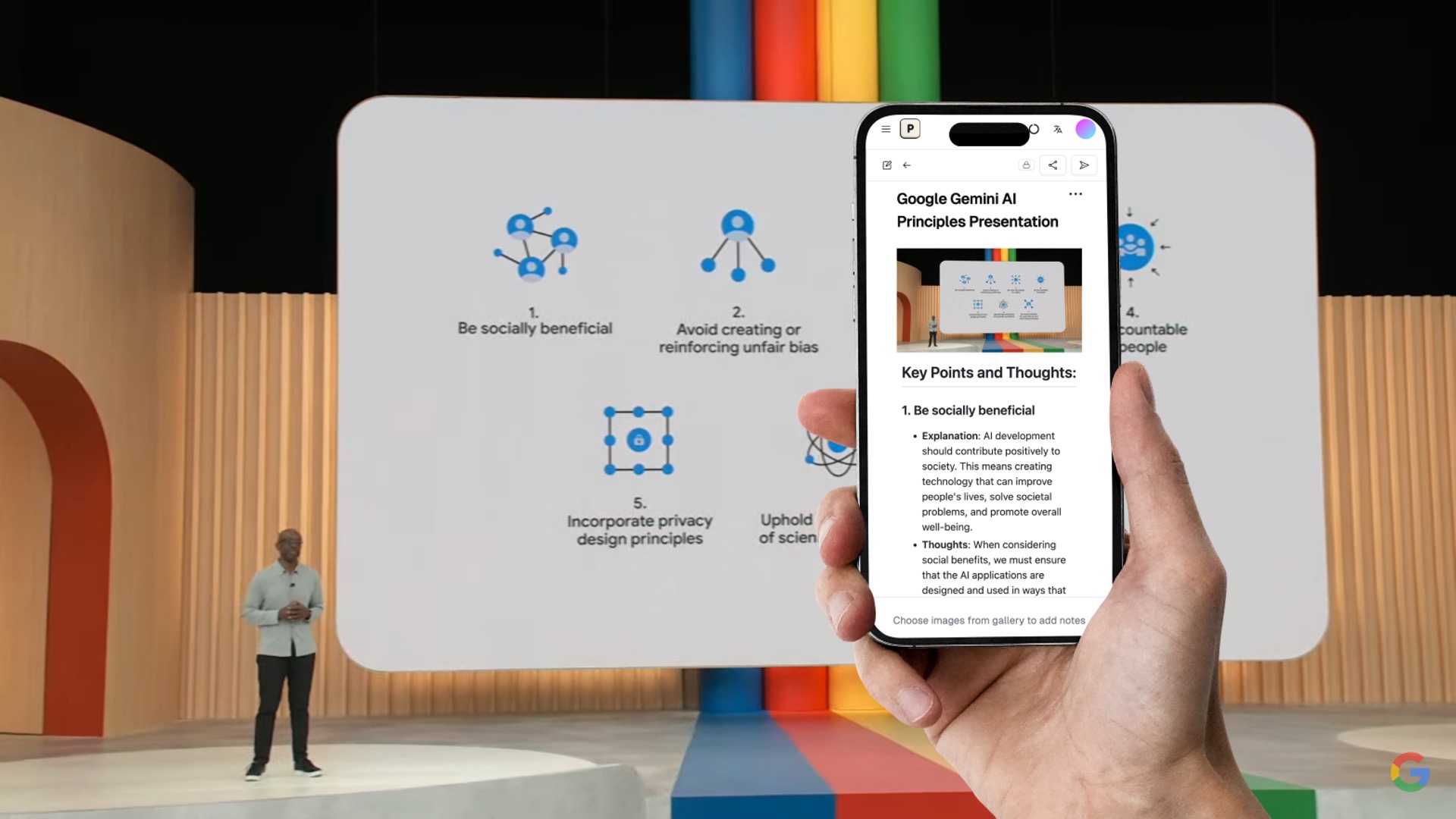
Turn images to well structured text notes with AI
- Free plan available
- No credit card
What is Photes.io?
Key features
Image to text conversion
Automatically extracts text from photos and images
Structured formatting
Organises extracted text into readable, well-formatted notes
AI-powered recognition
Handles various image types including handwriting, printed text, and diagrams
Editable output
Extracted text can be edited and refined after conversion
Searchable notes
Convert images to text that you can later search and retrieve
Pros & cons
Advantages
- Saves time on manual transcription of notes and documents
- Frees you from manual typing when you have physical or visual source material
- Freemium model lets you test functionality without committing to paid plan
- Works with various image types including handwriting and printed text
Limitations
- Accuracy may vary depending on image quality, lighting, and handwriting legibility
- Free tier likely has usage limits that require upgrade for heavy users
Use cases
Converting photos of whiteboard sketches and meeting notes into editable text
Digitising handwritten notes taken during lectures or training sessions
Extracting text from printed documents without needing a scanner
Creating searchable digital copies of photos containing written information
Building a personal knowledge base from visual notes and reference materials
Ready to try Photes.io?
Pricing
Premium
Pricing not publicly specified
Higher conversion limits, priority processing, additional organisational features
Get started with Photes.io
Click through to Photes.io and start using it now.
- Free plan available
- No credit card