Pic-convert
Convert images quickly and easily
- Free plan available
- No credit card
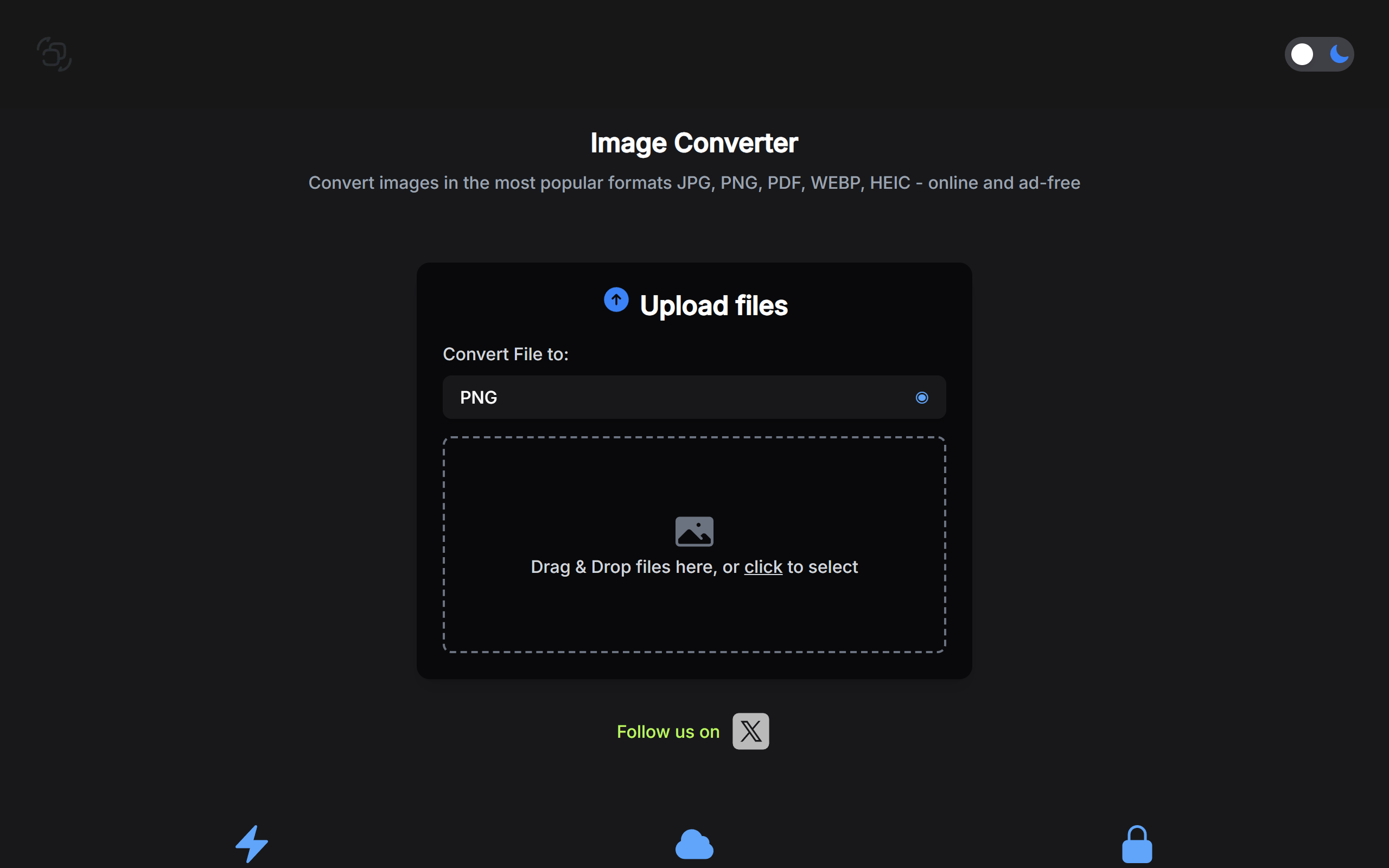
What is Pic-convert?
Key features
Format conversion
Transform images between formats including JPG, PNG, WebP, GIF, BMP, and TIFF
Batch processing
Convert multiple images at once instead of one at a time
No software installation
Works entirely in your browser without downloads or setup
Quality settings
Adjust compression and quality levels when converting to optimise file size
File size reduction
Compress images during conversion to make them suitable for web use
Drag-and-drop interface
Simple upload by dragging files directly onto the page
Pros & cons
Advantages
- Free to use with no account required for basic conversions
- Fast processing for small to medium image files
- No installation needed; works on Windows, Mac, or Linux
- Useful for quick one-off conversions and batch jobs
Limitations
- Free tier likely has limits on file size or number of daily conversions
- Online-only tool means you need an internet connection to use it
- May not offer advanced image editing or manipulation features beyond format conversion
Use cases
Converting screenshots to PNG or JPG for sharing in documents or emails
Batch converting photos to WebP format to reduce website load times
Changing image formats to match requirements for specific platforms or applications
Reducing image file sizes for social media uploads or email attachments
Preparing images in different formats for print versus web use
Ready to try Pic-convert?
Pricing
Premium
Paid (price not specified)
Higher file size limits, more conversions per day, faster processing, possible priority support
Get started with Pic-convert
Click through to Pic-convert and start using it now.
- Free plan available
- No credit card