
Picsart AI
Unleash creativity: edit photos, videos, and designs with AI-enhanced tools.
- Freemium
- Web, iOS, Android
- Text-to-Image ModelsVideoVideo Editing
- Free plan available
- No credit card
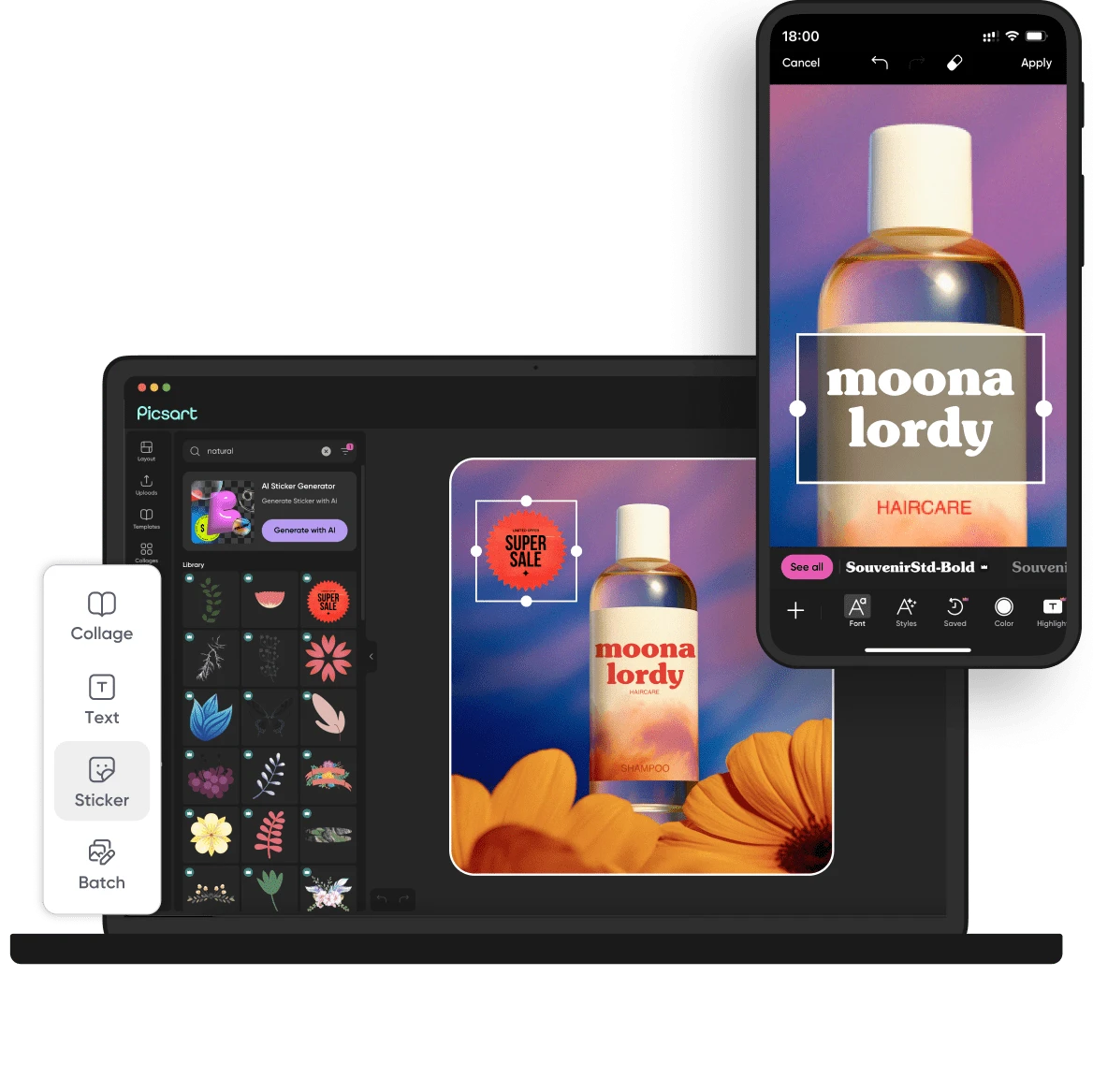
What is Picsart AI?
Key features
Background removal and object erasure using AI detection
AI image generation and background generation from text prompts
Photo enhancement and filter application
Video editing with trimming, effects, and transitions
Design templates for social media posts and graphics
Collage and layout creation tools
Pros & cons
Advantages
- Works on web and mobile, so you can edit on almost any device
- Free tier available without watermarks on some exports
- All-in-one tool for photos, videos, and designs reduces app switching
- AI features require minimal editing knowledge to produce decent results
Limitations
- Free tier has limited AI generations per month; heavy users will need a paid subscription
- Image quality from AI generation can be inconsistent or require multiple attempts
- Performance on mobile may be slower than dedicated desktop software for complex edits
Use cases
Creating social media graphics and posts for small businesses
Removing unwanted objects or backgrounds from holiday photos
Generating product images or design mockups for online selling
Making simple videos with effects for Instagram Reels or TikTok
Designing promotional materials without hiring a graphic designer
Ready to try Picsart AI?
Pricing
Premium
Subscription required
Unlimited AI generation, no watermarks, full feature access, priority processing
Get started with Picsart AI
Click through to Picsart AI and start using it now.
- Free plan available
- No credit card