
Picwish AI
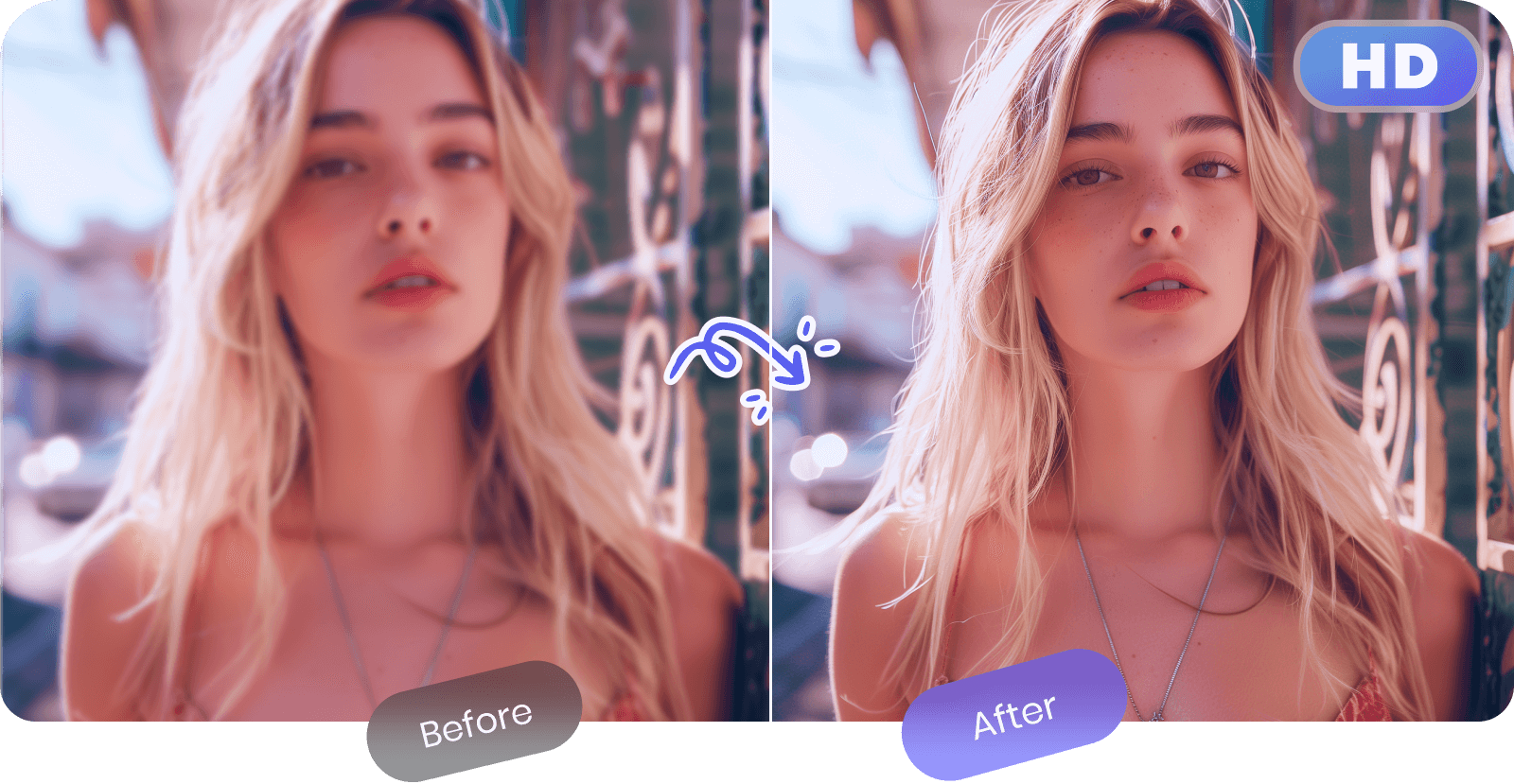
Enhance and edit photos with 15+ professional-grade tools, delivering HD quality results on both desktop and Android.
- Freemium
- Web, Android
- Image GenerationDeveloper Tools
- Free plan available
- No credit card
What is Picwish AI?
Key features
Photo enhancement
automatic quality improvement including brightness, contrast, and colour correction
Object removal
delete unwanted elements from images using AI detection
Background editing
change, blur, or remove backgrounds
Restoration tools
repair old or damaged photos
Batch processing
edit multiple photos at once
Format conversion
work with common image formats and export options
Pros & cons
Advantages
- Free tier available with no watermarks on exports
- Works on both desktop and mobile (Android), so you can edit on the go
- Simple interface designed for users without design experience
- AI-assisted tools save time on repetitive editing tasks
Limitations
- iOS app is not available, limiting mobile options for Apple users
- Feature set is more limited compared to professional software like Photoshop or Lightroom
- Performance and export quality may depend on your internet connection and subscription tier
Use cases
Quick social media photo touch-ups before posting to Instagram or TikTok
Removing photobombers or unwanted objects from family photos
Batch cleaning up a large folder of smartphone photos
Restoring older or faded photographs
Improving product photos for online selling platforms
Ready to try Picwish AI?
Pricing
Premium
Varies by subscription length
Unlimited exports, HD quality output, all 15+ tools available, batch processing, priority support
Get started with Picwish AI
Click through to Picwish AI and start using it now.
- Free plan available
- No credit card