
PingBlink
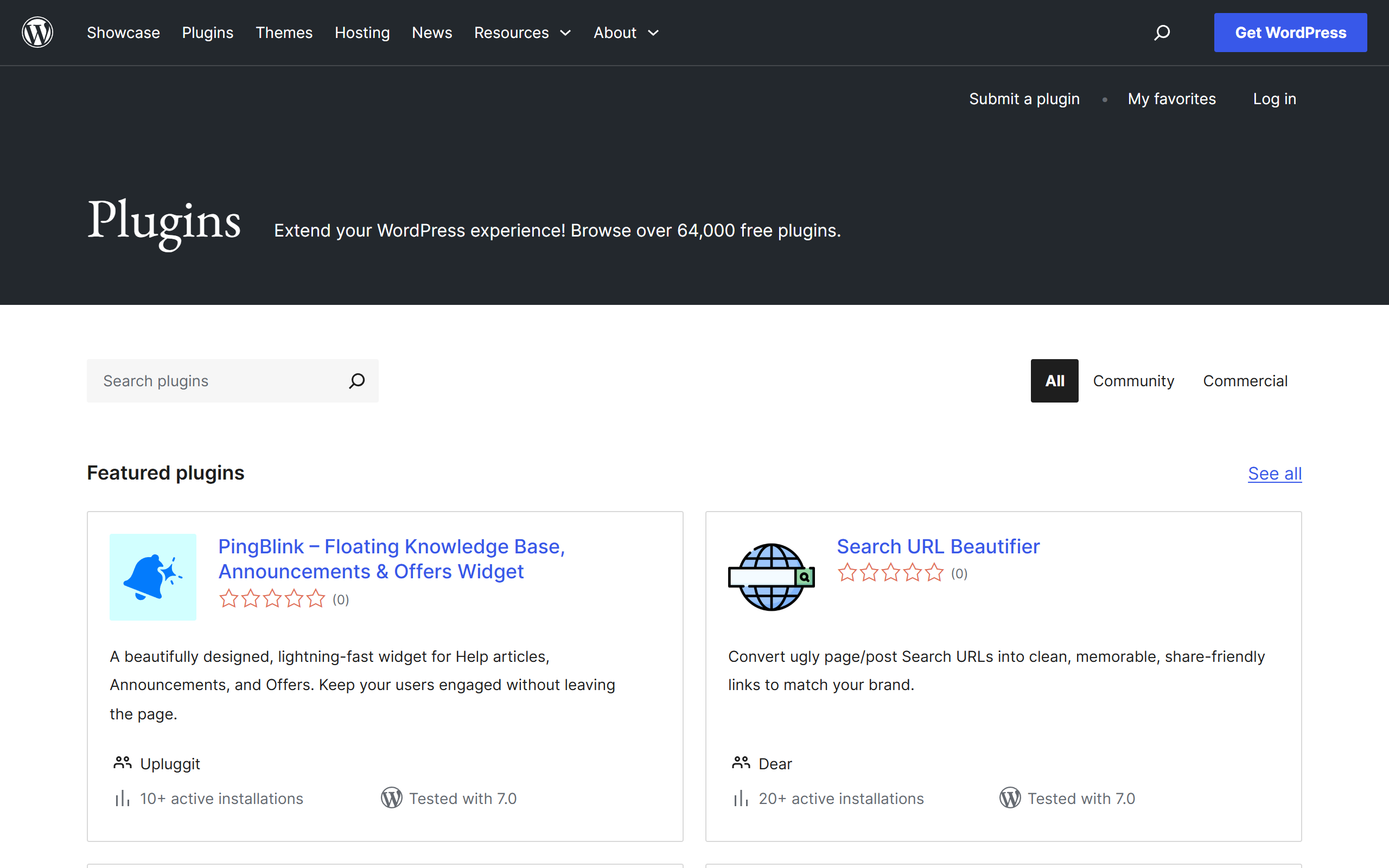
A floating WordPress widget that brings a knowledge base, announcements and special offers into one corner panel.
- Open Source
- WordPress
- WritingDesignImage Generation
- Open source
- Free forever
What is PingBlink?
Key features
Knowledge Base tab
Searchable help articles with thumbs up and down voting so visitors can rate usefulness.
Announcements tab
A news feed with unread notification badges to highlight recent updates.
Promotions tab
Dedicated cards for displaying discounts and special offers to visitors.
Fallback contact form
A direct messaging form that routes enquiries to the WordPress admin email by default.
Built-in analytics
Tracks views, clicks, click-through rate and article helpfulness metrics.
Smart visibility rules
Sets content per post to show for all visitors, logged-in users or logged-out users.
Customisation
Brand colour selection, multiple trigger icons and configurable widget position.
Pros & cons
Advantages
- It is completely free and open source under the GPL, with no upsell to a paid pro tier on the listing.
- It combines a knowledge base, announcements and offers in a single widget rather than needing three separate plugins.
- It is built on native WordPress custom post types and is compatible with the Gutenberg block editor.
- Visibility rules and a fallback contact form give some control over who sees content and how visitors get in touch.
- Built-in analytics report views, clicks and helpfulness without requiring a third-party tool.
Limitations
- It is a brand new plugin at version 1.0.0 with only around 10 active installs and no user reviews yet, so it is largely unproven.
- There is no official author website, documentation portal or support history beyond the WordPress.org forum.
- Functionality is limited to self-hosted WordPress sites and cannot be used on other platforms.
- Contact form messages are handled by email rather than a full ticketing or CRM workflow.
Use cases
Site owners who want to surface help articles in a floating panel so visitors get answers without leaving the page.
Businesses that need to push announcements and product news with unread badges to returning visitors.
Online shops and service sites promoting discount codes and special offers through a dedicated offers tab.
Teams that want a lightweight contact form as a fallback when a visitor cannot find a relevant help article.
Smaller WordPress sites wanting basic engagement analytics on article views, clicks and helpfulness without extra tools.
Ready to try PingBlink?
Pricing
Free
Free
Full plugin including knowledge base, announcements, offers, fallback contact form, analytics, visibility rules and customisation. Open source under the GPL via WordPress.org.
Get started with PingBlink
Click through to PingBlink and start using it now.
- Open source
- Free forever