
Pixefy
Use this browser extension to spot layout issues, dig into elements, and fix problems across every device—from one tab
- Paid
- Chrome Extension
- Other
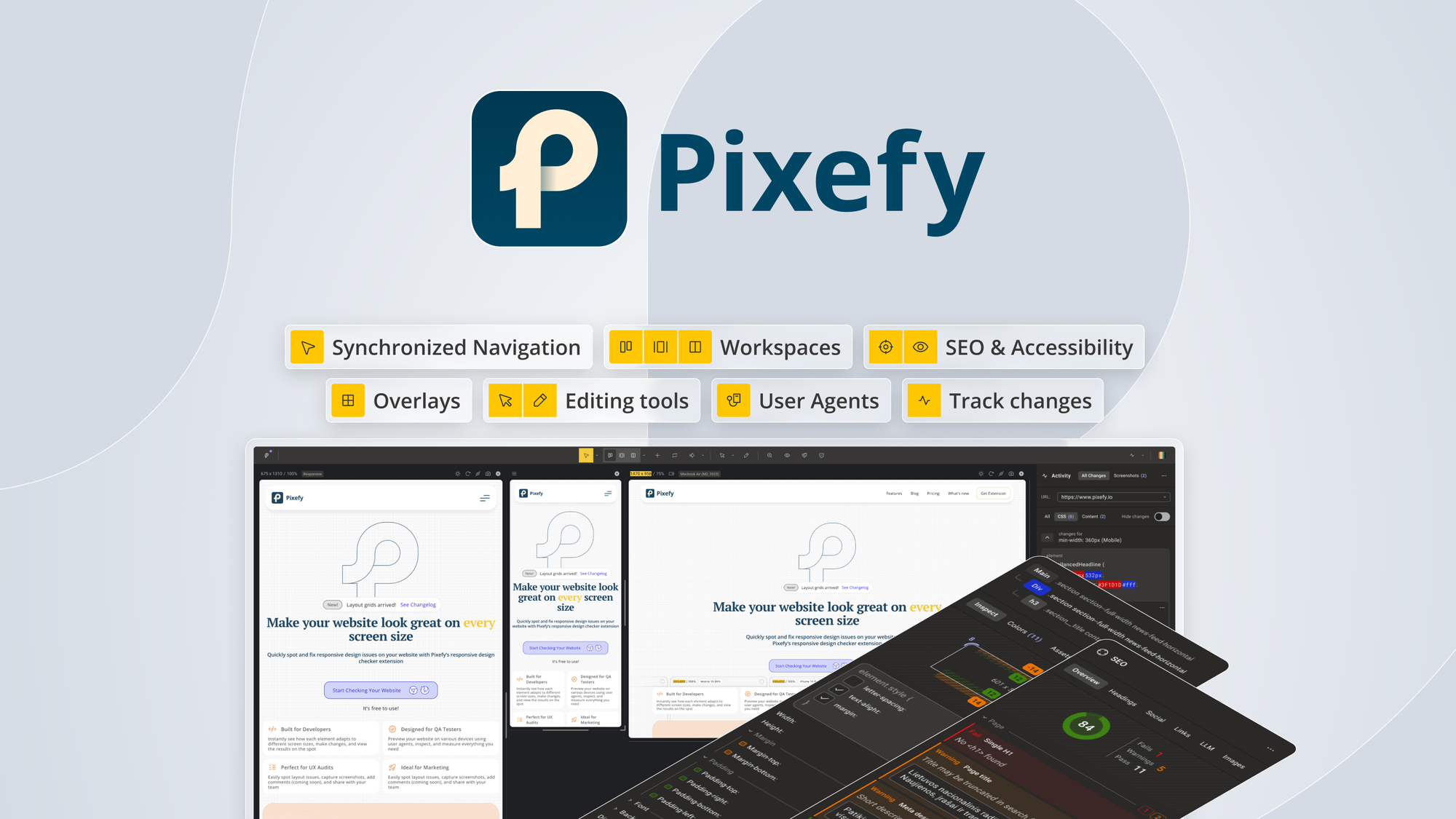
What is Pixefy?
Key features
Element inspection
click on page components to view HTML structure and styling details
Responsive design testing
preview how layouts behave across different device sizes and orientations
Layout issue detection
identify spacing, alignment, and overflow problems visually
Device simulation
test behaviour on mobile, tablet, and desktop viewports from one tab
Quick debugging
access styling information without opening developer tools
Pros & cons
Advantages
- Works directly in your browser without needing separate applications or devices
- Speeds up responsive design testing by simulating multiple screen sizes
- Reduces back-and-forth between design tools and browser inspection
- Helps catch layout problems early in development
Limitations
- Limited to browser-based testing; doesn't cover native app layouts
- Effectiveness depends on how accurately device simulation matches real hardware behaviour
- Requires browser extension installation, which some workplace security policies may restrict
Use cases
Web developers testing responsive layouts across device sizes
Designers checking how components behave at different breakpoints
QA testers identifying visual and layout regressions
Front-end developers debugging spacing and alignment issues quickly
Teams collaborating on cross-device design consistency
Ready to try Pixefy?
Pricing
Paid
Pricing available via AppSumo
Full access to layout inspection, device simulation, and element analysis tools
Get started with Pixefy
Click through to Pixefy and start using it now.