
Pixel Snapper
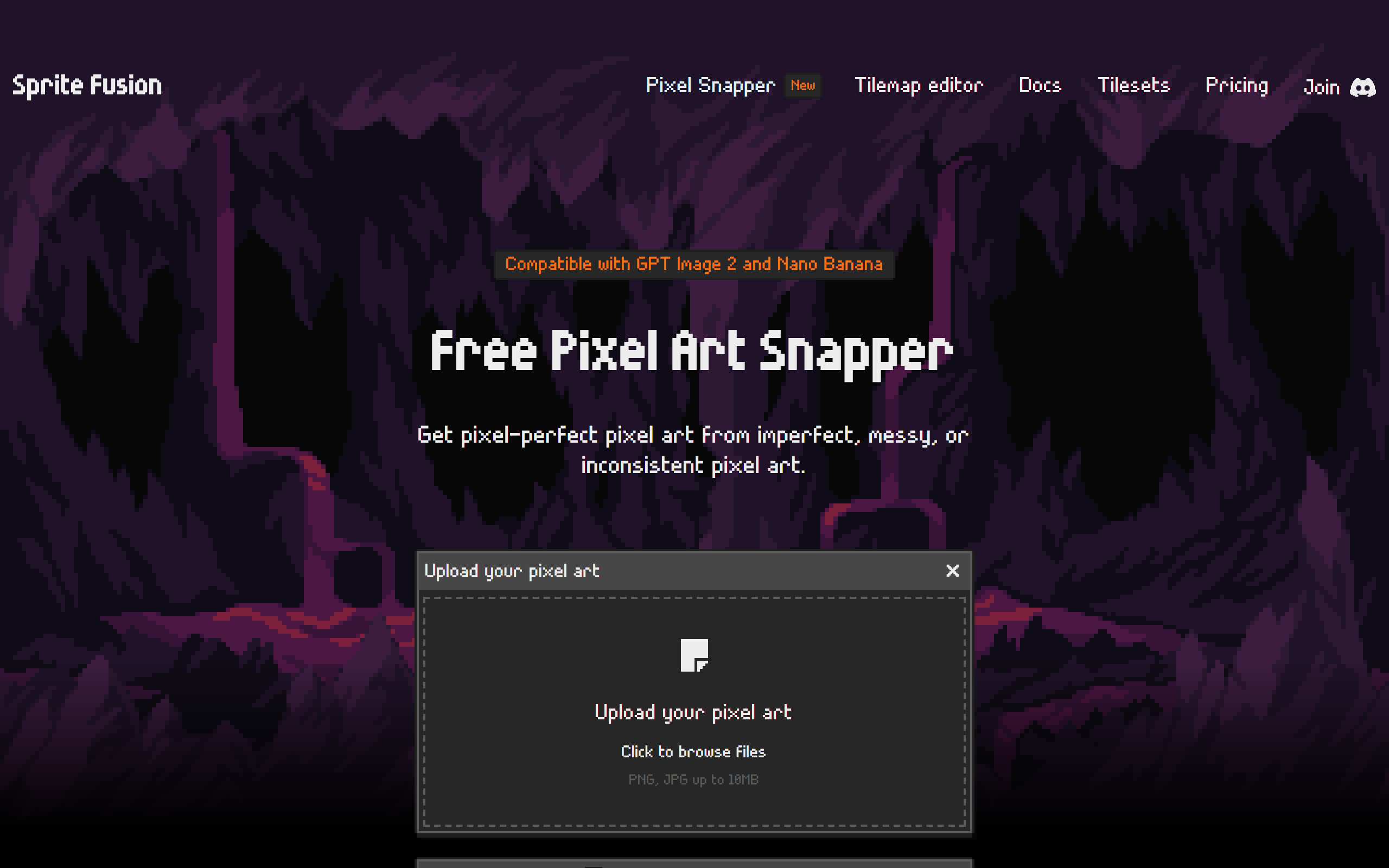
Free tool from Sprite Fusion that snaps messy, blurry or inconsistent pixel art onto a clean pixel grid.
- Freemium
- Web, Windows, macOS, Linux
- Image Generation
- Free plan available
- No credit card
What is Pixel Snapper?
Key features
Automatic grid snapping
Detects misaligned pixels and corrects them onto a consistent pixel grid.
Detail preservation
Keeps fine elements such as dithering and curves intact while cleaning up the image.
AI art clean-up
Designed to tidy pixel art from generators including Nano Banana and GPT Image 2.
Browser-based web edition
Runs directly in the browser with no account or installation required.
Upload support
Accepts PNG and JPG files up to 10MB with up to 16 colours.
Open source
Source code is published on GitHub for both the web and desktop editions.
Desktop batch processing
The desktop edition adds offline use and fast batch processing across many files.
Pros & cons
Advantages
- The web edition is free for both hobby and commercial projects with no sign-up needed.
- It targets a specific, common problem of cleaning up AI-generated and inconsistent pixel art.
- The code is open source, so users can inspect and self-host it.
- The one-off desktop edition is inexpensive and includes lifetime updates with no subscription.
- It fits into game development workflows alongside engines like Unity, Godot and Phaser.
Limitations
- The makers state it is not a magic fix and some images will still need manual touch-ups in tools such as Aseprite.
- Uploads are capped at 10MB and 16 colours, which limits more detailed or higher-colour images.
- Offline use and batch processing require paying for the desktop edition.
- There is no live chat or formal support channel beyond a Discord community.
Use cases
Game developers cleaning up tile and sprite art before importing it into an engine.
Pixel artists fixing misaligned or blurry pixels in scaled or imported images.
Creators tidying pixel art generated by AI tools such as Nano Banana or GPT Image 2.
Hobbyists who want a free, no-account browser tool to snap art to a clean grid.
Studios needing to batch-process many sprite files offline using the desktop edition.
Indie teams preparing 2D assets for engines like Unity, Godot, Phaser or Love2D.
Ready to try Pixel Snapper?
Pricing
Web Edition
Free
Runs in the browser, no account required, usable for hobby and commercial projects, open-source code on GitHub.
Desktop (Collector) Edition
7.99 one-time (reduced from 9.99, limited time)
Offline use, ultra-fast batch processing, one-time purchase with free lifetime updates, open-source code, for Mac, Linux and Windows.
Get started with Pixel Snapper
Click through to Pixel Snapper and start using it now.
- Free plan available
- No credit card