
Pixelbin
AI media studio to generate and edit images and video — headshots, background removal, upscaling, object removal, and batch editing.
- Freemium
- Web, API/SDK, iOS, Android, Photoshop plugin, Figma plugin
- AI Tools for Headshots
- Free plan available
- No credit card
What is Pixelbin?
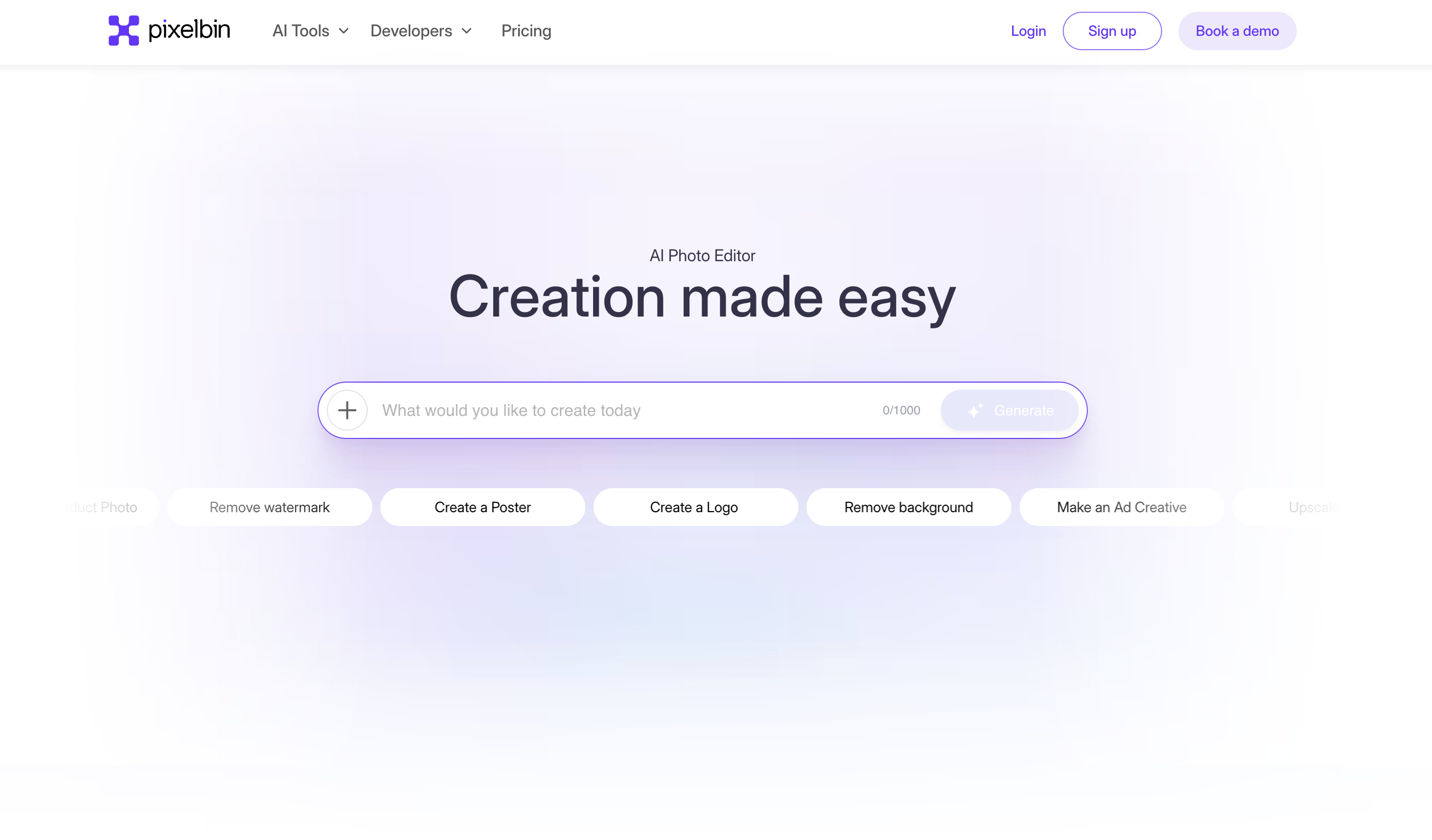
Pixelbin is a browser-based AI studio for creating and editing visual content from text prompts or uploaded images. It bundles image and video generation with editing tools including an AI headshot generator, background removal, image upscaling (up to 4x), object and watermark removal, photo restoration, and a batch editor for up to 50 images at once. It is self-serve (free credits on signup with paid credit plans) and also exposes APIs/SDKs and plugins for developers and teams. Target users include content creators, e-commerce sellers, and marketing teams.
Key features
AI headshot generator
Text-to-image AI generation
Text/image-to-video generation
Background removal and generation
Image upscaling up to 4x, object and watermark removal
Batch editor for up to 50 images plus API/SDKs and Photoshop/Figma plugins
Pros & cons
Advantages
- Free credits on signup with a wide toolset in one studio
- Covers both generation and practical editing (headshots, upscaling, background/object removal)
- Developer-friendly: REST API and SDKs (JS, Python, Go, PHP, etc.) plus Photoshop/Figma integrations
Limitations
- Credit-based pricing can get expensive fast for heavy image/video generation
- Headshots are one feature within a broad suite rather than a dedicated headshot specialist
- Free tier is limited to 10 credits
- Some deep-linked tool pages (e.g. /ai-headshot-generator) currently return 404
Use cases
Generating professional AI headshots and avatars
E-commerce and product photography enhancement
Real estate and automotive listing image editing
Social media and marketing visual content creation
Ready to try Pixelbin?
Get started with Pixelbin
Click through to Pixelbin and start using it now.
- Free plan available
- No credit card