
Pixlr
release creativity with AI-enhanced photo editing and design, anywhere, free.
- Always free
- No credit card
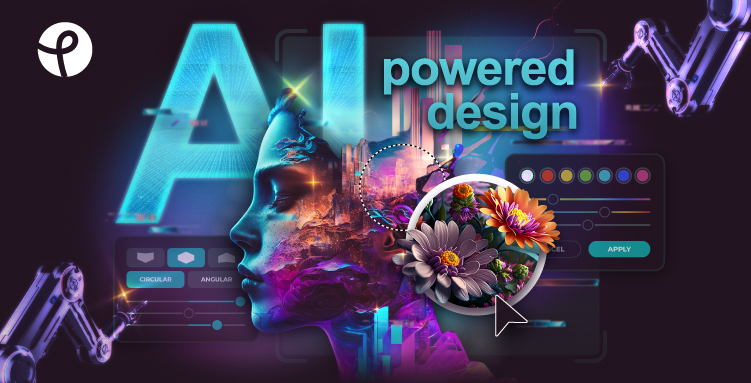
What is Pixlr?
Key features
AI photo enhancement
automatically improve lighting, colour, and sharpness
Generative fill and removal
use AI to add or remove elements from images
Template library
pre-designed layouts for social media posts, posters, and other formats
Layer-based editing
work with multiple layers for non-destructive edits
Batch processing
edit multiple images at once
Cloud storage integration
save and access your work across devices
Pros & cons
Advantages
- Free to use with no account required for basic editing
- No software installation needed; works entirely in your web browser
- AI tools handle common editing tasks quickly, saving time on routine adjustments
- Suitable for social media graphics, quick photo fixes, and simple design work
Limitations
- AI features may have usage limits or watermarks on the free tier
- Advanced design capabilities are more limited than desktop software like Photoshop
- Offline access is not available; you need an internet connection to use it
Use cases
Social media managers creating and editing posts quickly
Small business owners making promotional graphics without design skills
Students and hobbyists touching up photos before sharing online
Content creators removing unwanted objects from photos or enhancing lighting
People needing quick edits while travelling or away from their main computer
Ready to try Pixlr?
Pricing
Get started with Pixlr
Click through to Pixlr and start using it now.
- Always free
- No credit card