
PixMaker AI
AI-driven tool transforms design with smooth image editing.
- Free plan available
- No credit card
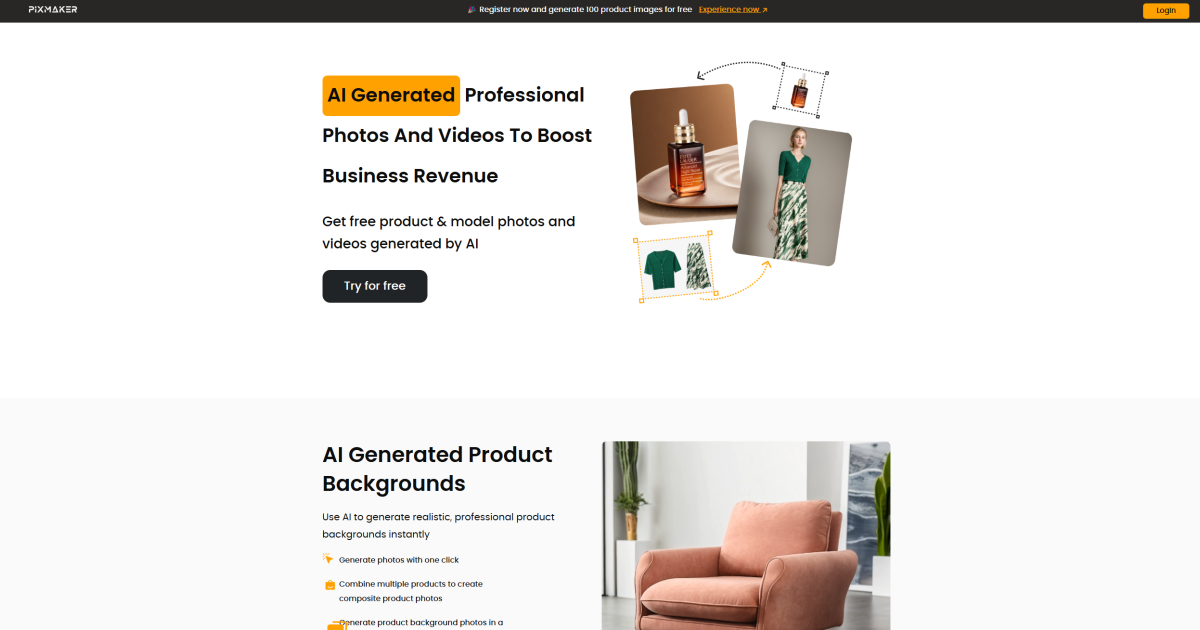
What is PixMaker AI?
Key features
AI-powered image editing
automated adjustments and enhancements using machine learning algorithms
Background removal
quickly isolate subjects from their backgrounds
Object removal
delete unwanted elements from images
Image upscaling
increase resolution whilst maintaining quality
Template library
pre-made designs for common content types
Batch processing
edit multiple images at once
Pros & cons
Advantages
- Free tier lets you test the tool without commitment
- Quick turnaround on edits; AI handles time-consuming tasks
- Intuitive interface suitable for users without design training
- No software installation required; works in a web browser
Limitations
- Free tier likely includes watermarks or limited exports
- AI-generated results may require manual refinement for professional use
- Limited information about advanced customisation options for experienced designers
Use cases
Social media managers creating multiple posts quickly
Small business owners editing product photos for online shops
Content creators removing backgrounds from photos for thumbnails
Marketing teams preparing graphics without hiring designers
E-commerce sellers batch-processing product catalogue images
Ready to try PixMaker AI?
Pricing
Get started with PixMaker AI
Click through to PixMaker AI and start using it now.
- Free plan available
- No credit card