
Plain Markdown
Convert any webpage into clean Markdown
- Freemium
- Web
- Developer ToolsCodeProductivity
- Free plan available
- No credit card
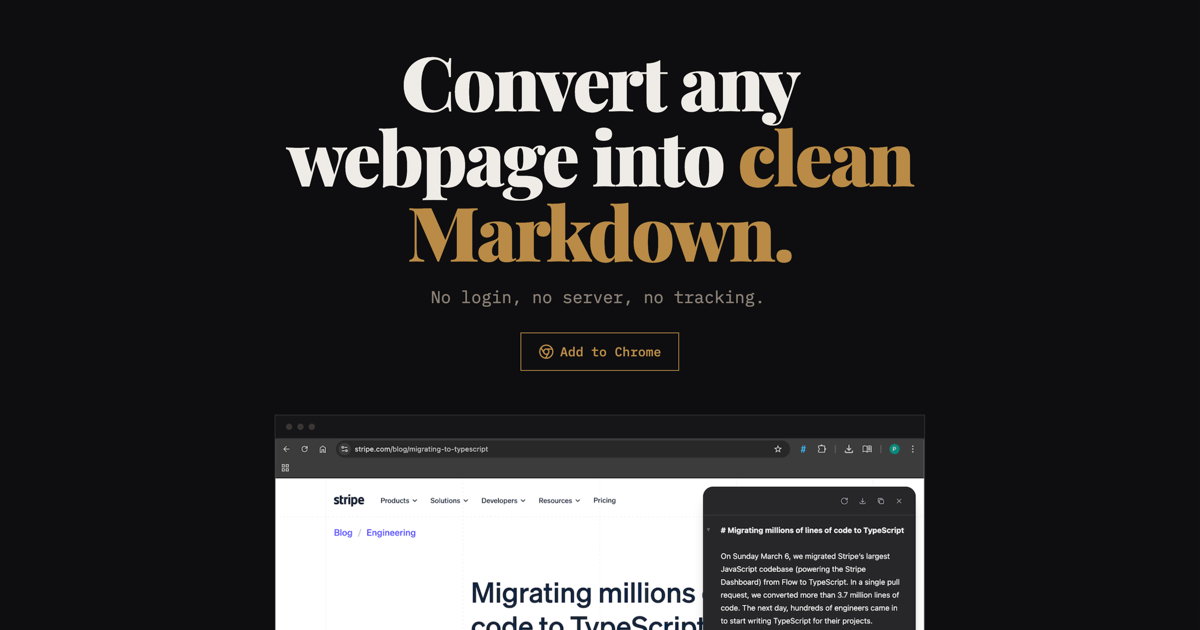
What is Plain Markdown?
Key features
Webpage to Markdown conversion
transforms any URL into clean Markdown format
Content extraction
removes ads, navigation elements, and other page clutter
Formatting preservation
maintains headings, lists, links, and basic text structure
Freemium model
basic conversions available at no cost with premium options
Easy sharing
converts and exports Markdown files for use in other tools
Pros & cons
Advantages
- Saves time when you need web content in Markdown format for documentation or notes
- Removes distracting elements automatically so you get just the content you need
- Works with any public webpage via URL input
- Free tier makes it accessible for occasional use without payment
Limitations
- Conversion quality may vary depending on page structure and complexity
- May require manual editing for pages with unusual layouts or formatting
- Limited information available about feature limitations between free and paid tiers
Use cases
Converting blog posts into Markdown for personal knowledge bases or wikis
Extracting research content for documentation projects
Saving web articles in a portable format for offline reading
Creating Markdown versions of web content for version control or collaboration
Preparing web content for publishing in static site generators
Ready to try Plain Markdown?
Pricing
Get started with Plain Markdown
Click through to Plain Markdown and start using it now.
- Free plan available
- No credit card