
PlanGrid
Streamline project planning, access blueprints, automate version control and reporting.
- Freemium
- Web, iOS, Android
- AI Tools for ConstructionOther
- Free plan available
- No credit card
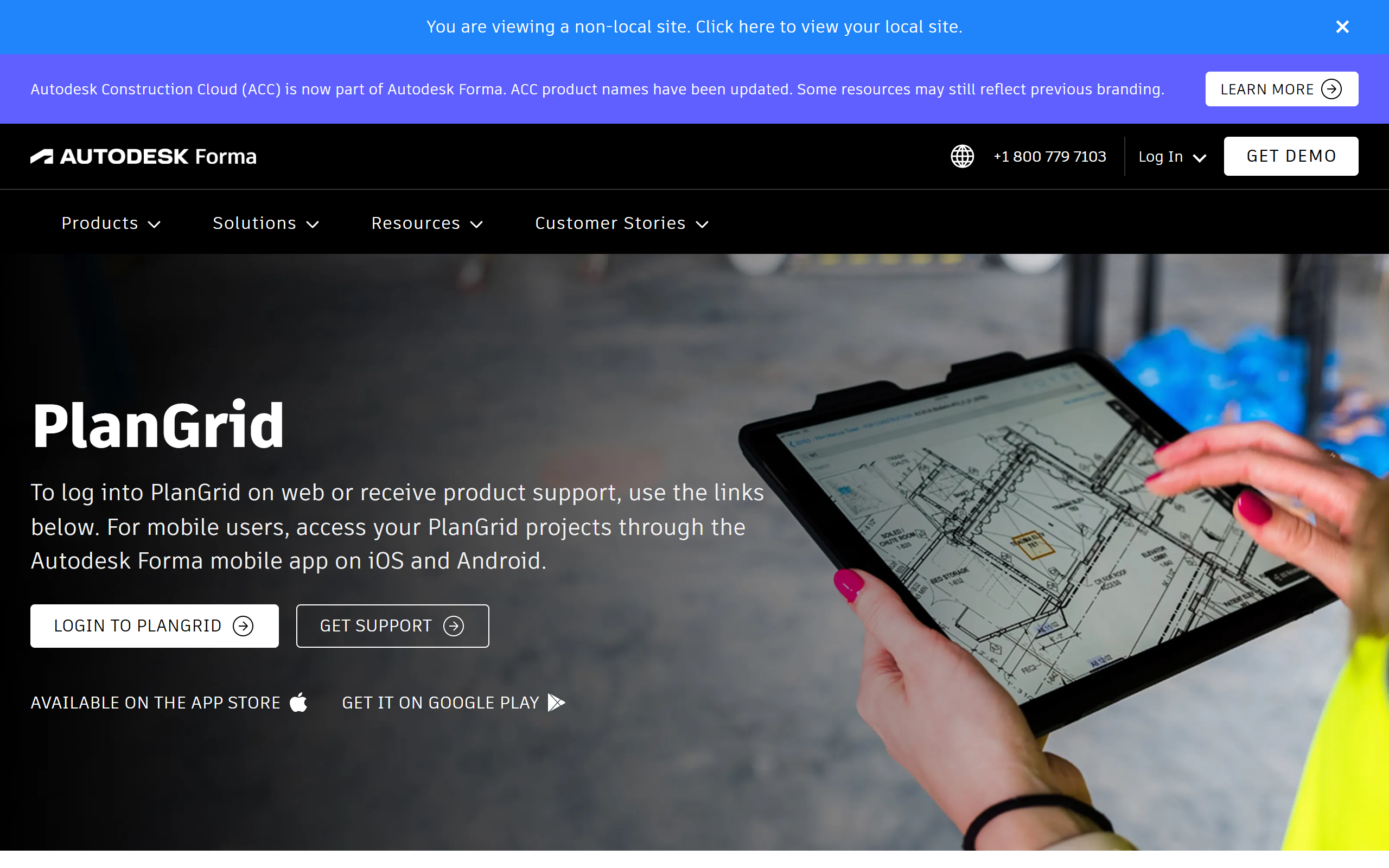
What is PlanGrid?
Key features
Blueprint and document management
Upload, organise, and share project plans and specifications
Real-time collaboration
Mark up documents, add notes, and communicate changes within the platform
Version control
Automatically track document revisions and prevent use of outdated plans
Daily reports
Generate site progress reports with photos, observations, and team notes
Mobile access
View and edit project information from site using tablets or smartphones
Offline capability
Download documents to access on job sites without internet connection
Permission controls
Manage who can view, edit, or upload different project documents
Pros & cons
Advantages
- Reduces miscommunication by ensuring teams work from current plans and documents
- Mobile access helps field teams stay organised without carrying physical plans
- Automated version control prevents confusion from multiple plan revisions
- Daily reporting feature captures site activity in one place with minimal extra effort
- Freemium model allows small teams or individual projects to start without cost
Limitations
- Mobile app features are more limited than the web version for detailed markup work
- Learning curve for teams unfamiliar with cloud-based project collaboration
- Free tier has restrictions on document storage and team size
- Requires reliable internet connection for full functionality
- Vendor lock-in risk as part of Autodesk's ecosystem
Use cases
Coordinating between office planners and site workers on active construction projects
Managing document revisions for large projects with multiple plan updates
Generating daily progress reports for project stakeholders and compliance documentation
Subcontractors accessing current project specifications without relying on general contractors for updates
Tracking site conditions and changes through photo documentation and written observations
Ready to try PlanGrid?
Pricing
Pro
Contact sales
Full mobile access, unlimited projects, advanced reporting, team collaboration features
Enterprise
Contact sales
Custom integrations, dedicated support, advanced security controls, organisation-wide management
Get started with PlanGrid
Click through to PlanGrid and start using it now.
- Free plan available
- No credit card