
Plus AI
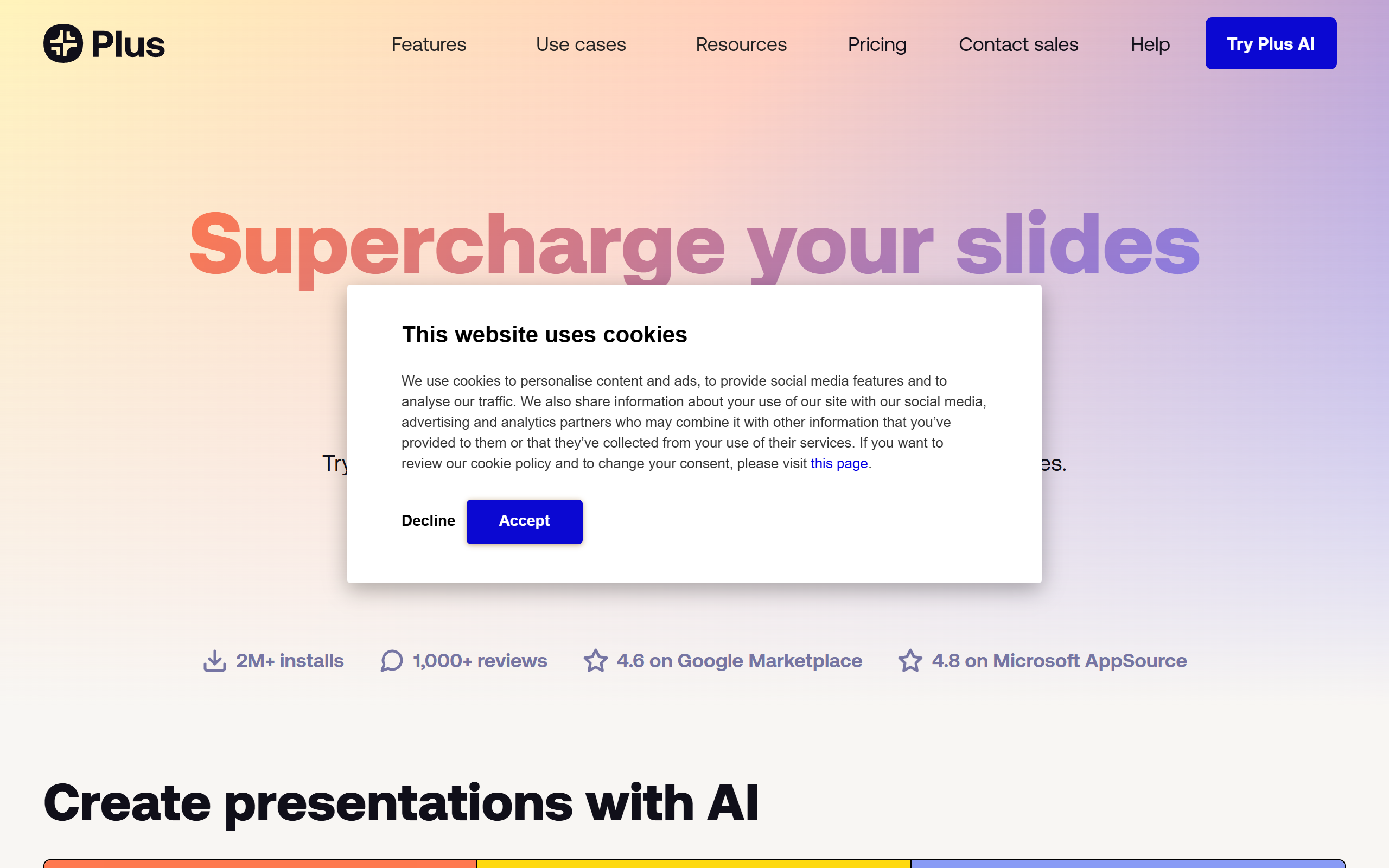
AI presentation maker that generates and edits slides inside Google Slides and PowerPoint.
- Freemium
- Google Slides, PowerPoint, Web, Google Docs
- Data & AnalyticsDesignCode
- Free plan available
- No credit card
What is Plus AI?
Key features
Prompt-to-presentation
Generate a full deck from a few sentences describing the topic
Document conversion
Turn PDFs, Word, PowerPoint or text files into slides
AI slide editing
Rewrite, remix and reformat individual slides with new layouts
AI-generated assets
Insert AI images, icons and charts directly into slides
Custom branding
Apply your own logo, colours, fonts and templates
Multi-language support
Read, write and translate slides in many languages
Presets and instructions
Save reusable prompts, context and shared team presets
Pros & cons
Advantages
- Works natively inside Google Slides and PowerPoint rather than as a separate editor
- Output stays as fully editable native slides, not flat images
- Converts existing documents into presentations to save manual rebuilding
- Custom branding keeps decks on-brand with company colours and fonts
- Seven-day free trial with 1,000 AI credits to test paid features
- Reasonable entry price compared with standalone AI deck makers
Limitations
- Credit-based limits on lower tiers can run out for heavy users
- Best results still need manual review and editing of generated slides
- Unlimited credits only on the costly Max or Enterprise tiers
- Design depth is more limited than dedicated presentation design software
Use cases
Consultants and agencies producing client decks quickly
Sales teams turning proposals and documents into pitch presentations
Founders building investor and pitch decks from a brief
Marketers and teams keeping presentations on-brand at scale
Educators and trainers creating lesson and course slides
Anyone converting a PDF or report into a shareable presentation
Ready to try Plus AI?
Pricing
Basic
10 per month (annual) / 15 per month (monthly)
1,500 AI credits a month, AI presentations in Google Slides and PowerPoint, single slide insertion, remix and rewrite
Pro
20 per month (annual) / 25 per month (monthly)
3,000 AI credits a month, everything in Basic plus document uploads, 100K+ character prompts, AI image generation, unlimited team members
Team
30 per month (annual) / 40 per month (monthly)
6,000 AI credits a month, everything in Pro plus custom branding, advanced AI image models and custom instruction presets
Max
200 per month (annual) / 240 per month (monthly)
Unlimited AI credits, everything in Team, priority email support, unlimited team members
Enterprise
Contact for pricing
Custom templates, asset libraries, SSO and white-glove onboarding for presentations at scale
Get started with Plus AI
Click through to Plus AI and start using it now.
- Free plan available
- No credit card