
PortSwigger AI
Burp Suite with AI-powered web vulnerability scanning and automated security testing for web applications. Pricing: Freemium (Burp Community free; Professional from $449/year; Enterprise from $3,999/y
- Freemium
- Windows, macOS, Linux, API, Browser extension
- Data & AnalyticsWritingDesign
- Free plan available
- No credit card
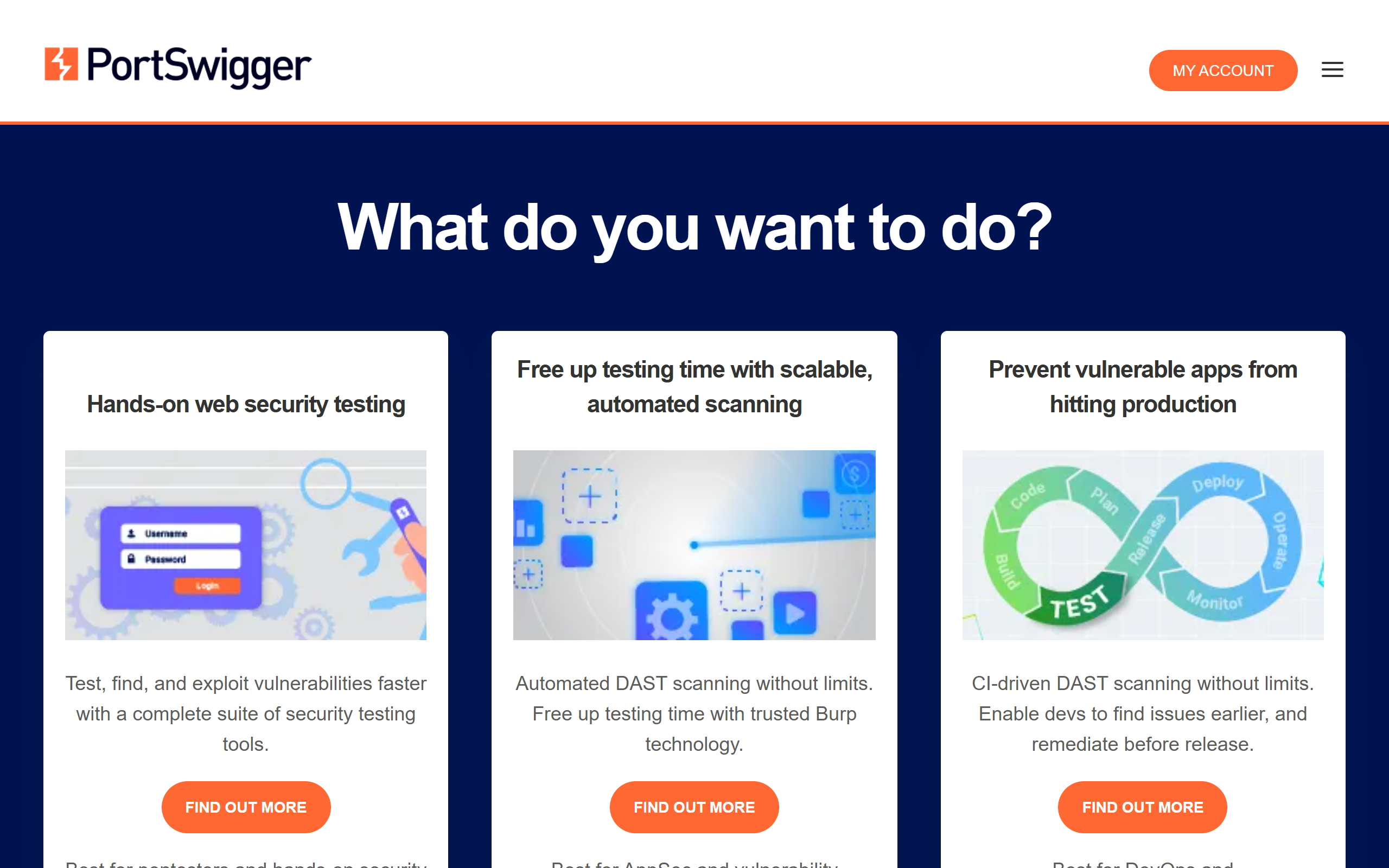
What is PortSwigger AI?
Key features
Traffic interception and inspection
capture and analyse HTTP/HTTPS requests and responses
Automated vulnerability scanning
AI-assisted detection of common web security flaws
Manual testing tools
proxy, repeater, intruder, and decoder for hands-on security work
Crawling and site mapping
discover application structure and hidden endpoints
Reporting and remediation guidance
generate findings reports with fix recommendations
Integration with development pipelines
API access for automated security testing in CI/CD workflows
Pros & cons
Advantages
- Free tier (Community edition) is genuinely useful for learning and small-scale testing
- Industry standard with extensive documentation and a large community for support
- AI scanning reduces time spent on routine vulnerability discovery
- Flexible pricing that scales from freelancers to large enterprises
Limitations
- Steep learning curve for beginners; the tool has many features and options
- Professional and Enterprise tiers are costly for individual developers or small teams
- Requires local installation and setup; not a cloud-first solution
Use cases
Penetration testers conducting security assessments of web applications
Development teams scanning applications before release to catch vulnerabilities early
Security audits and compliance testing for regulated industries
Bug bounty hunters identifying security flaws in third-party applications
CI/CD pipeline integration for continuous automated security testing
Ready to try PortSwigger AI?
Pricing
Community
Free
Basic manual testing tools, limited scanning, single-user; no automation or scheduling
Professional
$449/year
Full vulnerability scanning, scheduled scans, automated testing, API access, advanced reporting
Enterprise
$3,999/year
Team collaboration, centralised management, advanced configuration, priority support, custom licensing
Get started with PortSwigger AI
Click through to PortSwigger AI and start using it now.
- Free plan available
- No credit card