
presentations AI
Create stunning, accessible presentations with a drag-and-drop interface, professional templates, and animations.
- Free plan available
- No credit card
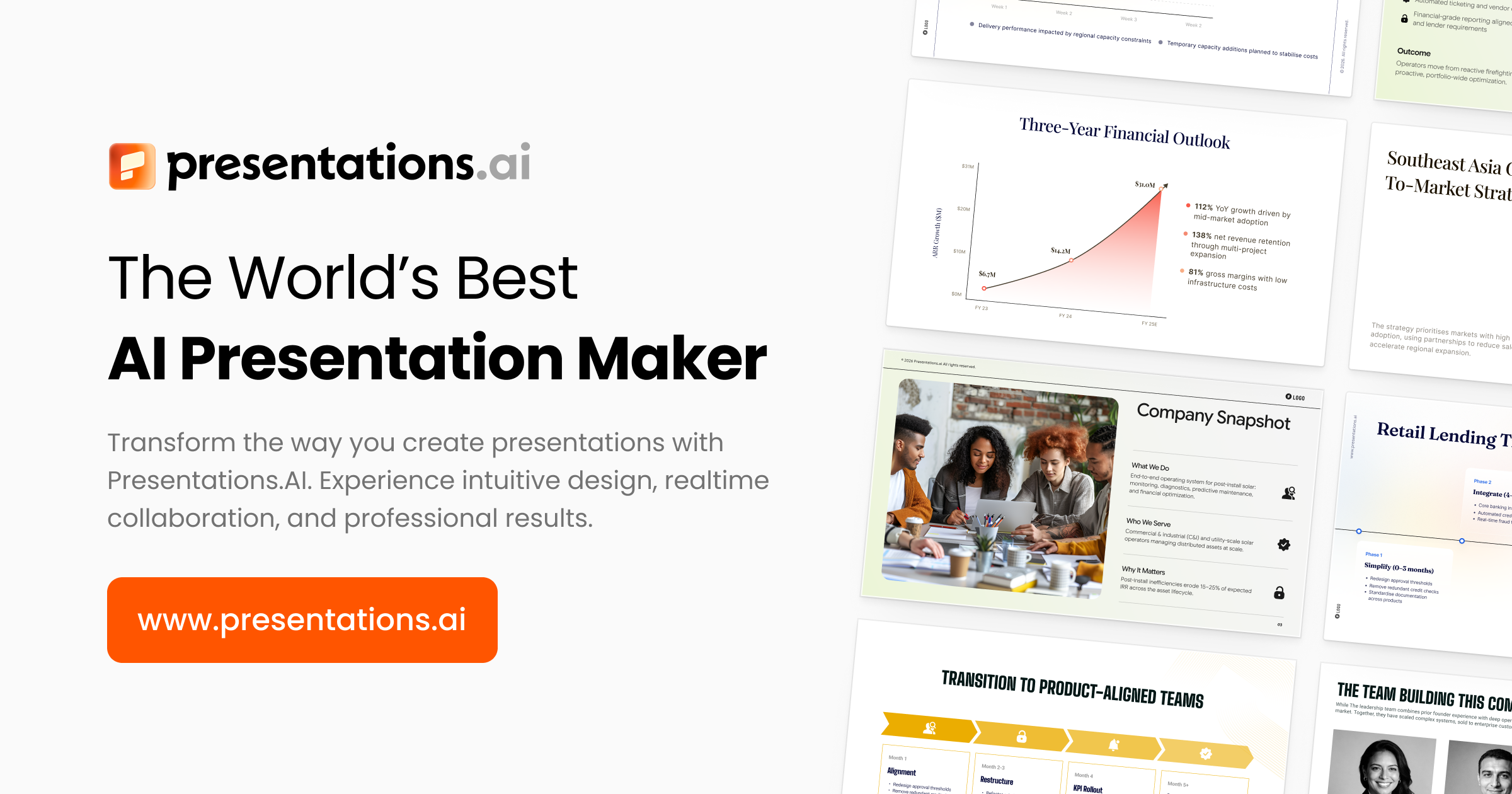
What is presentations AI?
Key features
Drag-and-drop editor
Move elements around slides without needing technical skills
Professional templates
Pre-designed layouts for business, education, and pitch presentations
Built-in animations
Add transitions and movement effects to slides
Accessibility features
Tools designed to make presentations usable for all viewers
Cloud storage
Access presentations from any device with your account
Pros & cons
Advantages
- Free tier available to test the tool before paying
- No design experience needed thanks to templates and simple interface
- Animations built in rather than requiring additional software
- Works in your browser; no software installation required
Limitations
- Free tier likely has limits on storage, template access, or export options
- Fewer advanced design customisation options compared to desktop tools like Adobe InDesign
- Dependency on internet connection for editing and saving
Use cases
Creating business pitches and investor presentations
Preparing lectures or educational content for students
Designing marketing or product announcements
Making team reports and quarterly reviews
Building event or conference presentations
Ready to try presentations AI?
Pricing
Get started with presentations AI
Click through to presentations AI and start using it now.
- Free plan available
- No credit card