
Prezi
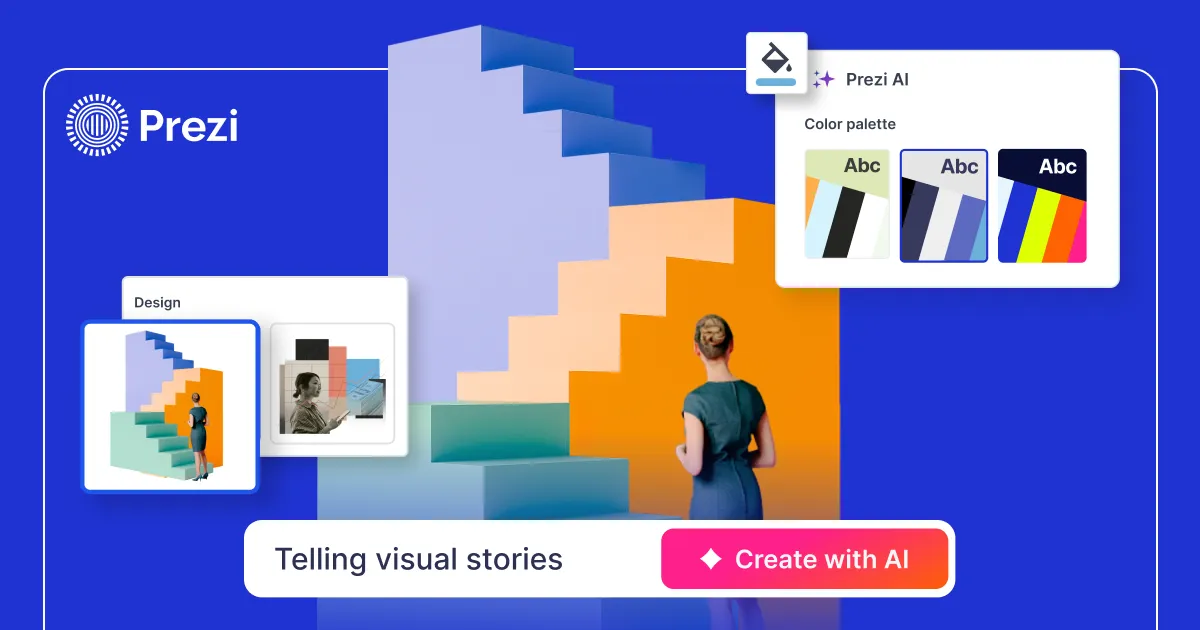
AI-powered presentation software for non-linear, conversational decks. Prezi AI generates slides from prompts. Free + paid tiers from $7/mo.
- Freemium
- Web, macOS, Windows, iOS, Android
- VideoImage GenerationCode
- Free plan available
- No credit card
What is Prezi?
Key features
Non-linear zoomable canvas for presentations instead of slide-by-slide layouts
AI generates presentation outlines and full slide decks from text prompts
Prezi Video embeds live video of the presenter within the presentation
AI image generation tools built into the editor for on-brand visuals
Library of professionally designed templates curated by Prezi's design team
Export to PDF and PowerPoint formats for wider compatibility
Cross-platform support
web, macOS, Windows, iOS, and Android viewers
Offline editing available on desktop applications
Collaboration features on higher-tier plans
Pros & cons
Advantages
- Non-linear format typically holds audience attention better than linear slide presentations
- AI can draft an entire presentation in minutes rather than hours
- Prezi Video adds personal connection by keeping the presenter visible
- Free tier is substantial; paid plans start at $7/mo
- Zoomable canvas allows flexible, conversational navigation through content
- Good template selection and design assistance for non-designers
- Reliable export options to PowerPoint and PDF
Limitations
- Steeper learning curve than PowerPoint or Google Slides
- Not suited for presentations that need rigid, linear structure
- Some animations and effects do not translate when exporting to PowerPoint
- Web editor requires constant internet connection; desktop needed for offline work
- Non-linear format can confuse audiences unfamiliar with the style
- May be overengineered for simple, straightforward presentations
Use cases
Sales pitches and product demos where visual storytelling matters
Educational presentations and lectures with narrative flow
Conference talks and keynotes where engagement is critical
Marketing presentations for creative or innovative companies
Internal team briefings with complex visual relationships
Training sessions that benefit from visual exploration and zooming
Ready to try Prezi?
Pricing
Free
Free
Basic presentation creation, zoomable canvas, limited design templates, public sharing, no AI slide generation
Plus
$7/mo
AI-powered slide and outline generation, AI image tools, private presentations, Prezi Video, advanced templates
Premium
$14/mo
Everything in Plus, expanded video and storage limits, presentation analytics, priority support
Teams
Contact sales
Multi-user collaboration, brand consistency tools, advanced permissions, team analytics, dedicated support
Get started with Prezi
Click through to Prezi and start using it now.
- Free plan available
- No credit card