
Profit First App
- Free plan available
- No credit card
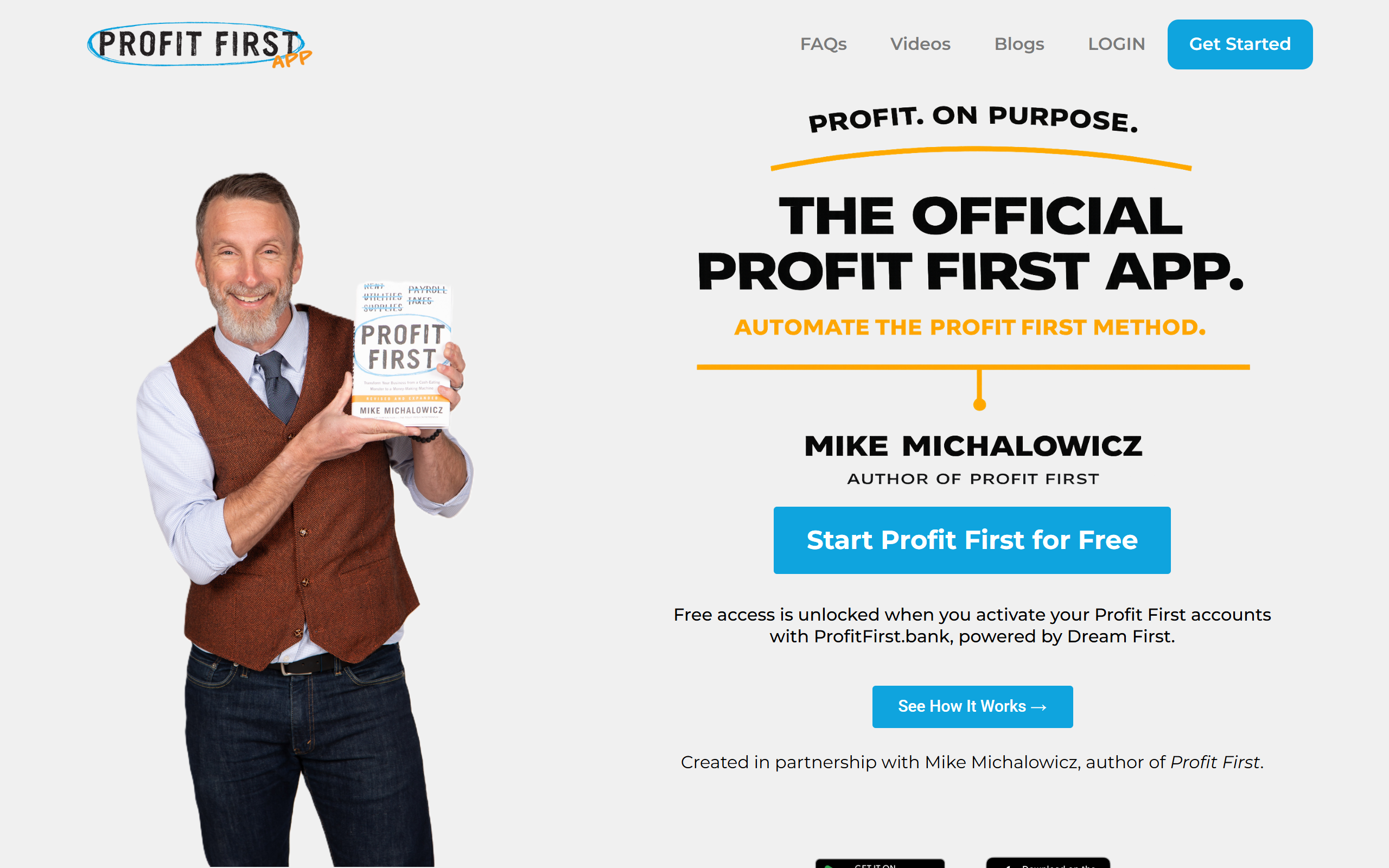
What is Profit First App?
Key features
Automated profit allocation
Automatically distributes income across accounts based on your Profit First percentages
Account management
Helps you set up and manage multiple accounts for different profit and expense categories
Income tracking
Monitors incoming revenue and calculates allocations in real time
Reporting dashboards
Provides visibility into profit, owner's compensation, operating expenses, and tax reserves
Bank integration
Connects to your bank accounts to pull transaction data automatically
Goal setting
Allows you to set and track profit targets for your business
Pros & cons
Advantages
- Removes manual calculation and spreadsheet management from the Profit First system
- Built by the creator of the Profit First methodology, ensuring alignment with the original system
- Freemium model lets you try the approach without upfront cost
- Provides clear visibility into profit as a separate business metric rather than a residual figure
Limitations
- Requires commitment to the Profit First philosophy and account structure; it's not a quick accounting fix
- Limited information available about free tier feature restrictions and upgrade requirements
- Integration options and compatibility with all bank types not fully documented
Use cases
Small business owners wanting to prioritise profit and owner compensation from the start
Freelancers and consultants managing variable income across multiple projects or clients
Business owners implementing the Profit First system without manual spreadsheet tracking
Entrepreneurs seeking clearer separation between operating expenses and profit reserves
Team leaders wanting to automate fund allocation across departments or cost centres
Ready to try Profit First App?
Pricing
Paid plans
Contact for pricing
Advanced features, priority support, and additional integrations (specific pricing not publicly listed)
Get started with Profit First App
Click through to Profit First App and start using it now.
- Free plan available
- No credit card