
Promo.com
AI tool for video creation.
- Free plan available
- No credit card
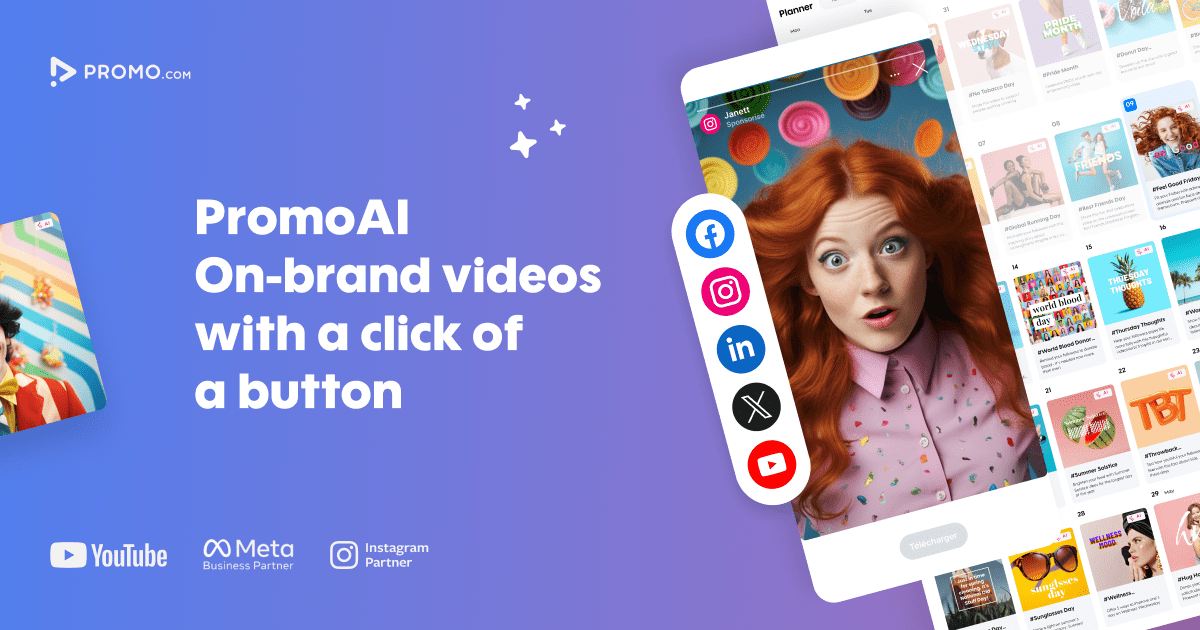
What is Promo.com?
Key features
AI-powered video editing
Automated editing suggestions and enhancements to speed up the video creation process
Template library
Professionally designed, customizable templates for various industries and video types
Stock media integration
Access to royalty-free music, images, and video clips
Brand kit management
Save brand colors, logos, and fonts for consistent video production across campaigns
Multi-platform optimization
Auto-resize and format videos for different social media platforms and ad networks
Collaboration tools
Share projects and gather feedback from team members
Pros & cons
Advantages
- Beginner-friendly interface requiring no prior video editing experience
- Fast video production workflow ideal for high-volume content needs
- Cost-effective alternative to hiring professional video editors
- Freemium model allows exploration before financial commitment
- Built-in brand consistency features for enterprise teams
Limitations
- Limited customization options compared to professional video editing software like Adobe Premiere Pro
- Output quality may not match videos created by professional editors for high-end productions
- Free tier likely has limitations on video length, resolution, or template access
Use cases
Creating social media marketing videos for platforms like Instagram, TikTok, and LinkedIn
Producing digital advertising content for Google Ads and Facebook Ads
Generating product demo and explainer videos for e-commerce sites
Building promotional content for email marketing campaigns
Producing employee testimonial and company culture videos
Ready to try Promo.com?
Pricing
Free
Free
Access to basic templates, stock media library, limited export options, and community support
Premium
Subscription required
Full template library, AI editing features, unlimited exports, higher video resolution, priority support, and advanced brand kit features
Get started with Promo.com
Click through to Promo.com and start using it now.
- Free plan available
- No credit card