prostir zvuku
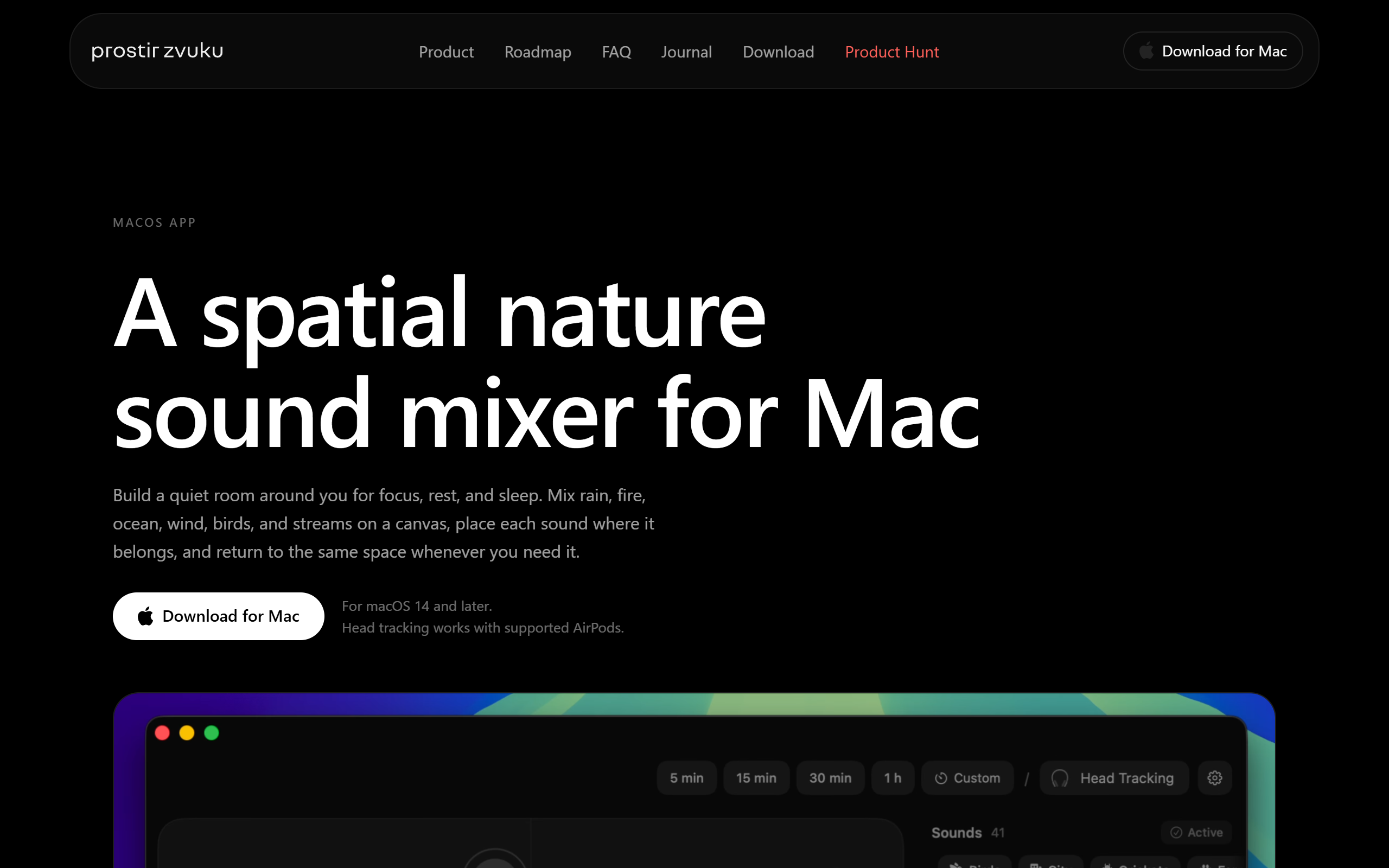
Spatial nature sound mixer for macOS that builds a quiet room around you for focus, rest and sleep.
- Freemium
- macOS
- Audio
- Free plan available
- No credit card
What is prostir zvuku?
Key features
Spatial sound canvas
Place individual nature sounds in a virtual 3D space and position each layer around you.
Nature sound library
Eleven categories including Birds, City, Crickets, Farm, Fire, Ice, Ocean, Rain, Stream, Thunder and Wind, bundled in the app.
Head tracking
Optional motion tracking with supported AirPods keeps the sound field fixed in space as you move your head.
Notch and menu bar controls
Adjust playback from the notch panel or menu bar without opening the full editor.
Sleep timer with fade-out
A timer gradually fades the soundscape out, with the five-minute cap removed in Lifetime Pro.
Saved rooms
Store and recall custom spatial setups in the Lifetime Pro version.
Offline operation
The full sound library is bundled, so everything works without an internet connection.
Pros & cons
Advantages
- Distributed through the Mac App Store with a free tier that includes the full sound library, spatial canvas and head tracking.
- Lifetime Pro is a one-time purchase with no subscription, so there are no recurring charges.
- No account, sign-up or login is required, and the app works fully offline.
- Head tracking with supported AirPods keeps the sound field stable as you move, which adds to the spatial effect.
- Minimal data collection, with saved rooms, preferences and motion data kept local to the device.
Limitations
- The app is macOS only, with no iPhone, iPad, Windows or Android version available.
- The free tier limits you to three simultaneous layers and a five-minute timer, and saved rooms are Pro only.
- You cannot import your own custom sounds, so you are limited to the bundled library.
- FaceTime currently pauses playback, and head tracking needs specific supported AirPods models.
Use cases
Knowledge workers and students building a focused ambient backdrop while working or studying on a Mac.
People who want a calming soundscape to relax or wind down in the evening.
Users who need help falling asleep using a fading sleep timer and layered nature sounds.
AirPods owners who want head-tracked spatial audio that stays fixed as they move around.
Remote workers adding ambient sound during Zoom or Google Meet calls.
Anyone wanting an offline, privacy-conscious sound mixer that needs no account.
Ready to try prostir zvuku?
Pricing
Free
Free
Full sound library, spatial canvas, head tracking with supported AirPods, up to 3 simultaneous layers, 5-minute timer, and notch or menu bar control.
Lifetime Pro
One-time purchase, regional App Store pricing
Adds unlimited layers, unlimited timer with no 5-minute cap, and saved rooms for deeper daily setups. No subscription.
Get started with prostir zvuku
Click through to prostir zvuku and start using it now.
- Free plan available
- No credit card