
Proto.io
Design and customize realistic web and mobile app prototypes with interactive elements, audio/video, and easy sharing.
- Free plan available
- No credit card
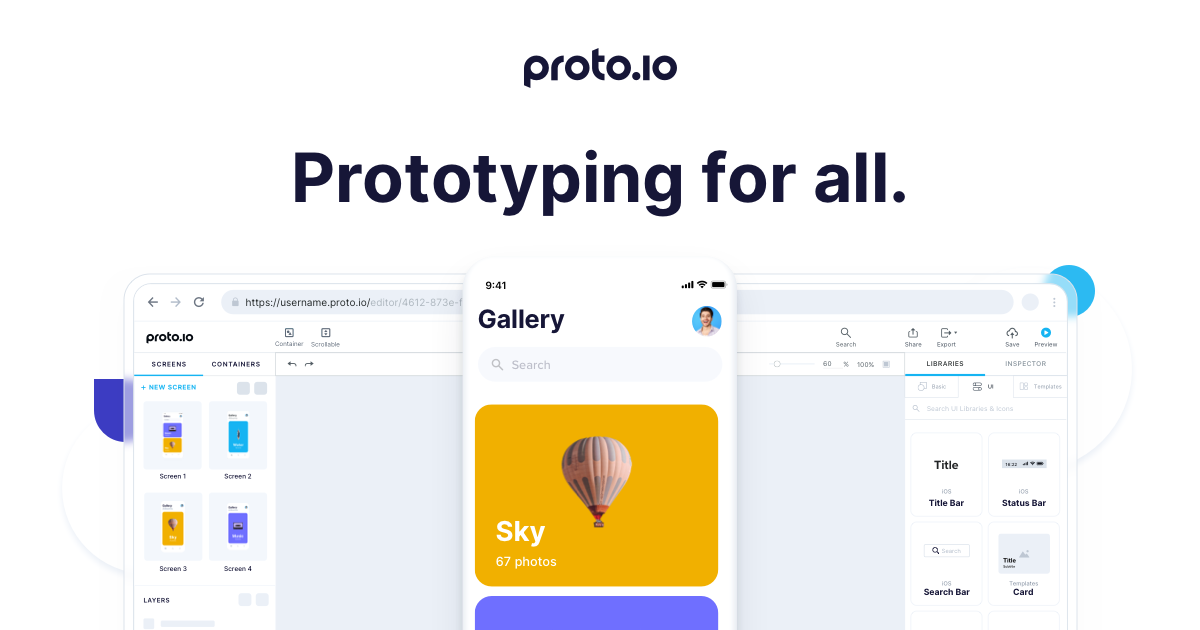
What is Proto.io?
Key features
Interactive prototyping
add clicks, swipes, gestures, and transitions to create working prototypes
Asset library
pre-built components and UI kits to speed up design work
Media support
embed videos, audio, and animations directly into prototypes
Sharing and collaboration
generate shareable links for feedback and testing without requiring recipients to have an account
Mobile and web templates
start with pre-sized frames for common devices and screen sizes
Animation and micro-interactions
add timing, easing, and layered animations to enhance realism
Pros & cons
Advantages
- No coding required; anyone can build functional prototypes
- Browser-based, so no software installation or OS restrictions
- Easy sharing via links makes gathering feedback straightforward
- Responsive design tools let you design for multiple screen sizes in one project
Limitations
- Limited to prototyping and interaction design; not suitable for final production code
- Performance may lag with very complex prototypes or large asset files
Use cases
Testing app flows with real users before building the actual product
Presenting design ideas to clients and stakeholders with working demonstrations
Designing and testing responsive web layouts across devices
Creating interactive portfolios or case studies for design work
Validating user journeys and identifying usability issues early
Ready to try Proto.io?
Pricing
Professional
Varies
Unlimited projects, advanced sharing options, team collaboration, and priority support
Enterprise
Custom
Bespoke solutions with dedicated support, SSO, and custom integrations
Get started with Proto.io
Click through to Proto.io and start using it now.
- Free plan available
- No credit card