
QR-Master
Professional and free QR Code generator
- Free
- Web
- Developer ToolsCodeBusiness
- Always free
- No credit card
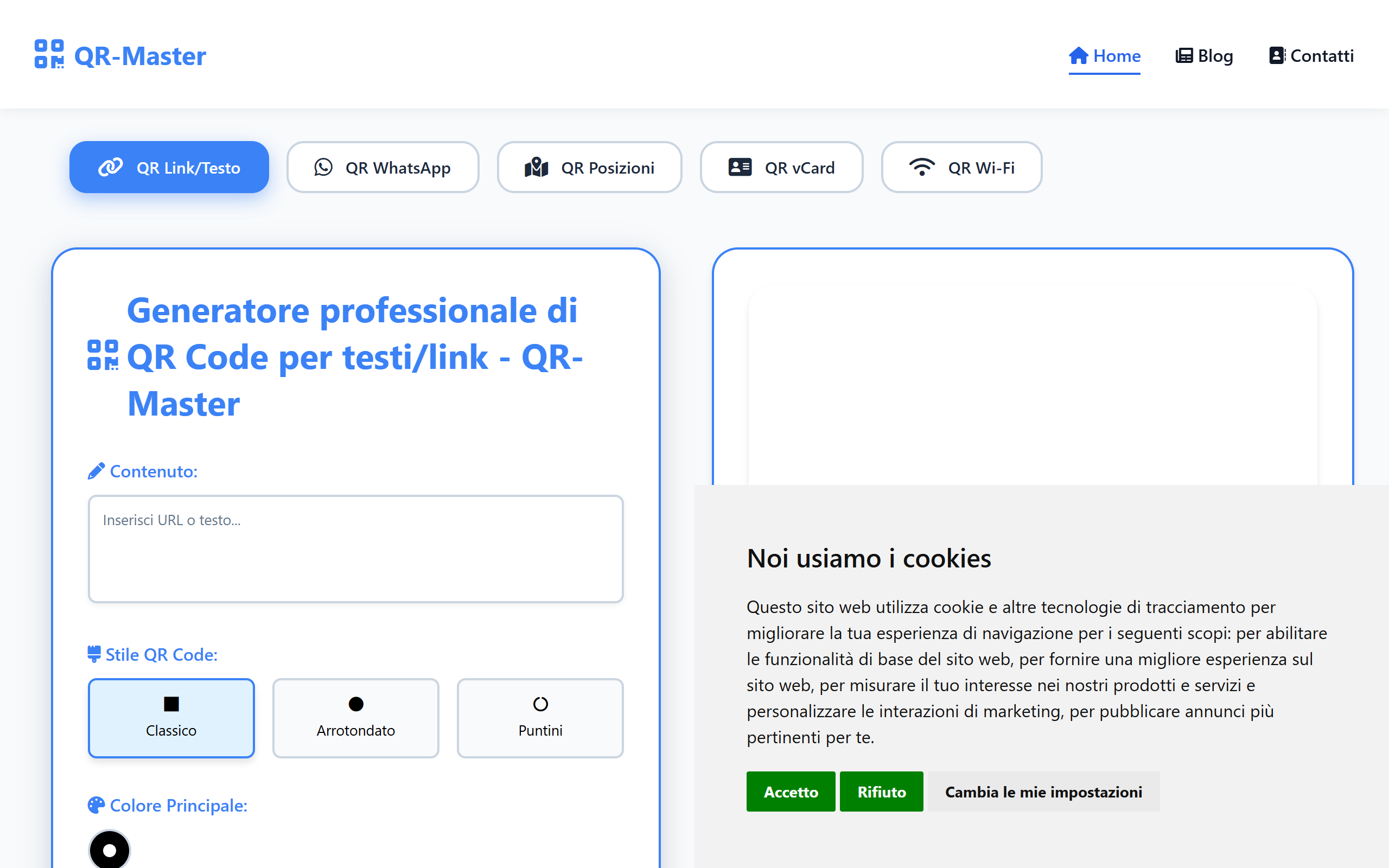
What is QR-Master?
Key features
QR code generation
create codes from URLs, plain text, contact information, email addresses, phone numbers, and Wi-Fi credentials
Customisation options
adjust size, colour scheme, and error correction level to match your needs
Instant download
export generated codes as PNG or other common image formats
No registration required
generate codes immediately without creating an account
Batch processing
create multiple QR codes in a single session
Pros & cons
Advantages
- Completely free with no hidden charges or watermarks
- No account creation needed; start generating codes straight away
- Works in any modern web browser without software installation
- Supports multiple data types including URLs, text, contact cards, and Wi-Fi networks
Limitations
- Limited customisation compared to premium alternatives; basic design options only
- No account means you cannot save or track QR codes you've created
- Offline functionality is not available; you need an internet connection
Use cases
Adding QR codes to printed marketing materials such as flyers, posters, and business cards
Creating codes for events to link attendees to registration pages or schedules
Embedding codes in documents or presentations to direct readers to online resources
Generating Wi-Fi connection codes for guests at a venue
Building QR codes for product packaging or labels
Ready to try QR-Master?
Pricing
Free
Free
Unlimited QR code generation, all data types supported, standard customisation options, instant downloads
Get started with QR-Master
Click through to QR-Master and start using it now.
- Always free
- No credit card