
QuiteGPT
makes GPT response shorter
- Free
- Chrome Extension
- DesignHR & Recruiting
- Always free
- No credit card
What is QuiteGPT?
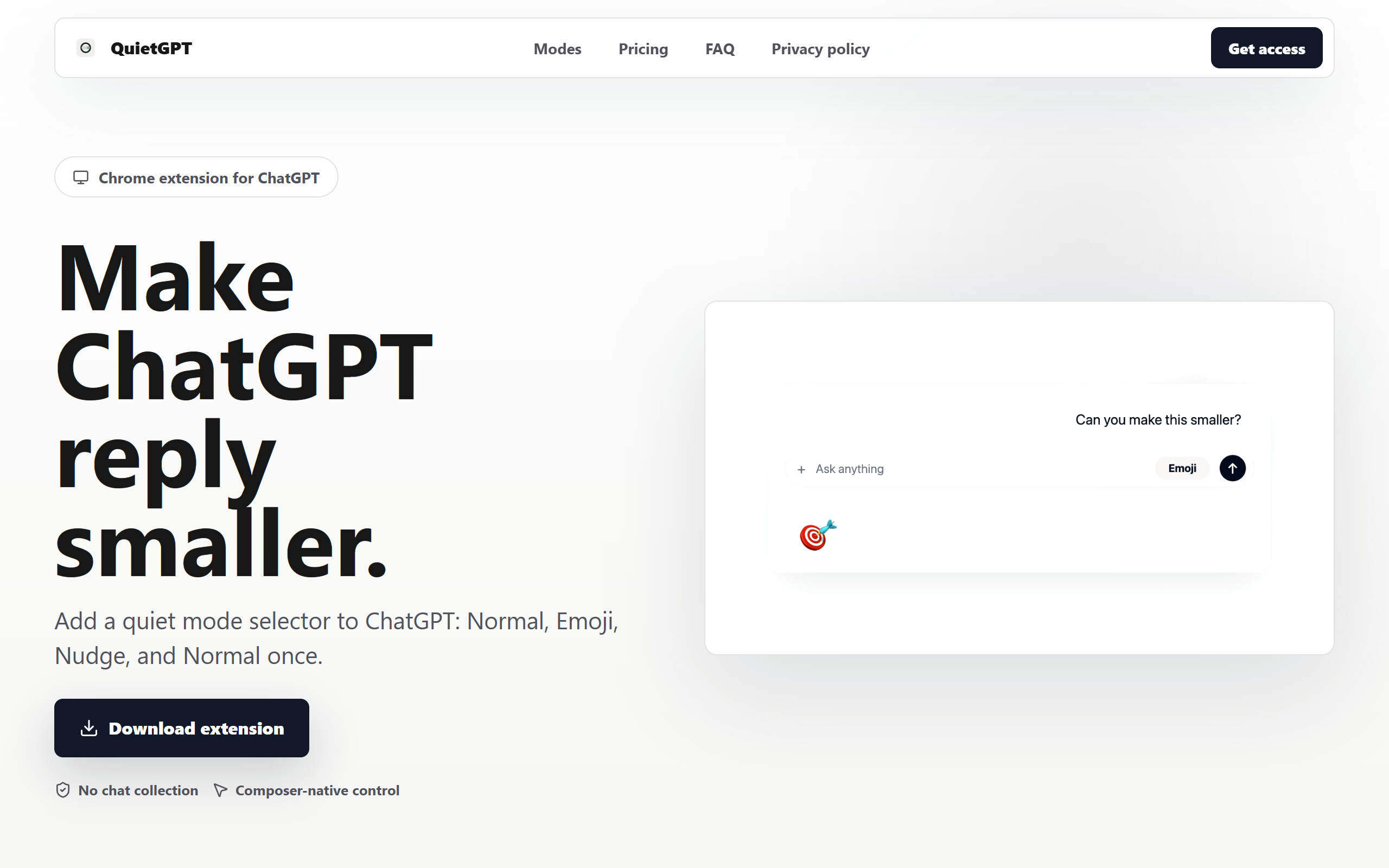
QuiteGPT is a Chrome extension designed to reduce ChatGPT response lengths, making interactions faster and more focused. The tool offers two distinct modes: Emoji Mode, which presents response summaries as emoji representations for rapid scanning, and Nudge Mode, which instructs ChatGPT to produce shorter, more direct answers.
These modes help users extract key information without wading through lengthy explanations. QuiteGPT is particularly useful for people who find ChatGPT's default responses verbose or unnecessary for their needs. Whether you're conducting quick research, looking for concise summaries, or simply prefer brief answers, the extension reduces cognitive load by condensing information into digestible formats.
The tool integrates directly into ChatGPT, so there's no need to switch between tabs or applications. Users can toggle between normal and condensed modes based on their immediate requirements, giving flexibility whilst maintaining simplicity.
Key features
Emoji Mode
converts response summaries into emoji representations for faster comprehension
Nudge Mode
instructs ChatGPT to provide shorter and more direct responses
One-click toggle
easily switch between normal and condensed response modes
Chrome extension integration
works directly within the ChatGPT interface
Pros & cons
Advantages
- Saves time by providing concise summaries instead of lengthy responses
- Easy to install and use as a browser extension
- Freemium model allows you to try the tool before committing to paid features
- Reduces information overload when working with ChatGPT
Limitations
- Chrome extension only; unavailable for Firefox, Safari, or other browsers
- May lose important context or detail when responses are heavily condensed
- Effectiveness depends on ChatGPT's compliance with brevity instructions
- Limited to ChatGPT; cannot modify responses from other AI models
Use cases
Getting quick summaries instead of detailed explanations
Scanning information rapidly during research or brainstorming sessions
Users who prefer emoji-based overviews or compressed formats
Speeding up workflow when making multiple ChatGPT queries
Ready to try QuiteGPT?
Pricing
Get started with QuiteGPT
Click through to QuiteGPT and start using it now.
- Always free
- No credit card