Raycast Pro
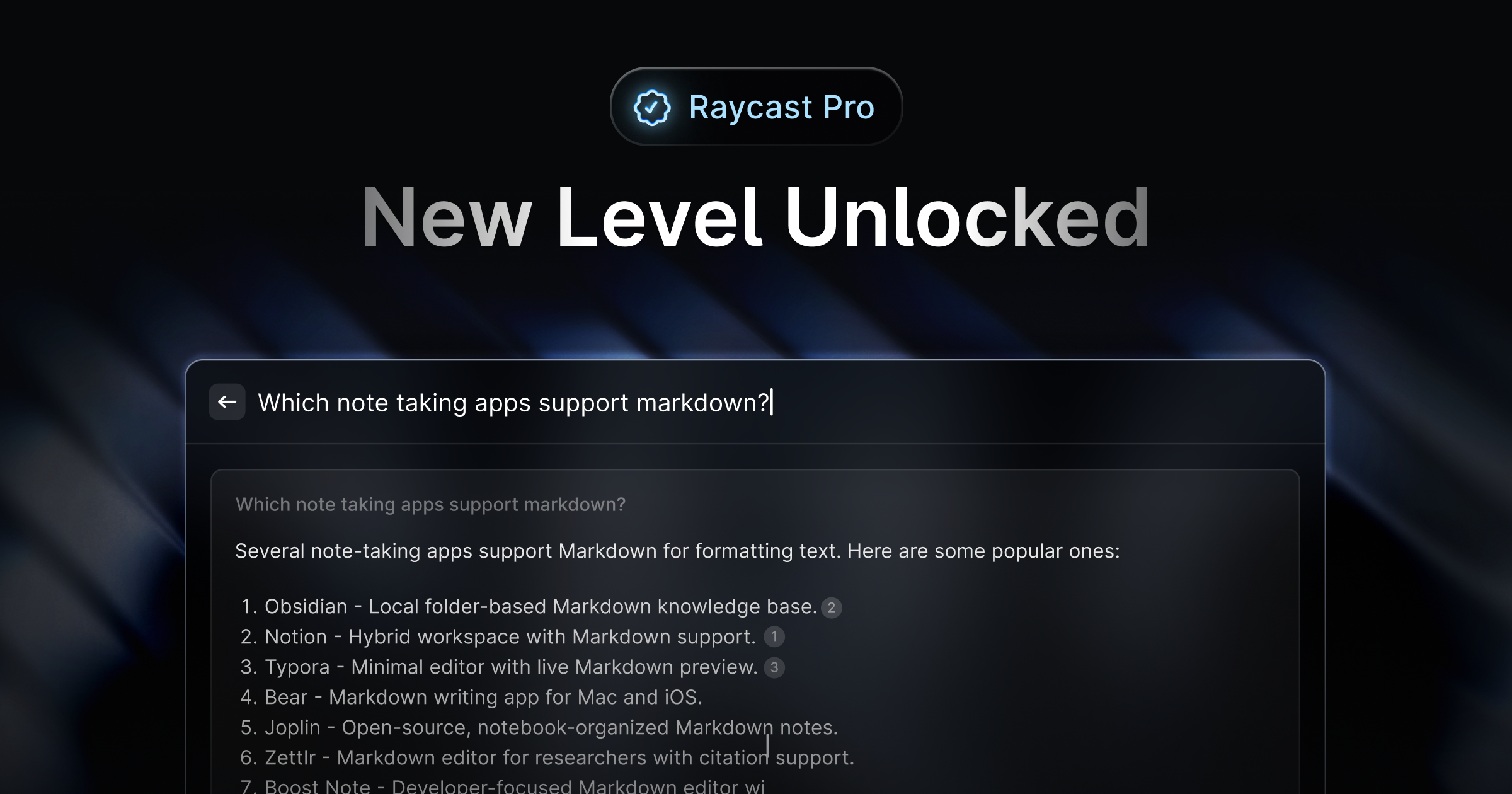
Raycast Pro is a premium version of the Raycast app designed to enhance productivity on macOS. This application transforms into a customizable launcher and a productivity layer that streamlines workfl
- Freemium
- macOS
- Developer ToolsCodeProductivity
- Free plan available
- No credit card
What is Raycast Pro?
Key features
AI assistant
Integrations with OpenAI and Google models for text generation, summarisation, and writing help
Custom launcher
Create personalised commands and shortcuts for applications, scripts, and workflows
Cloud sync
Synchronise settings and data across multiple Mac devices with Pro
Clipboard history
Access unlimited clipboard entries (Pro feature)
Extensions and integrations
Connect to third-party apps like Slack, GitHub, Linear, and others
Custom themes
Personalise the appearance of the launcher interface
Pros & cons
Advantages
- Keyboard-first design significantly speeds up common tasks
- Strong integrations with developer tools and platforms
- Pro features are reasonably priced relative to functionality
- Cloud sync works reliably across multiple devices
Limitations
- macOS only; not available for Windows or Linux
- AI features require separate subscriptions to OpenAI or Google services
- Learning curve for building custom commands and extensions
Use cases
Quick search and launch applications without touching the mouse
Automating repetitive development tasks with custom scripts
Writing assistance and content generation with integrated AI
Managing clipboard history across your workday
Creating team-wide commands for shared workflows
Ready to try Raycast Pro?
Pricing
Get started with Raycast Pro
Click through to Raycast Pro and start using it now.
- Free plan available
- No credit card