Reaper
Record, edit, and mix audio with powerful tools, precision plugins, and customizable workflow.
- Freemium
- Windows, macOS, Linux
- Developer ToolsProductivityAudio
- Free plan available
- No credit card
What is Reaper?
Key features
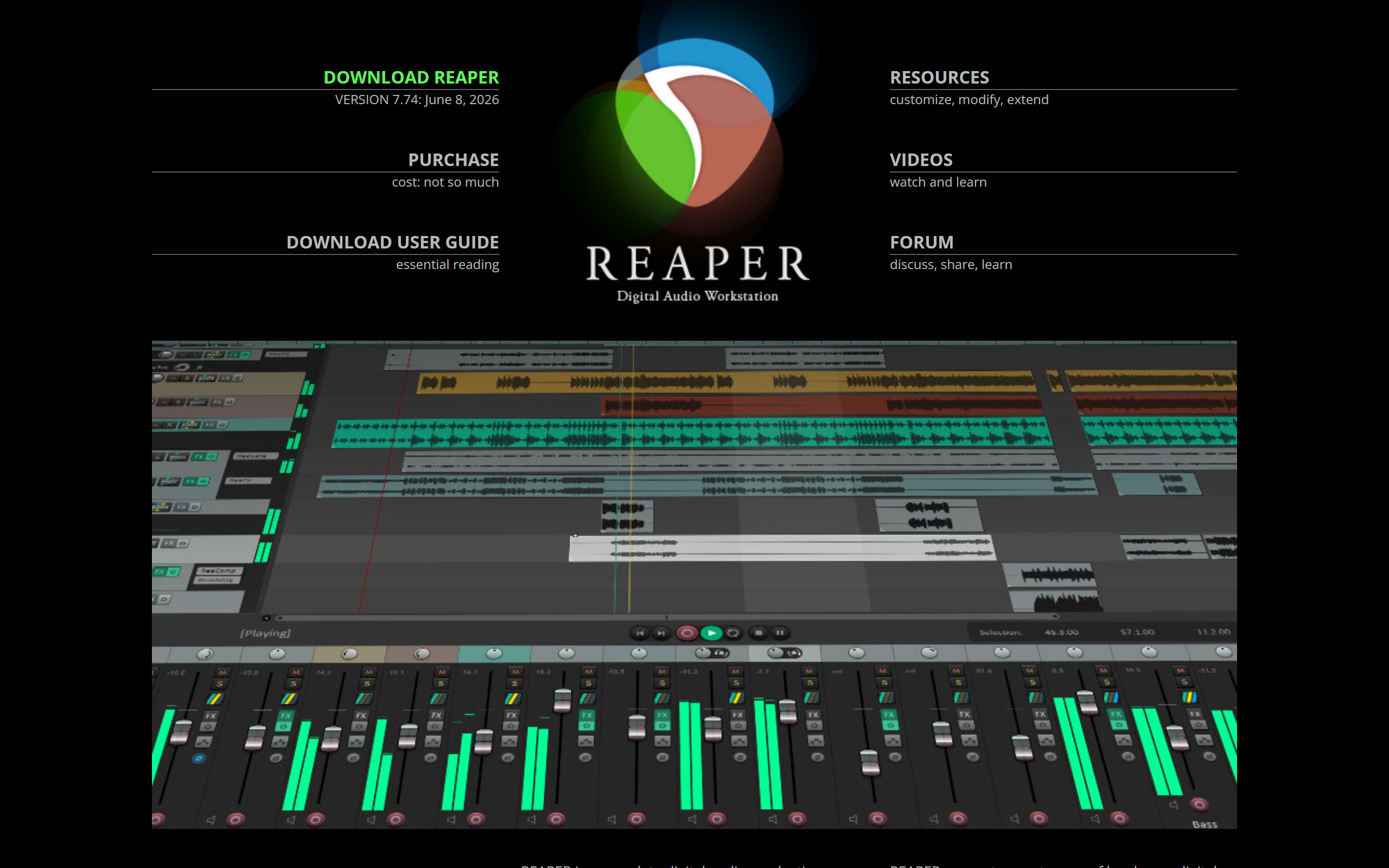
Multi-track recording
unlimited audio and MIDI tracks recorded simultaneously
Audio editing
time-stretch, pitch-shift, spectral editing, and non-destructive waveform manipulation
Effects and mixing
built-in compressors, EQs, reverbs, gates, and standard processing tools
MIDI capabilities
full editing, virtual instruments, and parameter automation
Customisable interface
arrange windows, buttons, and menus to suit your workflow
ReaScript scripting
write custom scripts and extensions using Lua or EEL programming languages
Plugin support
VST, AU, and CLAP formats across Windows, macOS, and Linux
Non-destructive editing
edit audio without affecting original files
Pros & cons
Advantages
- Significantly cheaper than competing professional DAWs with one-time licensing
- Lightweight software runs efficiently on modest hardware and older computers
- Customisation options let you build a workspace tailored to your specific needs
- Works identically on Windows, macOS, and Linux
- Active development with regular updates at no extra cost after purchase
- Perpetual licence model means you own the software, not a subscription
- Lengthy free trial available to evaluate before purchase commitment
Limitations
- Steep learning curve, especially compared to beginner-focused alternatives
- Default interface design requires customisation for comfortable daily use
- Smaller user community means fewer tutorials and less readily available peer support
- Built-in sound library is minimal; most users need external instruments and sounds
- Requires additional third-party plugins for some professional-grade workflows
- Not designed for beginners seeking immediate productivity without setup
Use cases
Music production and composition across all genres
Podcast recording and editing
Voice-over recording and processing
Film and video post-production sound design
Audio mastering and mixing
Educational use in universities and music schools
Ready to try Reaper?
Pricing
Free
Free
Full-featured trial with all functionality; non-intrusive reminder appears after extended use period
Get started with Reaper
Click through to Reaper and start using it now.
- Free plan available
- No credit card