Reclaim AI
AI calendar assistant that automatically schedules tasks, habits, and meetings to protect your most important work.
- Open Source
- Web, API
- Data & AnalyticsWritingProductivity
- Open source
- Free forever
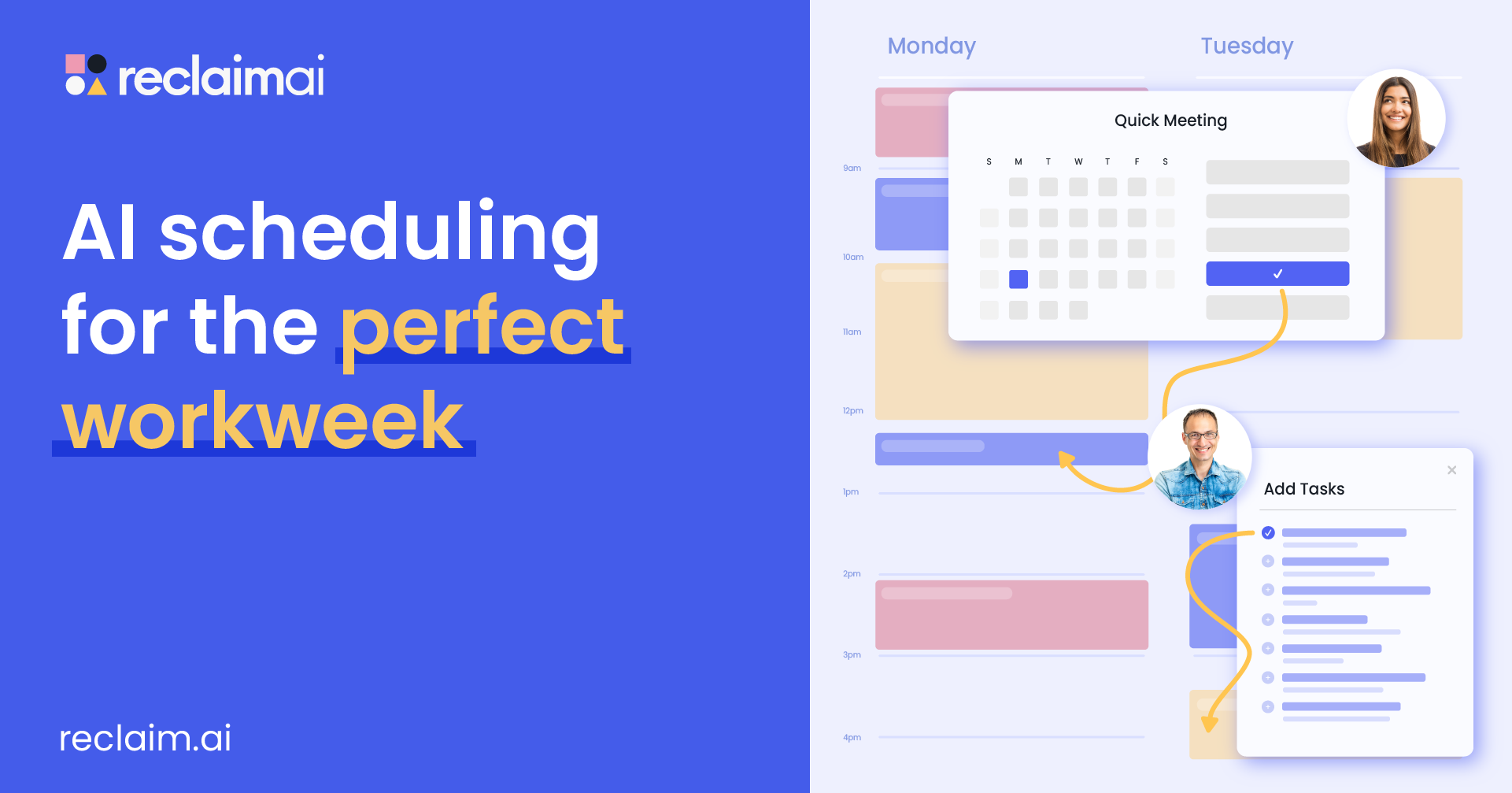
What is Reclaim AI?
Key features
Automatic task scheduling
AI places tasks into your calendar at suitable times based on duration, priority, and your availability
Habit tracking
Schedule recurring habits and routines without manual calendar entries each time
Meeting integration
Coordinates task scheduling around existing meetings to avoid overbooking
Priority protection
Ensures high-priority work gets calendar space before lower-priority requests fill your day
Calendar synchronisation
Works with standard calendar systems to read and update your schedule
Conflict avoidance
Intelligently reschedules around meetings and other commitments rather than creating impossible situations
Pros & cons
Advantages
- Saves time on manual scheduling, particularly useful for people with fragmented calendars
- Helps ensure important work actually gets protected time rather than being squeezed out by meetings
- Open source nature means greater transparency about how your calendar data is handled
- Learns your patterns and preferences to improve scheduling suggestions over time
Limitations
- Requires integration with your calendar system, which may have limitations depending on your email provider
- AI scheduling quality depends on accurately communicating your priorities and task requirements upfront
- Open source projects typically have smaller support communities compared to commercial alternatives
Use cases
Knowledge workers who spend their day in back-to-back meetings and need protected time for focused work
People managing multiple projects or clients who need to balance competing demands fairly
Teams trying to establish consistent habit routines without manual tracking
Individuals wanting to ensure personal development or learning time actually appears on their calendar
Project managers who need to coordinate their own time across multiple workstreams
Ready to try Reclaim AI?
Pricing
Open Source
Free
Full access to open source version; requires self-hosting or community deployment
Get started with Reclaim AI
Click through to Reclaim AI and start using it now.
- Open source
- Free forever