
Refraction for VS Code
Automatically detect and fix coding errors, suggest code improvements, and seamlessly integrate with popular IDEs and languages.
- Freemium
- VS Code
- AI Code AssistantsAI Code Completion & AssistantsCode
- Free plan available
- No credit card
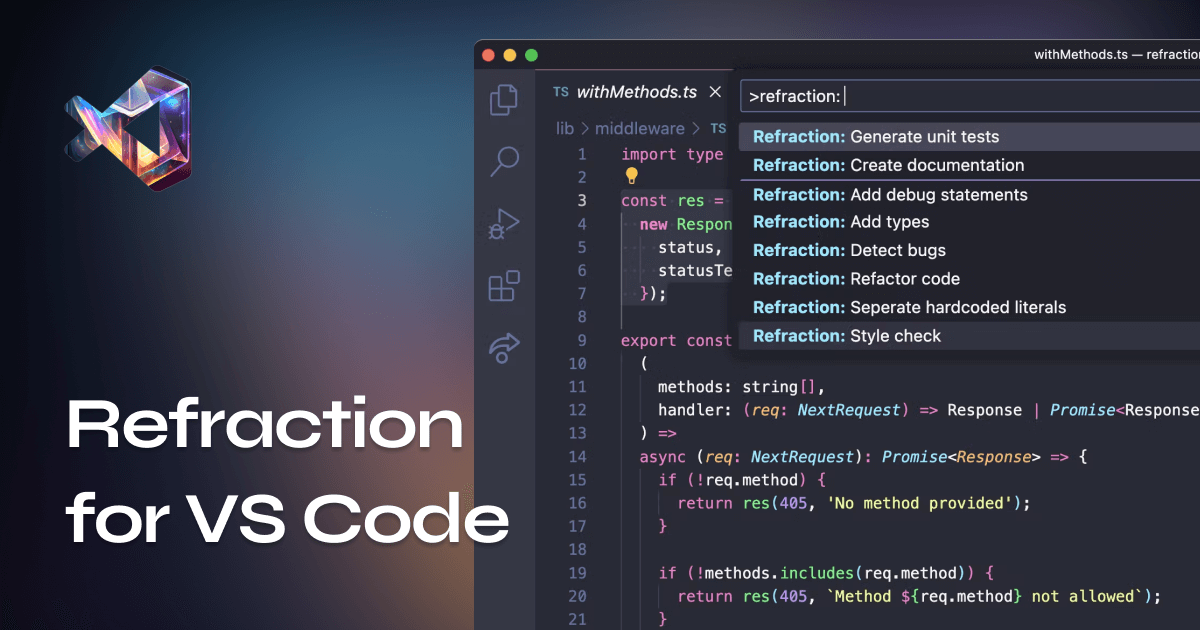
What is Refraction for VS Code?
Key features
Real-time error detection
identifies syntax errors, logic problems, and potential bugs as you type
Code improvement suggestions
recommends refactoring opportunities and best practice changes
Multiple language support
works with popular programming languages within VS Code
Direct IDE integration
functions as a native VS Code extension without requiring external tools
Quick fixes
offers automated corrections for common issues
Pros & cons
Advantages
- Catches errors early in the development process, reducing debugging time later
- Provides learning opportunities by explaining why changes are suggested
- No setup complexity; installs and runs directly within VS Code
- Free tier available for individual developers and small projects
Limitations
- Effectiveness depends on the programming language; support may vary across different languages
- Real-time analysis can increase system resource usage on larger codebases
- Suggestions may sometimes conflict with personal coding preferences or project conventions
Use cases
Learning to code: students can spot mistakes and understand better practices
Code review preparation: developers can self-review before submitting pull requests
Legacy code maintenance: identifying issues in older codebases
Quality assurance: catching common errors before code reaches testing phases
Team standardisation: helping developers follow consistent code style guidelines
Ready to try Refraction for VS Code?
Pricing
Get started with Refraction for VS Code
Click through to Refraction for VS Code and start using it now.
- Free plan available
- No credit card